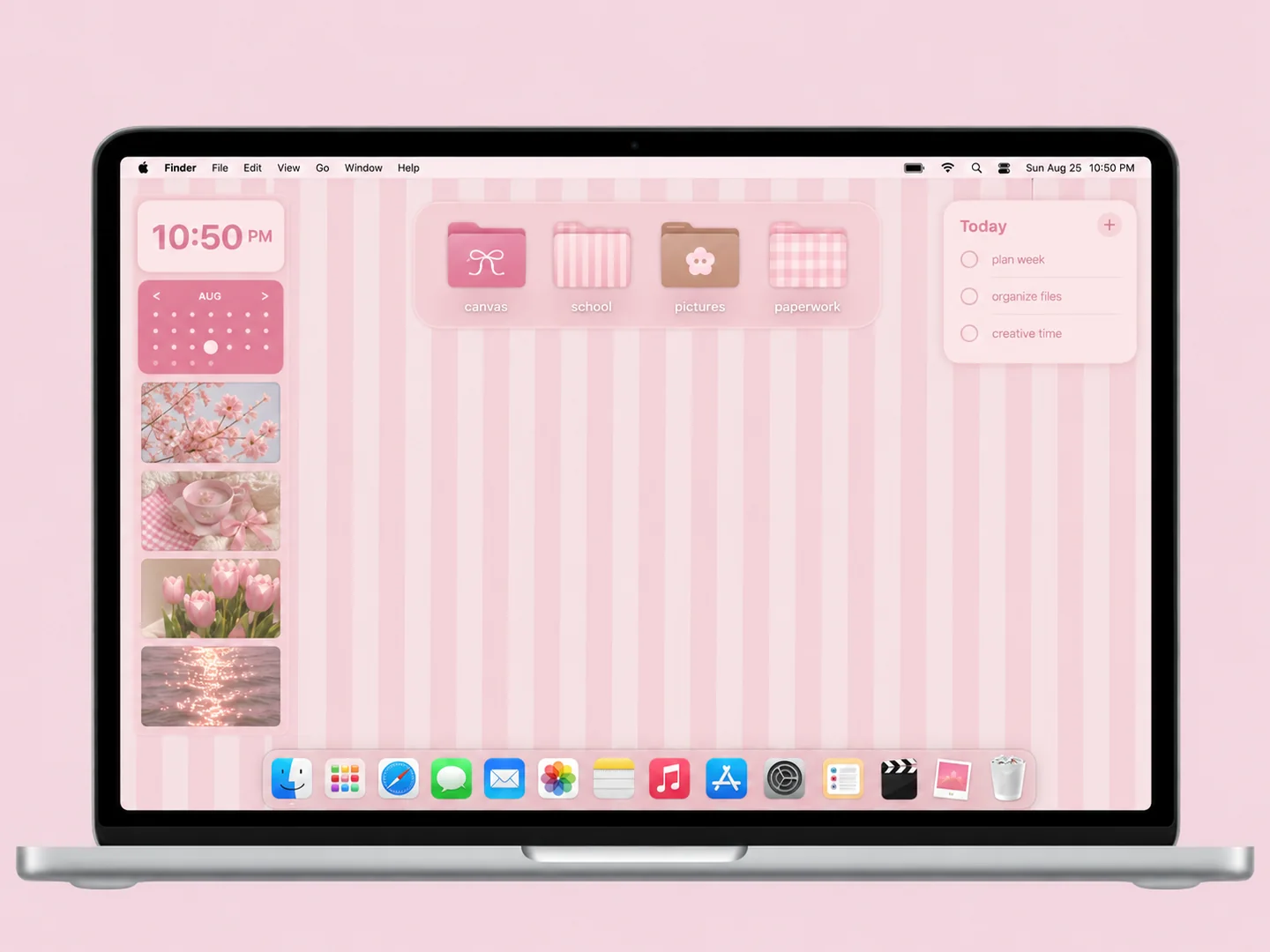
 AI concept
Pink vertical stripes with bow-decorated folders and a compact calendar area.
How to recreate itA LITTLE INSPIRATION FOR YOUR EVERYDAY
Mac desktop ideas combine a wallpaper, folder icons, and a useful layout. Find a look you love, then follow the steps to make your own version.
THE IDEA LIBRARY
36 desktop ideas
AI concept previews, each with a look breakdown, recreation tips, and original sources. How we make the images ↗
A preview could not load and has been omitted.
AI conceptPink vertical stripes with bow-decorated folders and a compact calendar area.
How to recreate it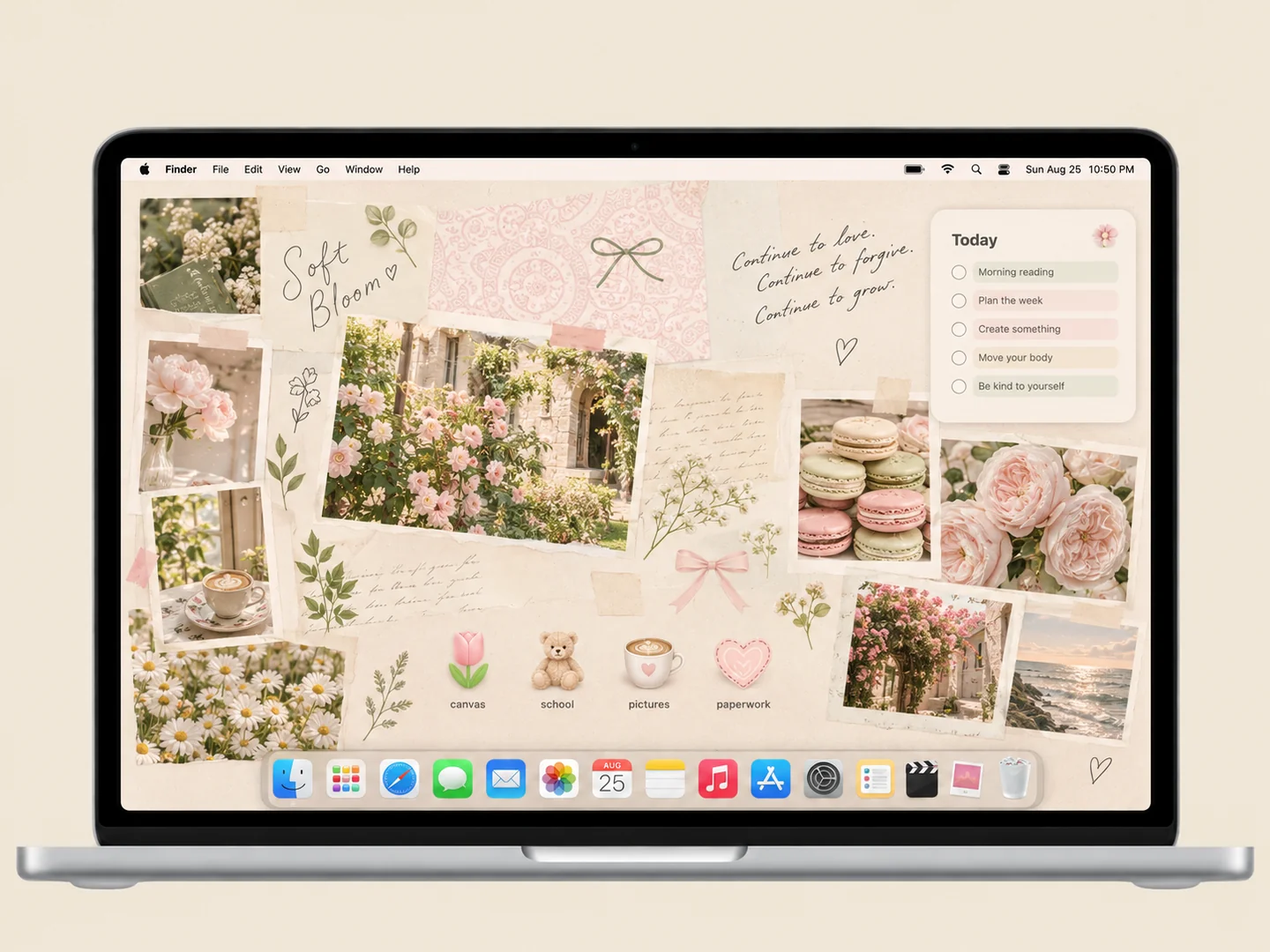 AI concept
Cream paper, garden photos, and a few flower and coffee icons create a quiet study corner.
How to recreate it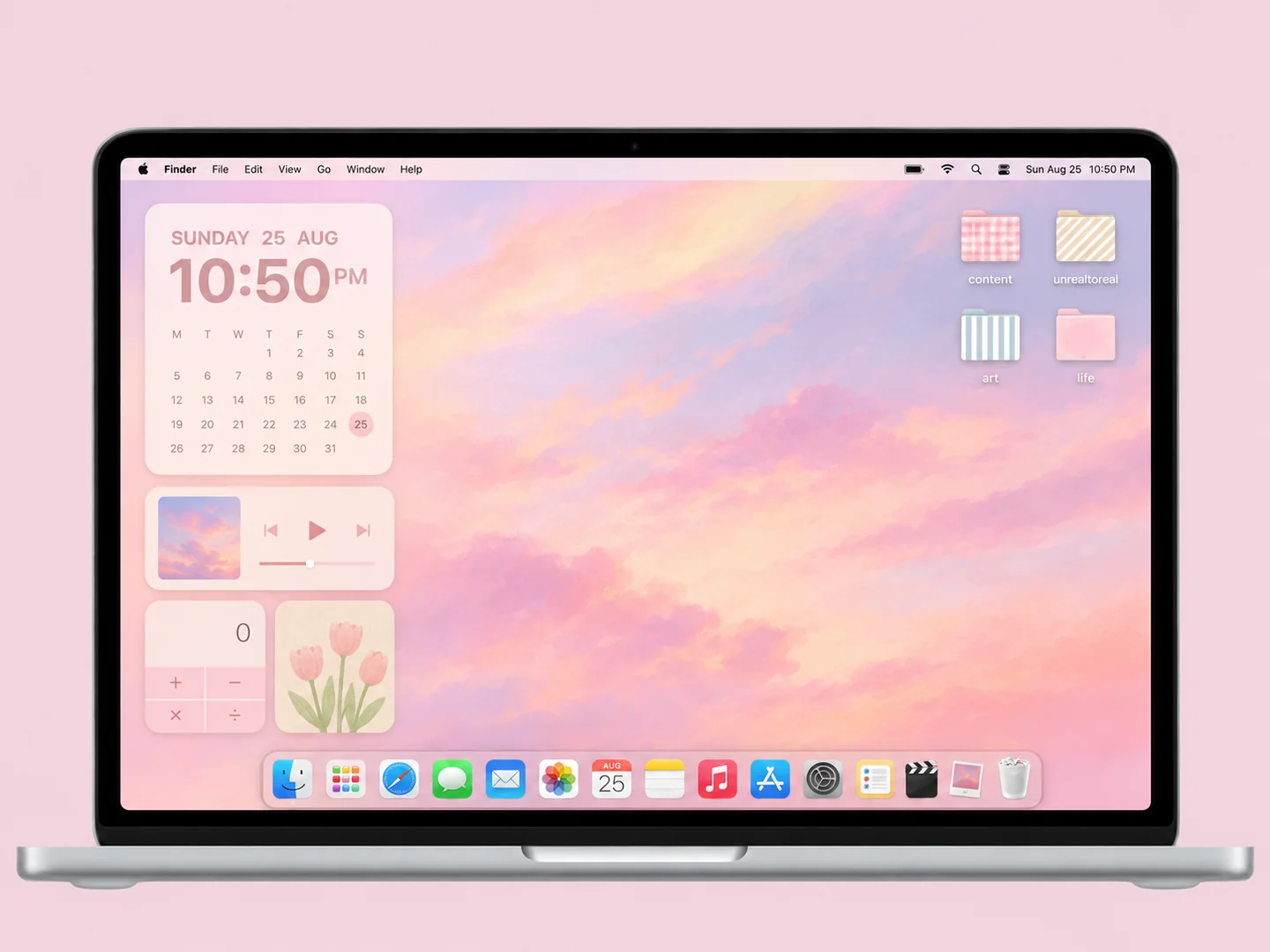 AI concept
A peach cloud gradient with gingham, striped, and solid pastel folders.
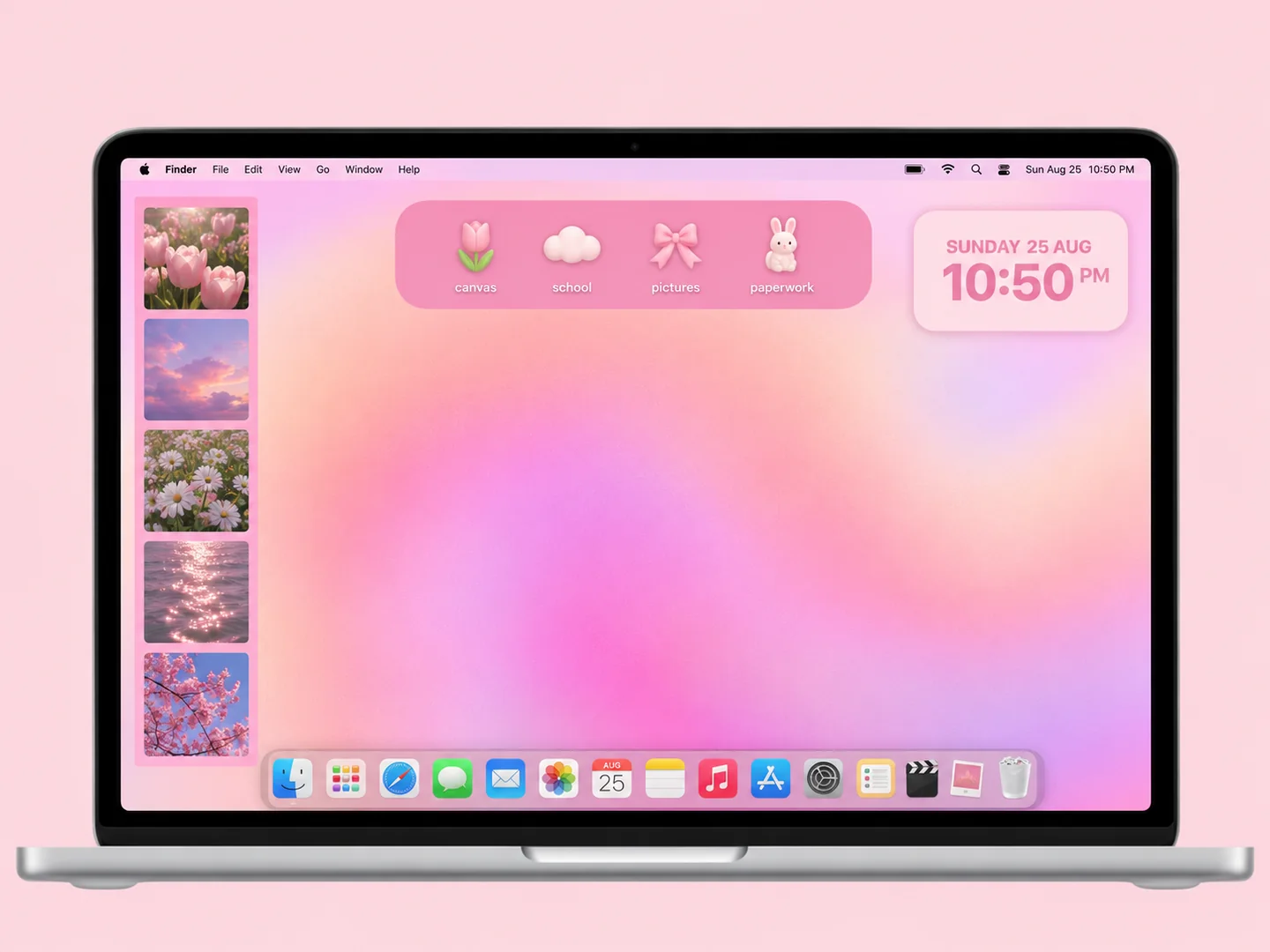
How to recreate itAI conceptA peach-to-lilac glow, a photo strip, and a small tray of playful folders.
How to recreate it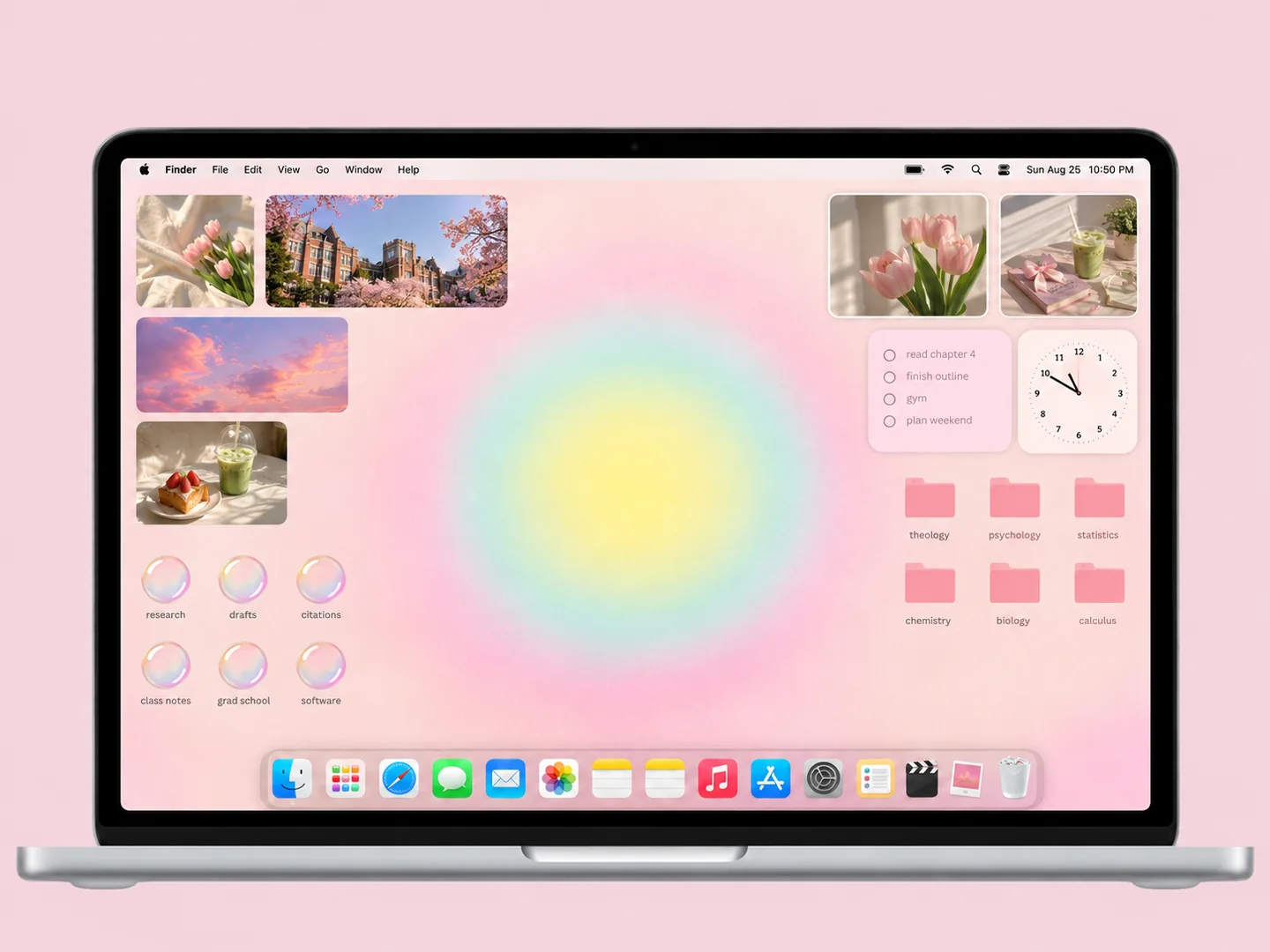 AI concept
Soft yellow and mint light, pink subject folders, and a border of personal photos.
How to recreate it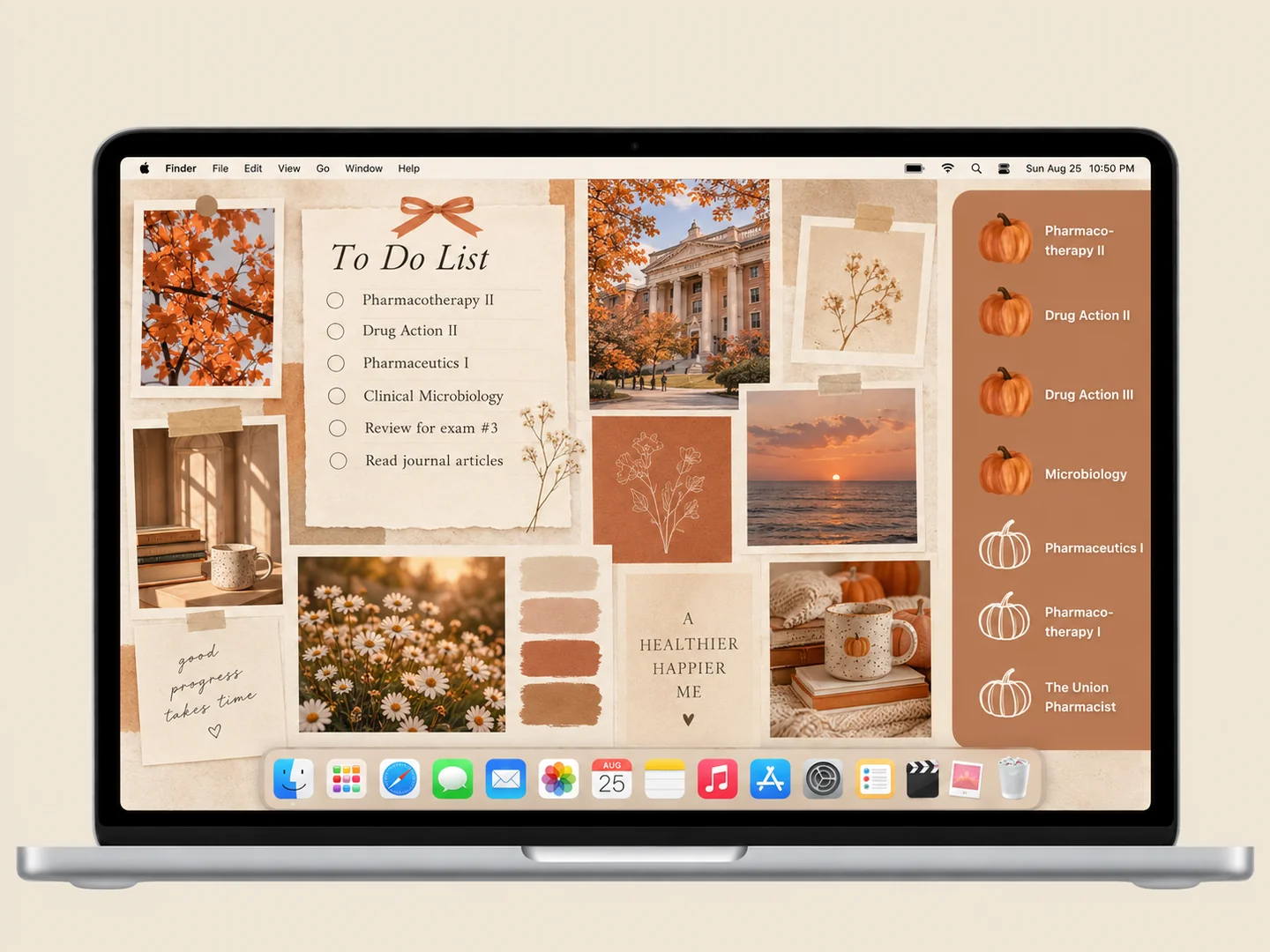 AI concept
Terracotta pumpkins, warm paper, and a compact photo collage for an autumn study setup.
How to recreate it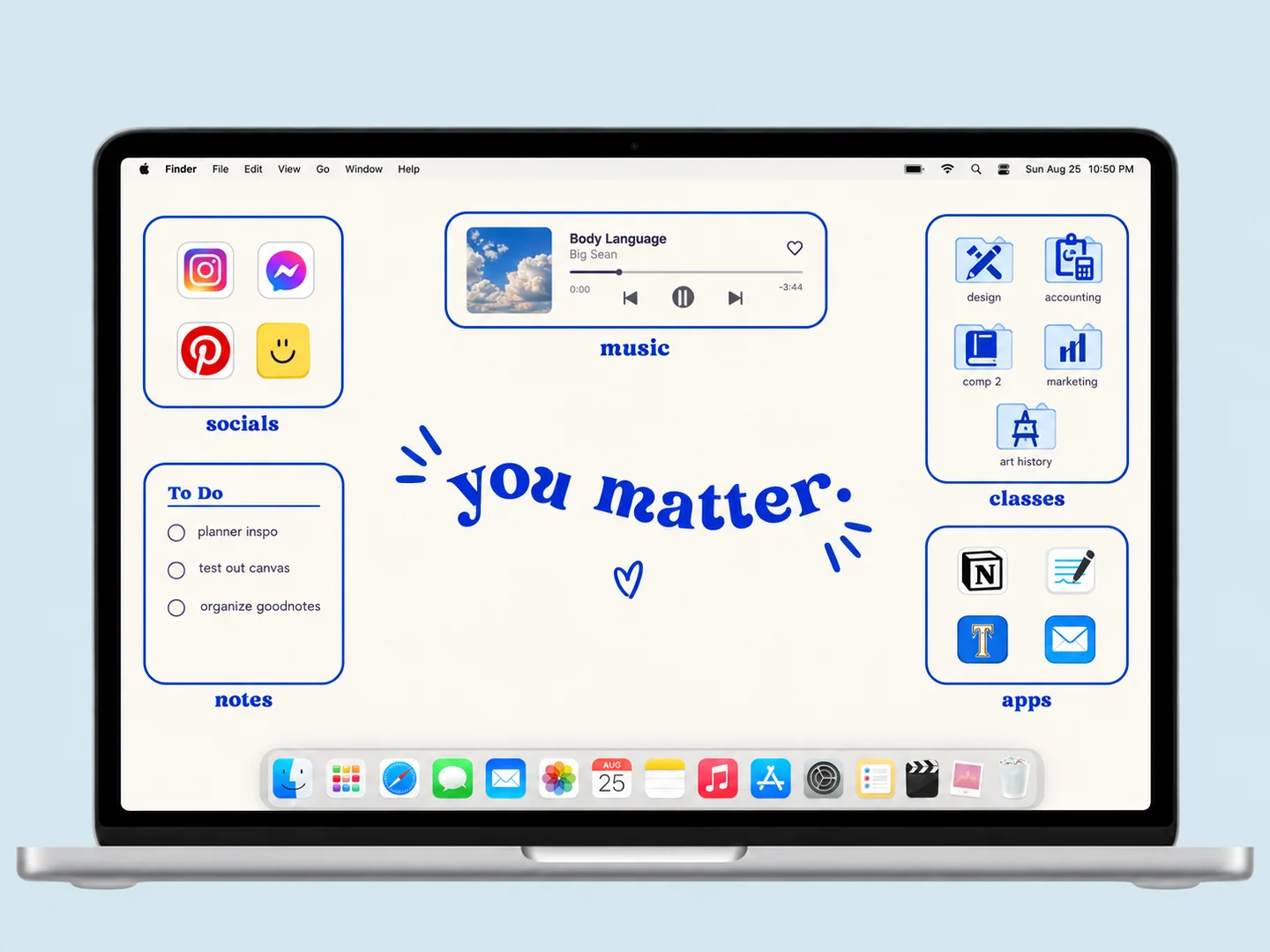 AI concept
Cobalt outlines turn a white desktop into clear zones for classes, music, and everyday apps.
How to recreate it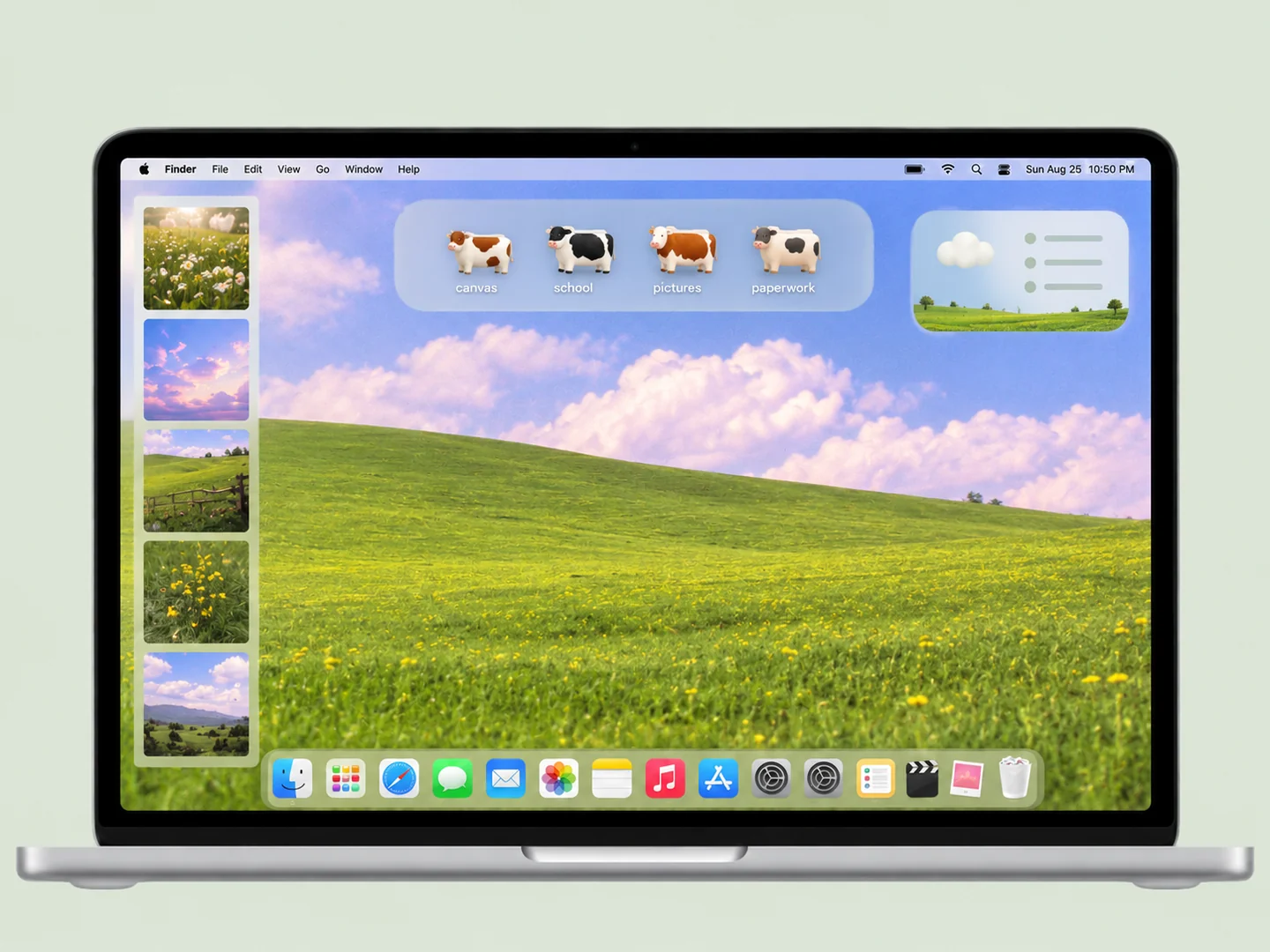 AI concept
A green meadow and pastel sky with cow-shaped folders placed across the grass.
How to recreate it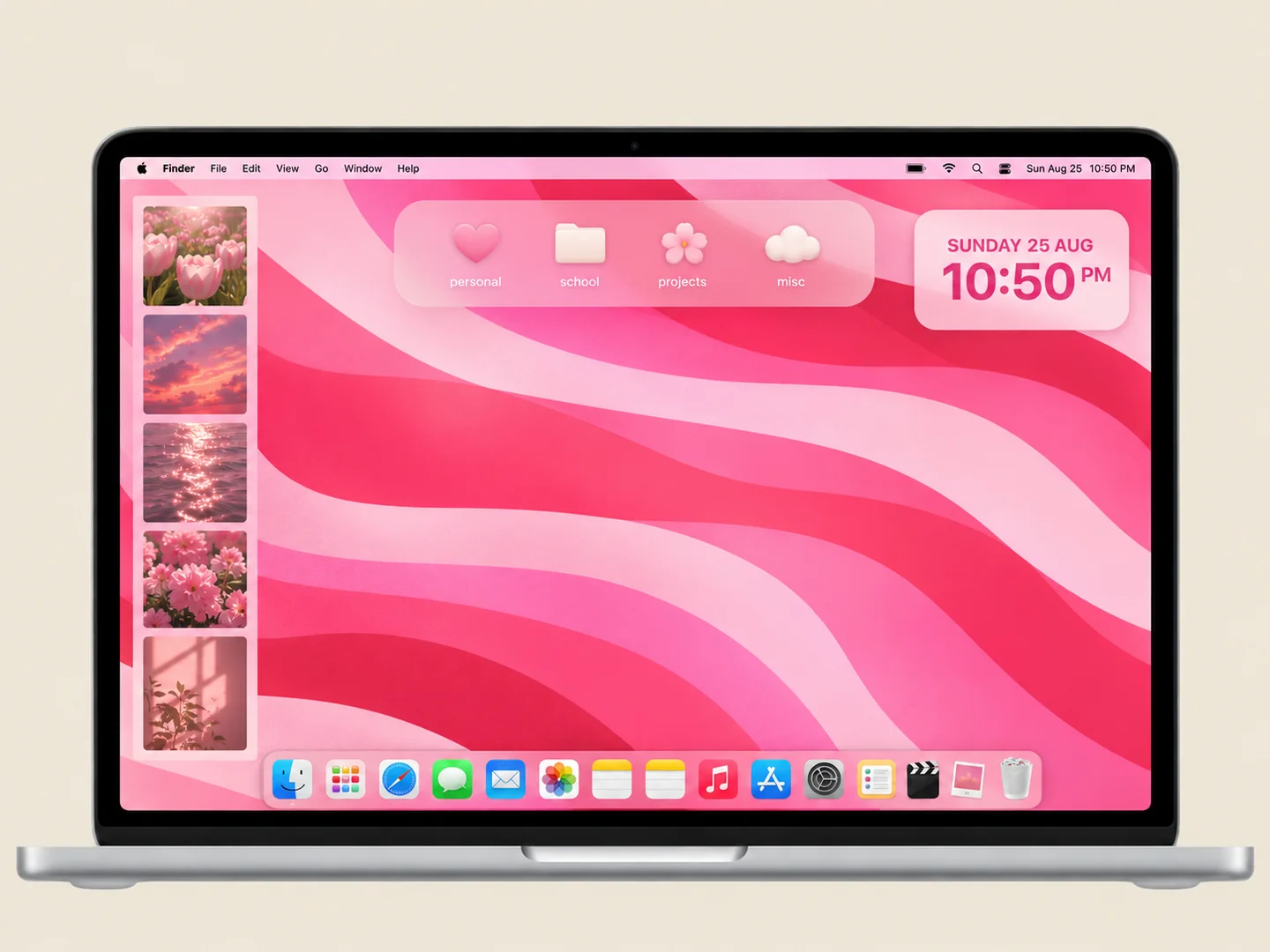 AI concept
Pink ribbon-like waves with small matching folders and a compact widget group.
How to recreate it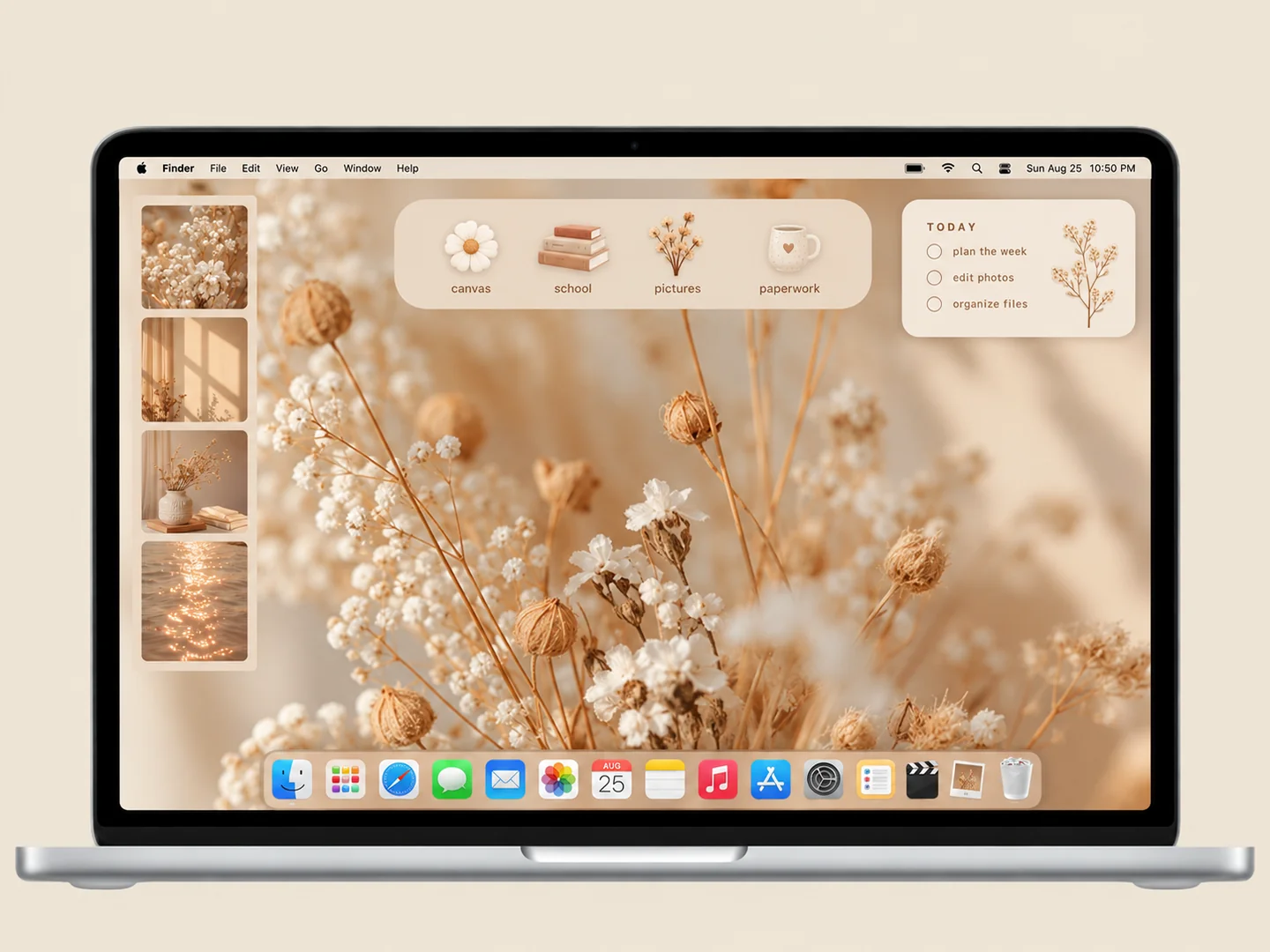 AI concept
Warm neutrals and delicate botanical textures with a restrained set of folders.
How to recreate it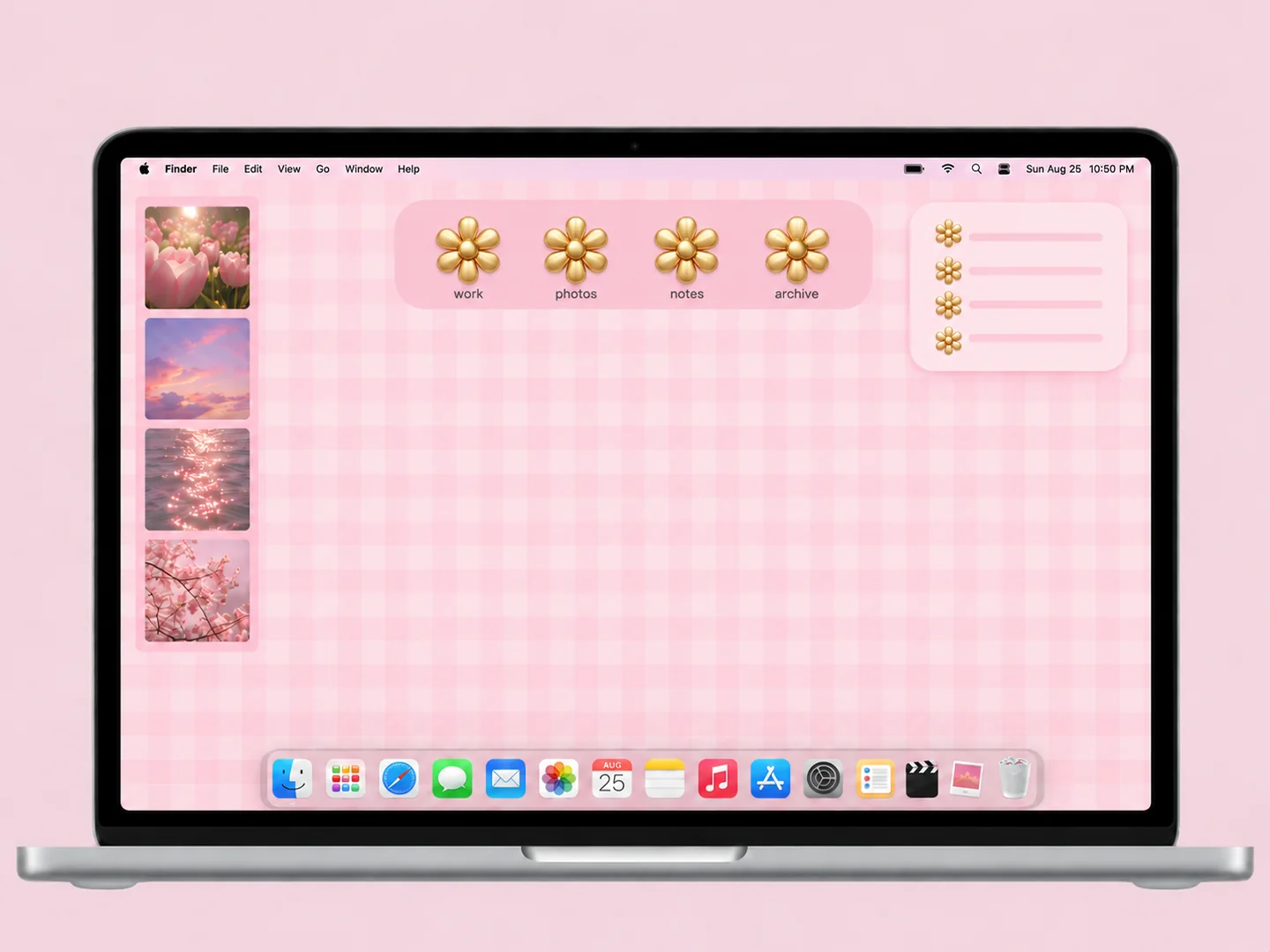 AI concept
Small pink checks paired with warm gold flower-shaped folder icons.
How to recreate it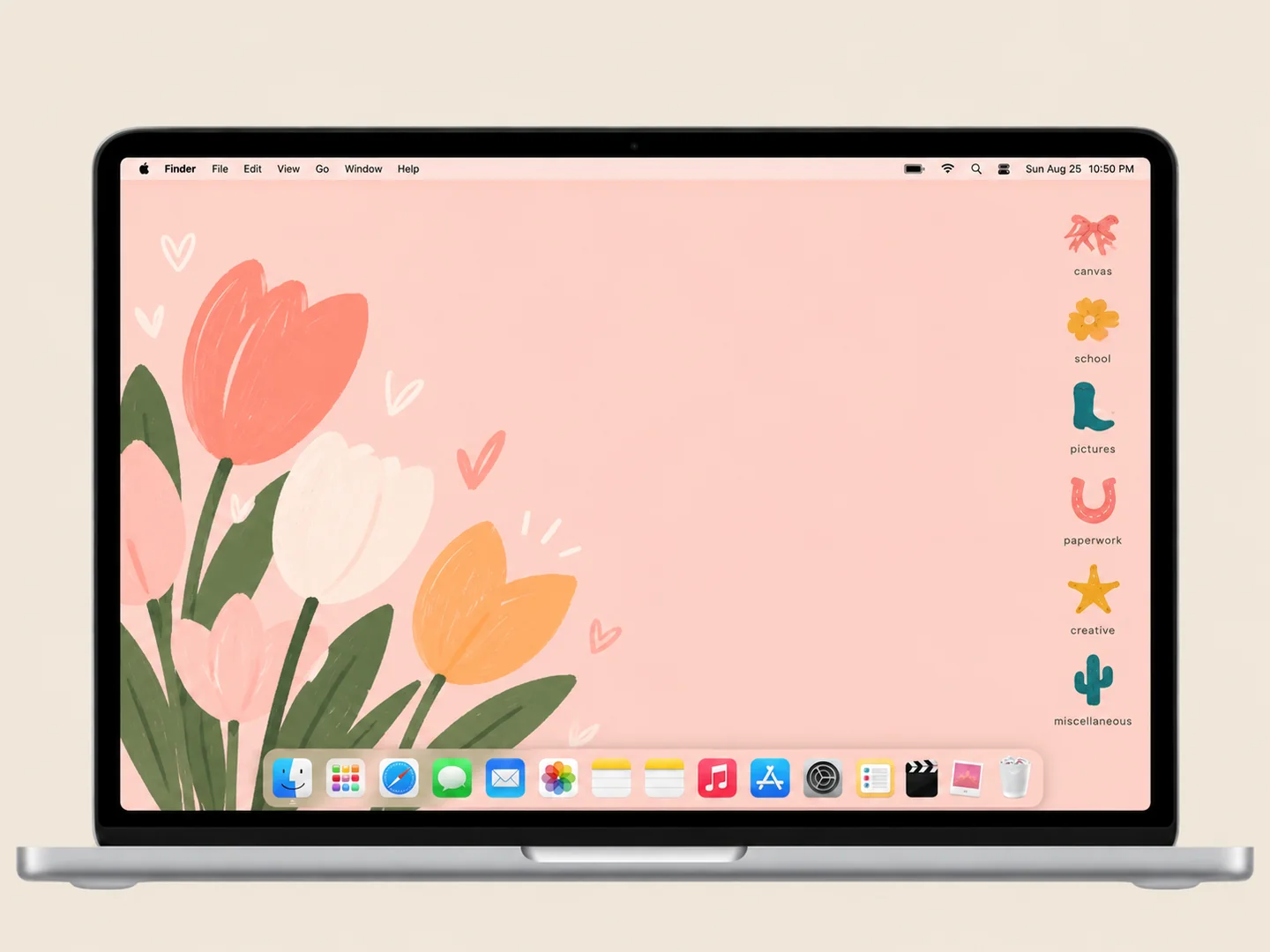 AI concept
A warm peach background with a small set of colorful custom folder shapes.
How to recreate it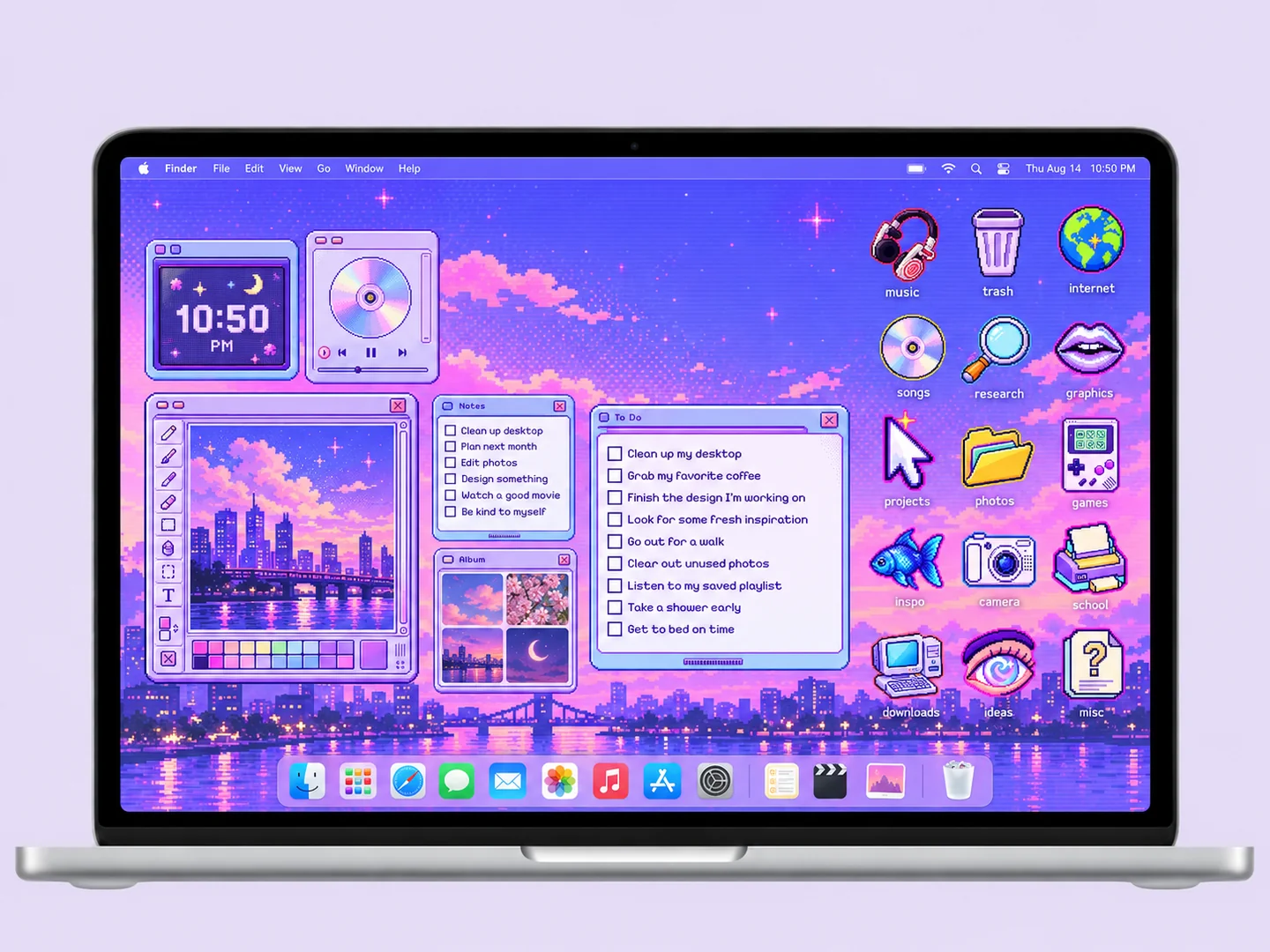 AI concept
A purple pixel sky, retro window panels, and tiny gaming-inspired folder icons.
How to recreate it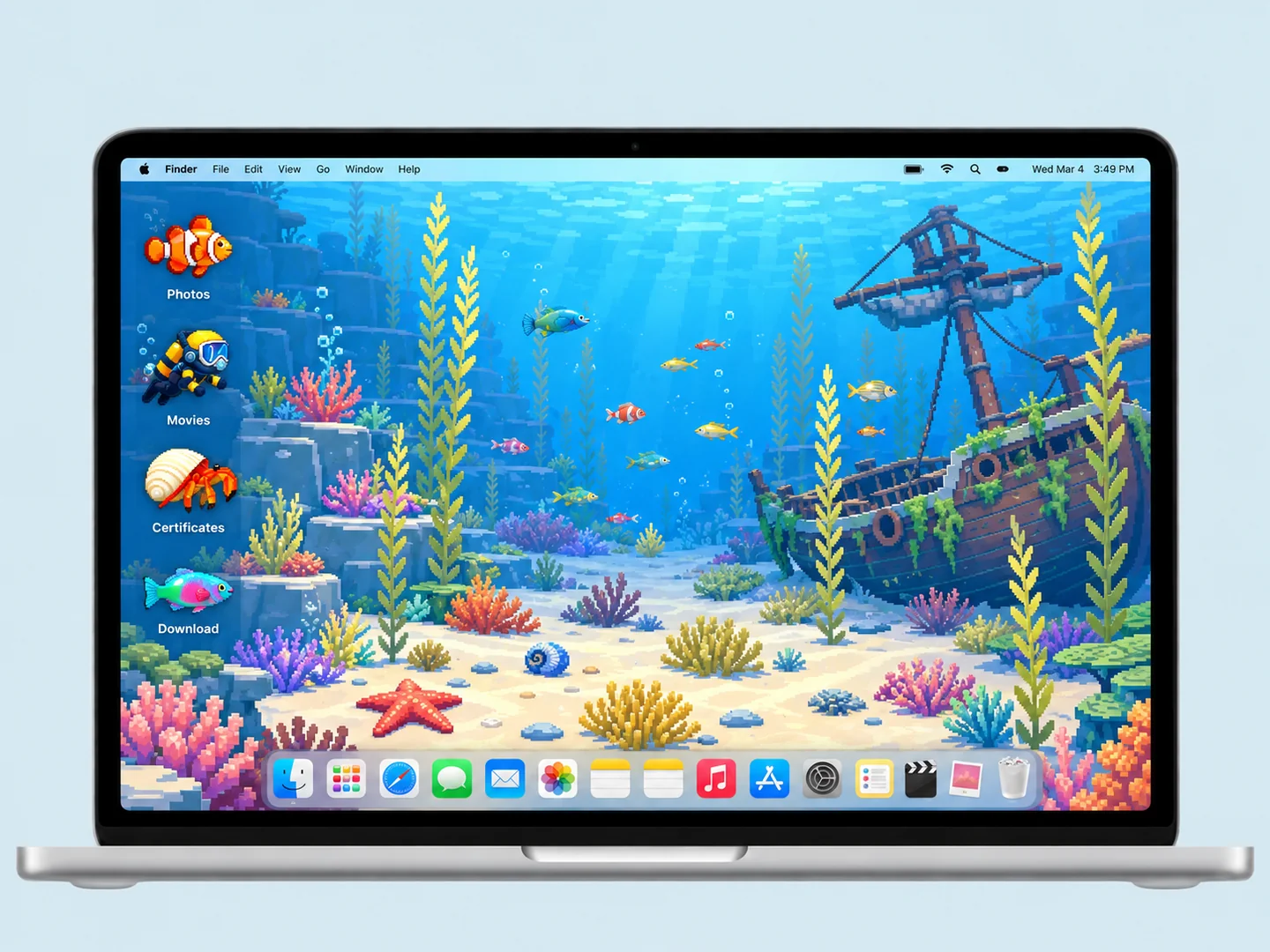 AI concept
A blue underwater scene turns fish, divers, and shells into a playful folder system.
How to recreate it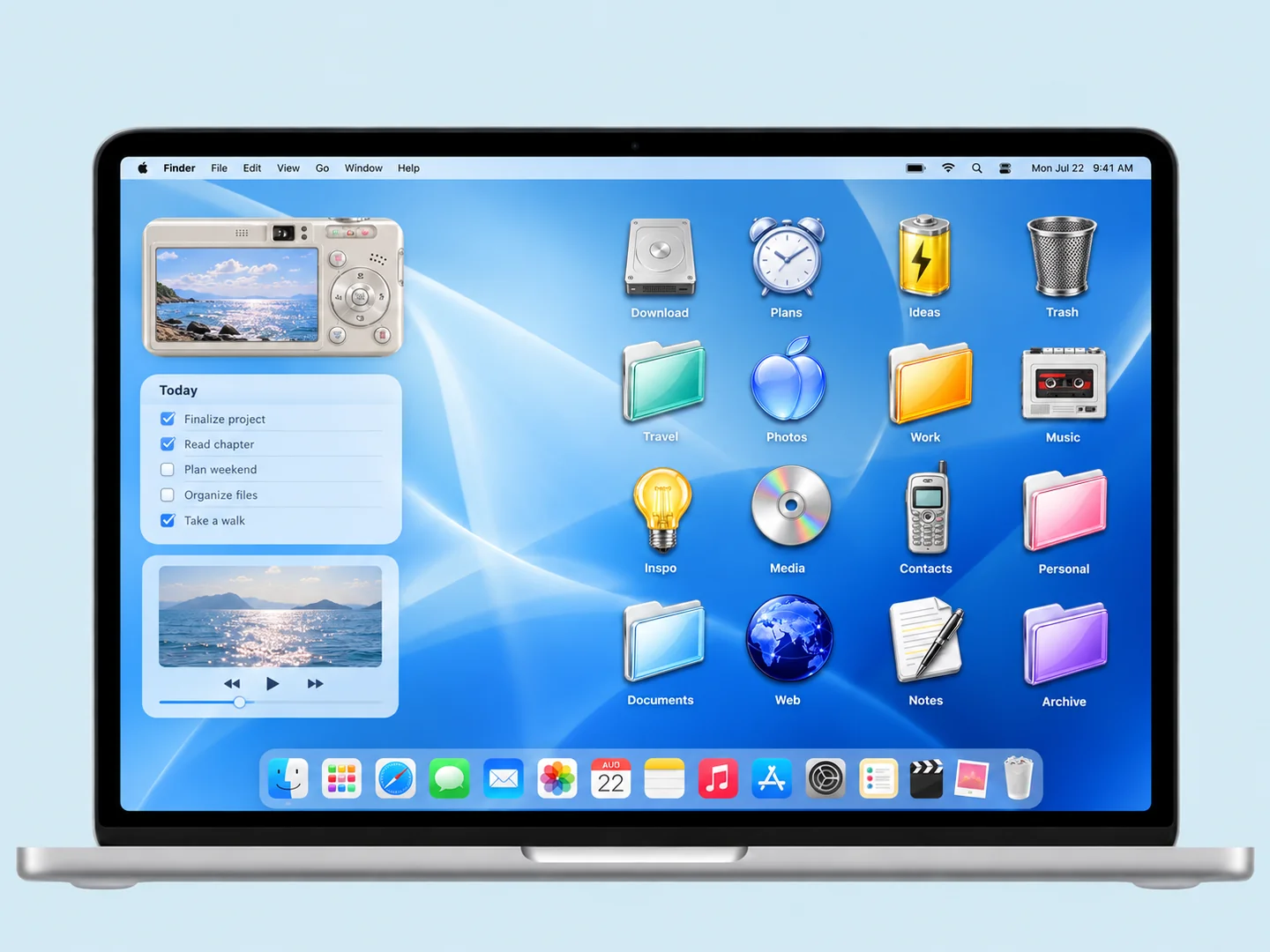 AI concept
Glossy blue waves, translucent folders, and a few nostalgic CD and phone shapes.
How to recreate it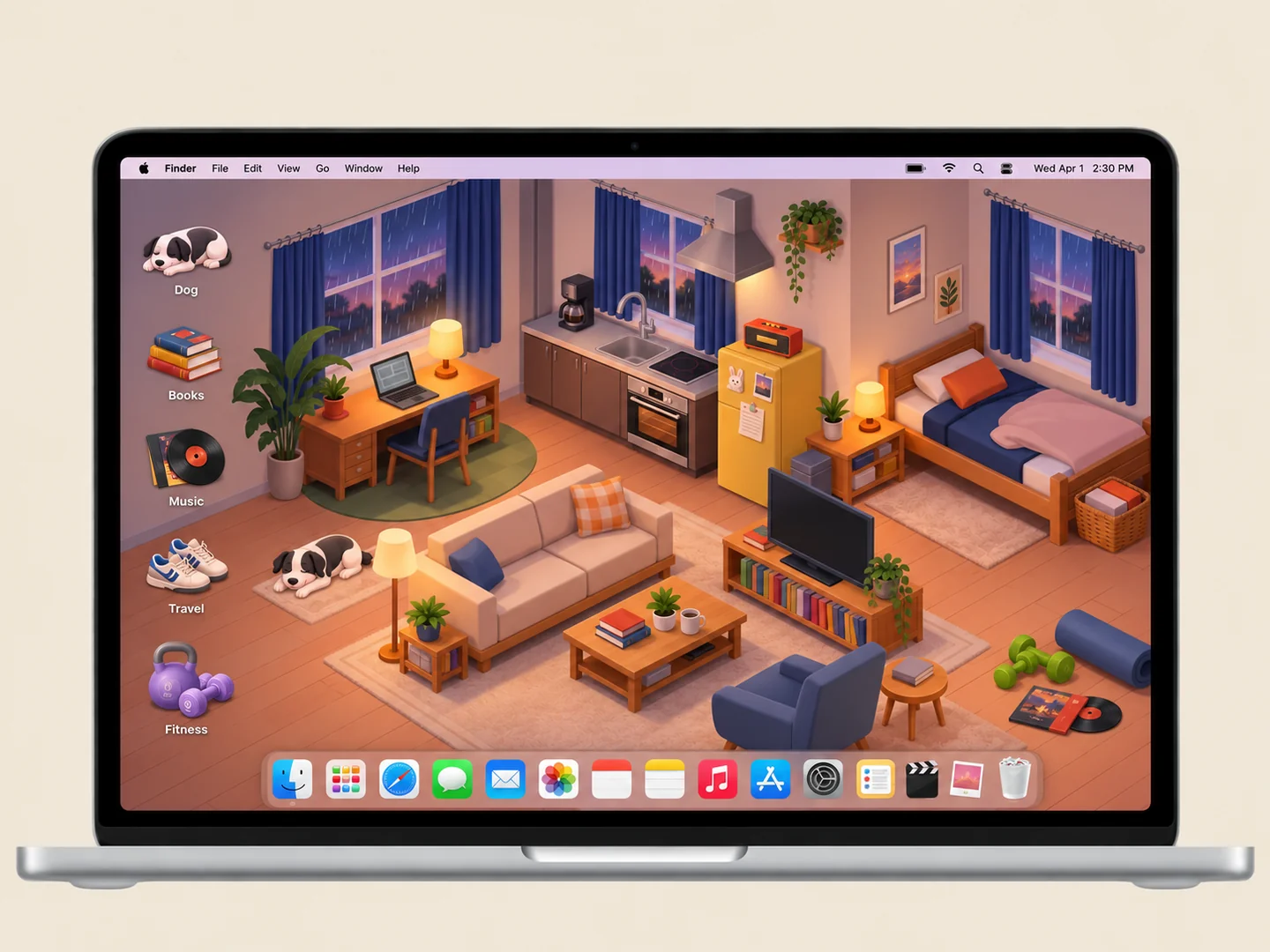 AI concept
An illustrated apartment with records, books, and small everyday-object folders.
How to recreate it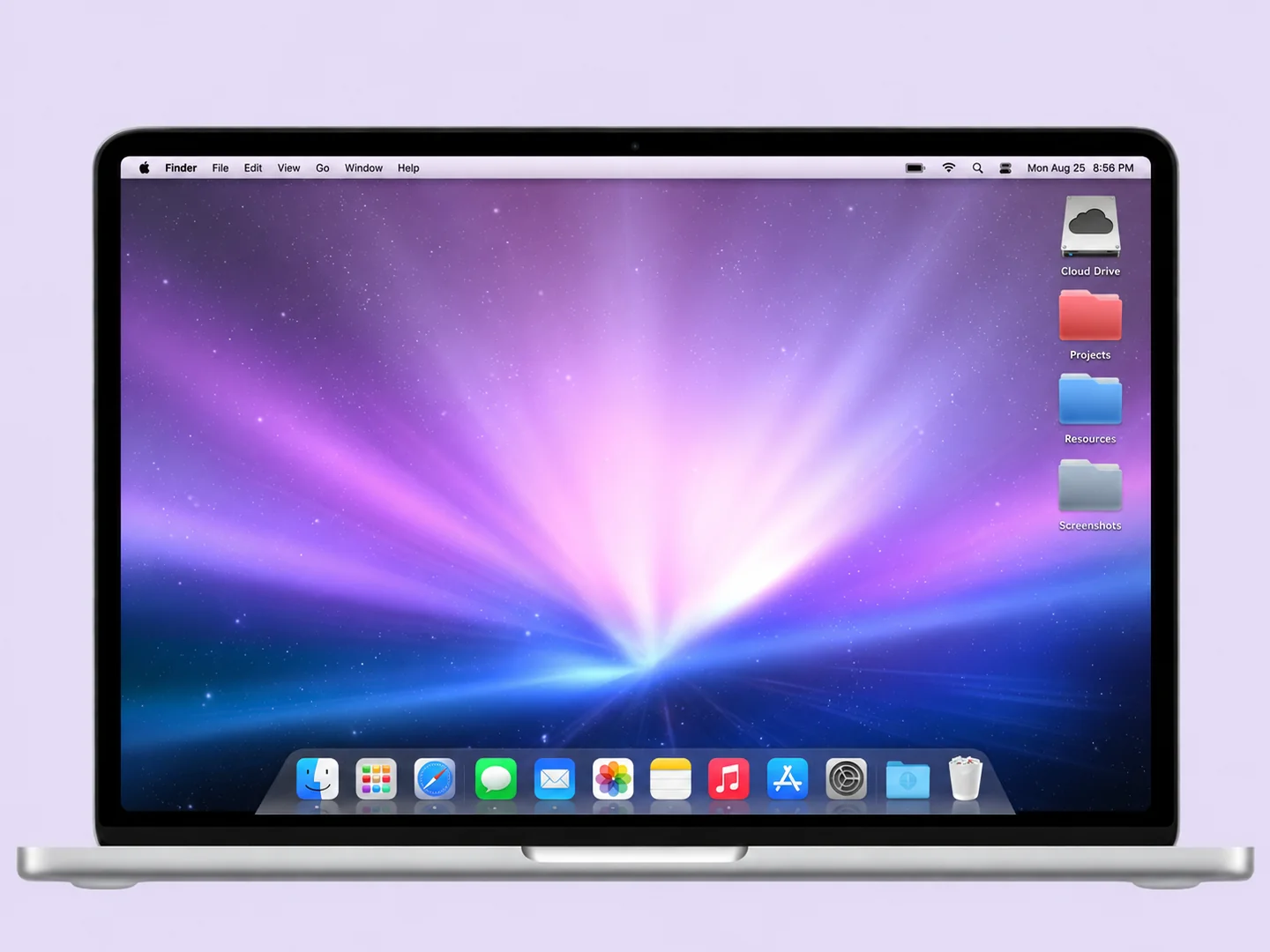 AI concept
Purple aurora light, colorful folders, and a nostalgic Dock-inspired layout.
How to recreate it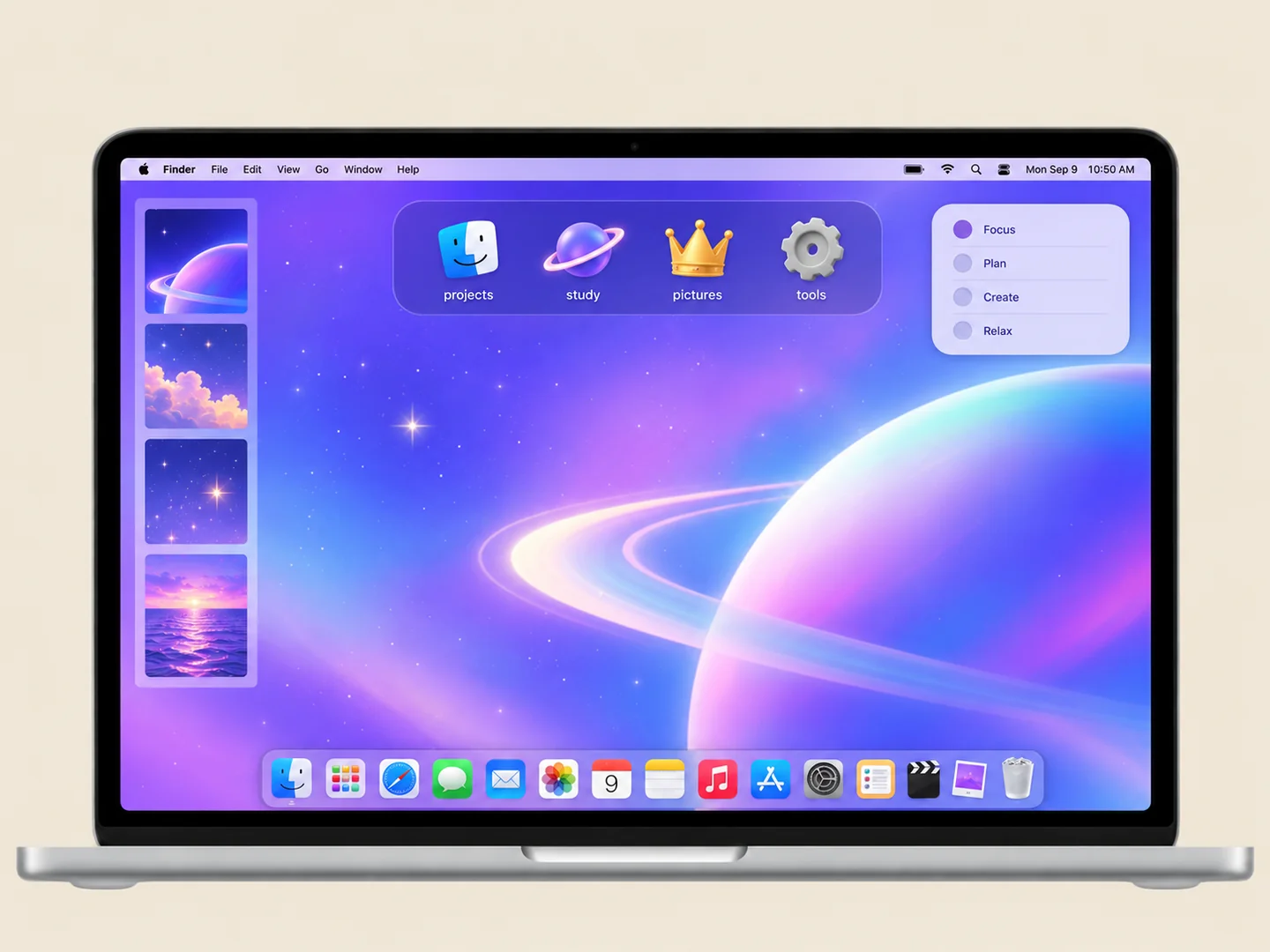 AI concept
A practical starting point: one calm wallpaper, one folder palette, and a clean Dock.
How to recreate it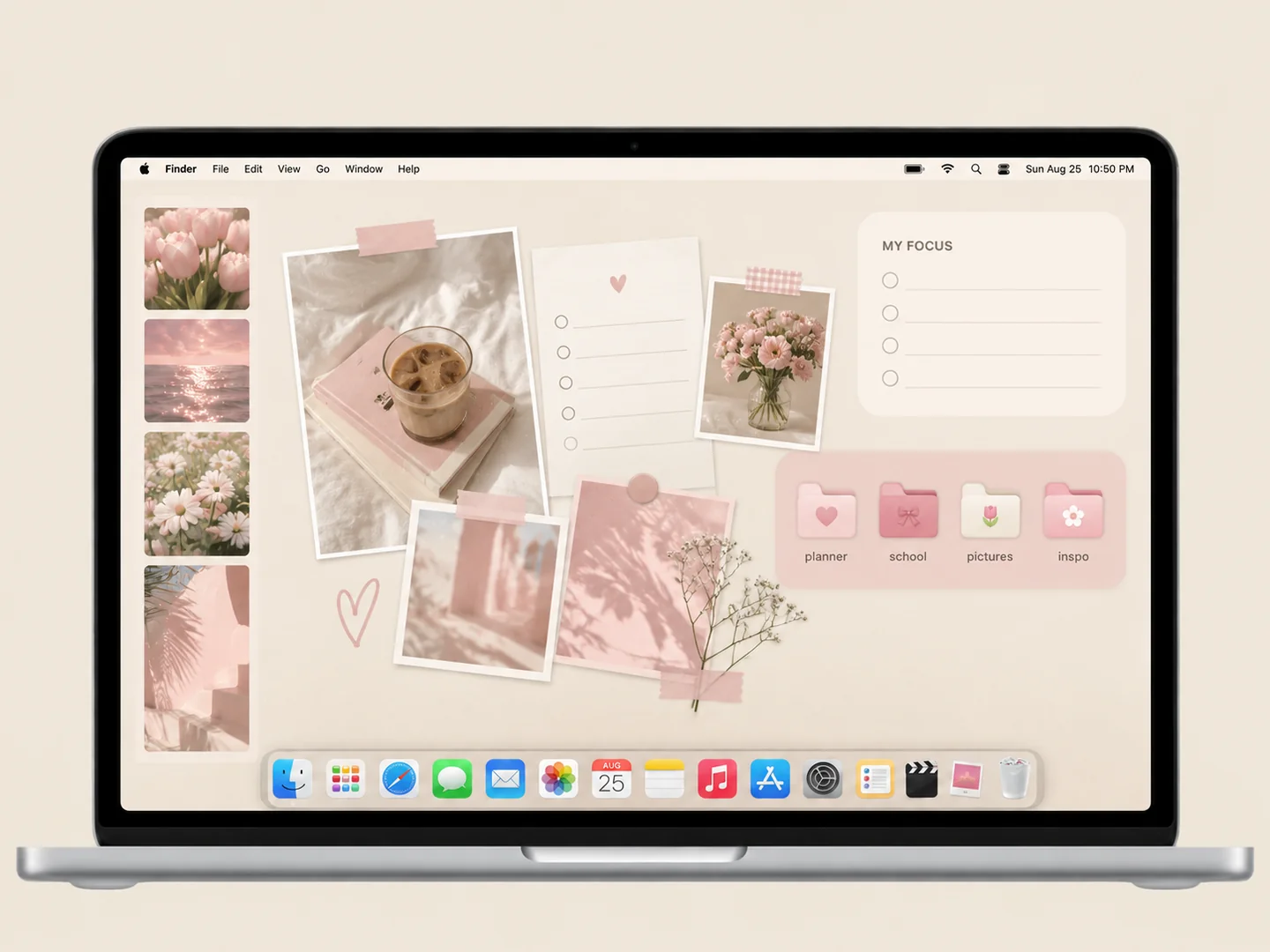 AI concept
Blush planner panels, a few personal photos, and matching pink subject folders.
How to recreate it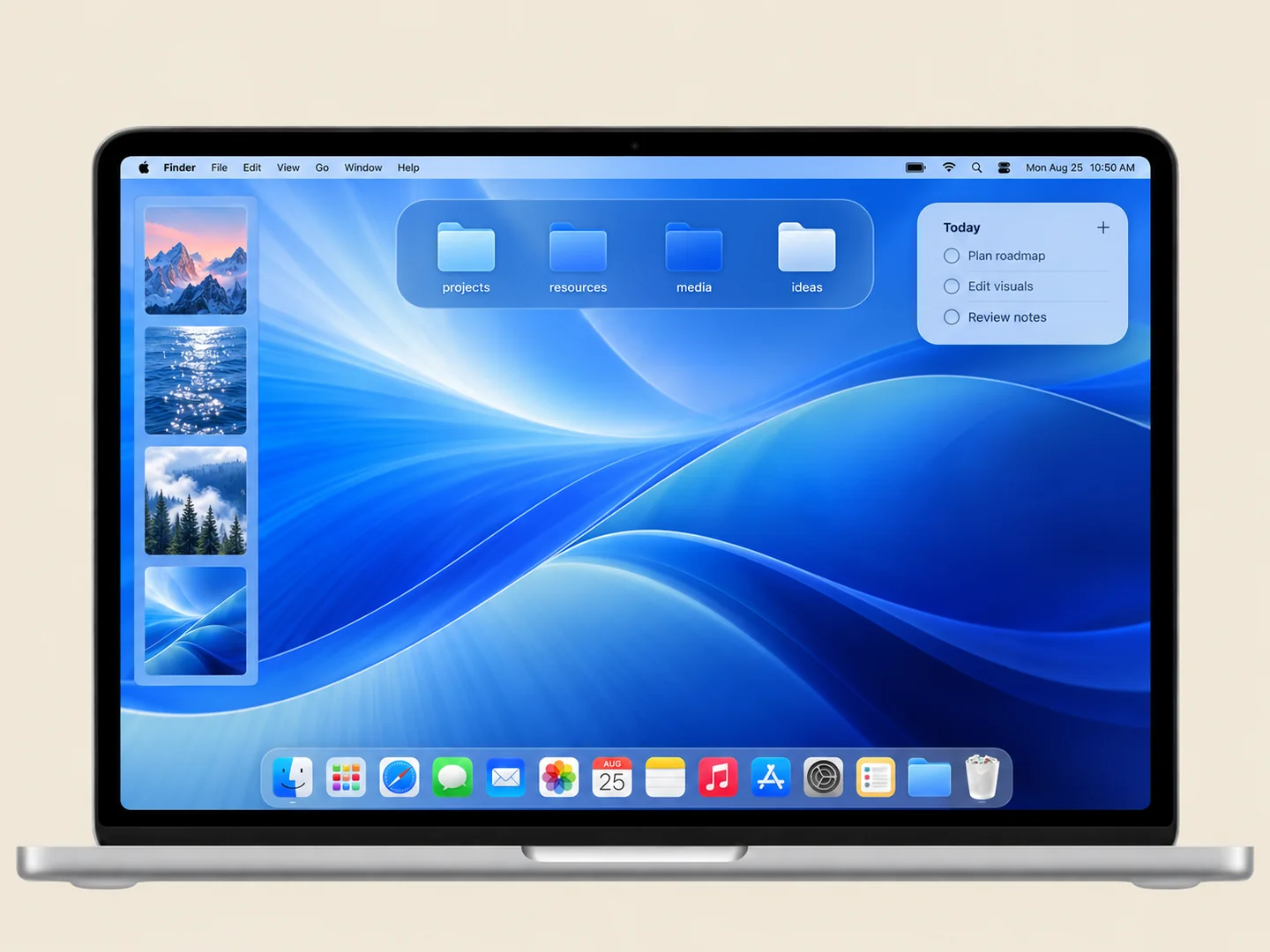 AI concept
A wallpaper-led palette with built-in folder colors and a simple icon layout.
How to recreate it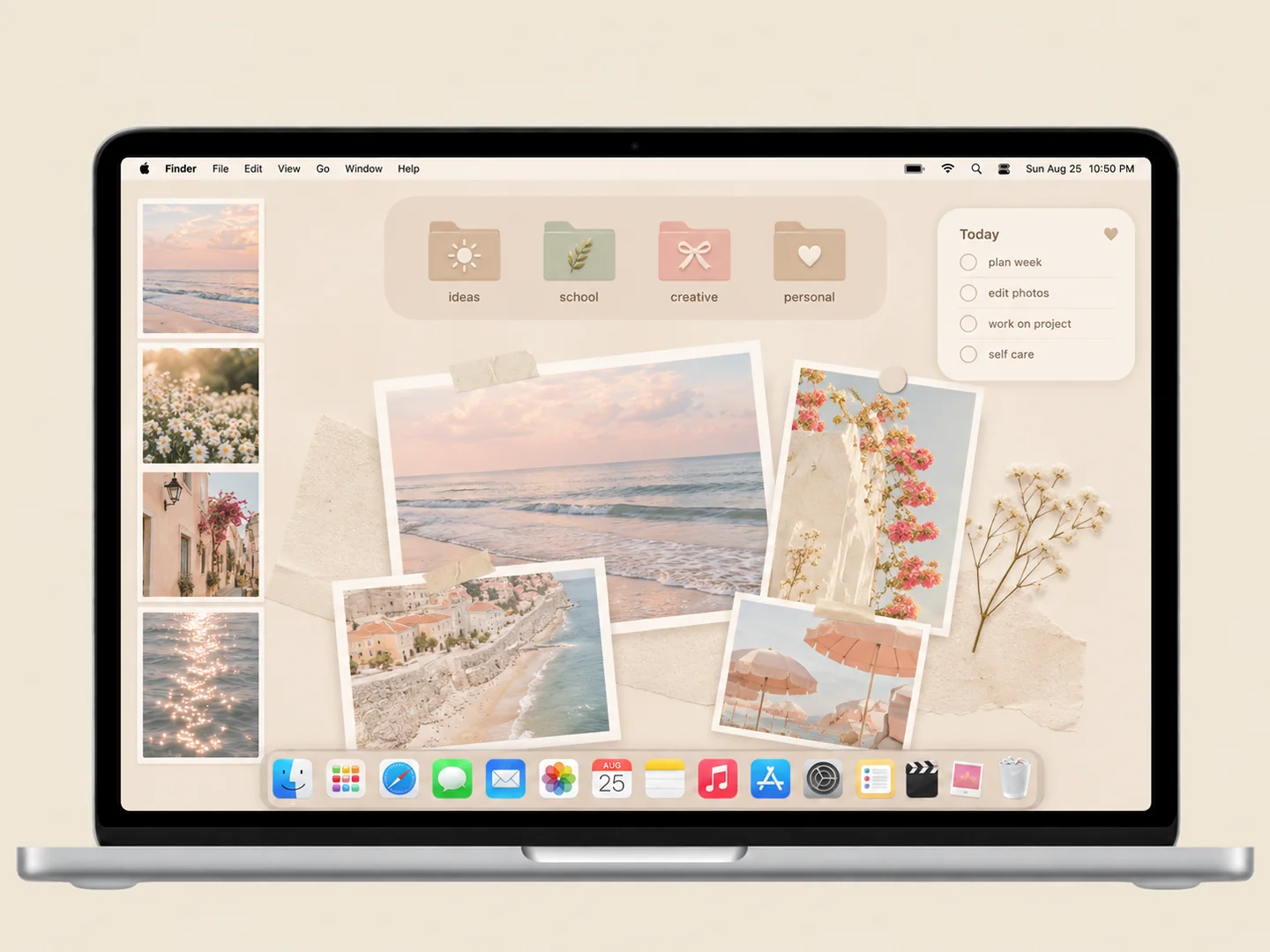 AI concept
A cream organizer with a small photo collage and pale folders in matching tones.
How to recreate it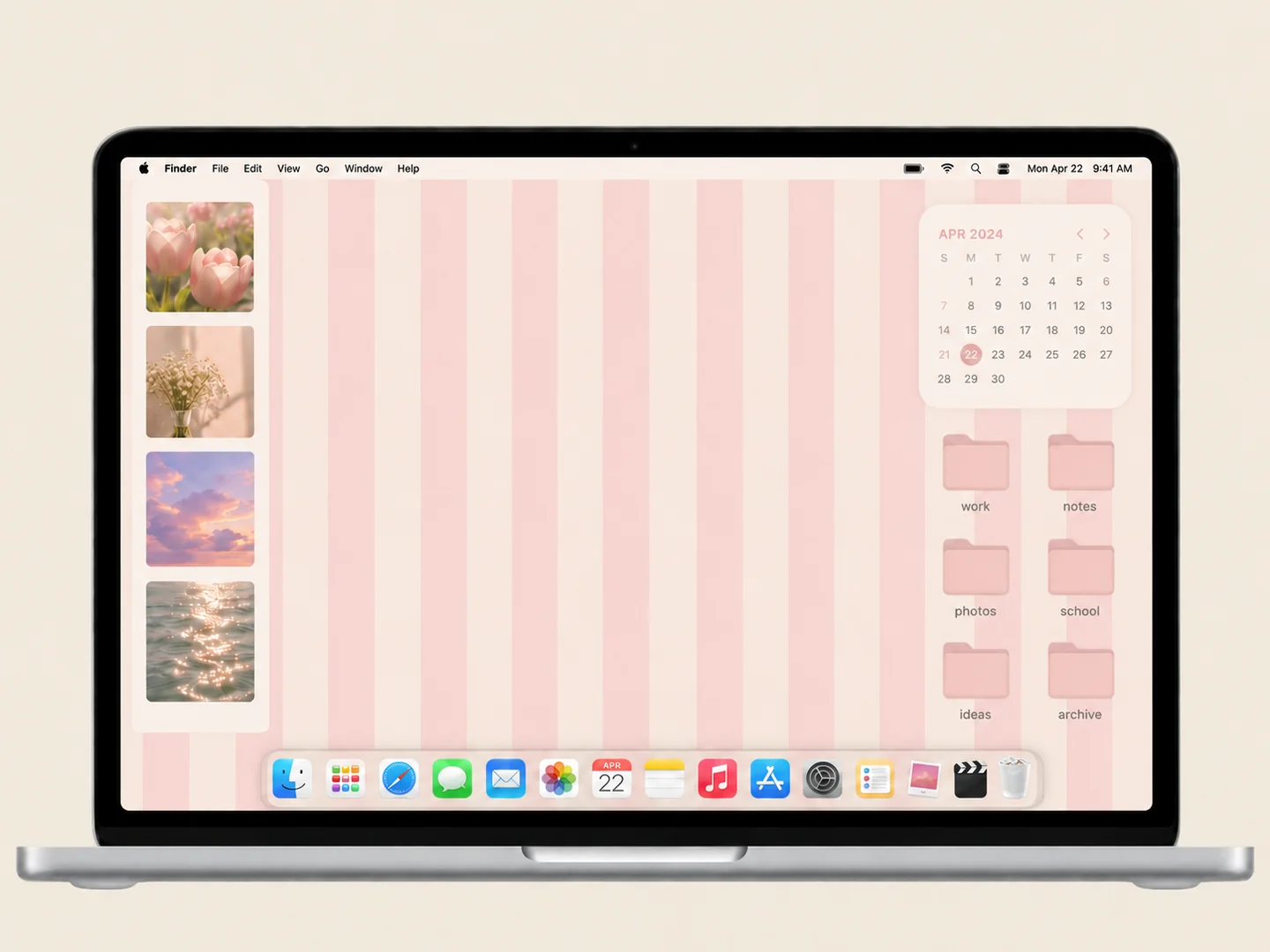 AI concept
Soft pink stripes, a small photo collection, and a matching folder grid.
How to recreate it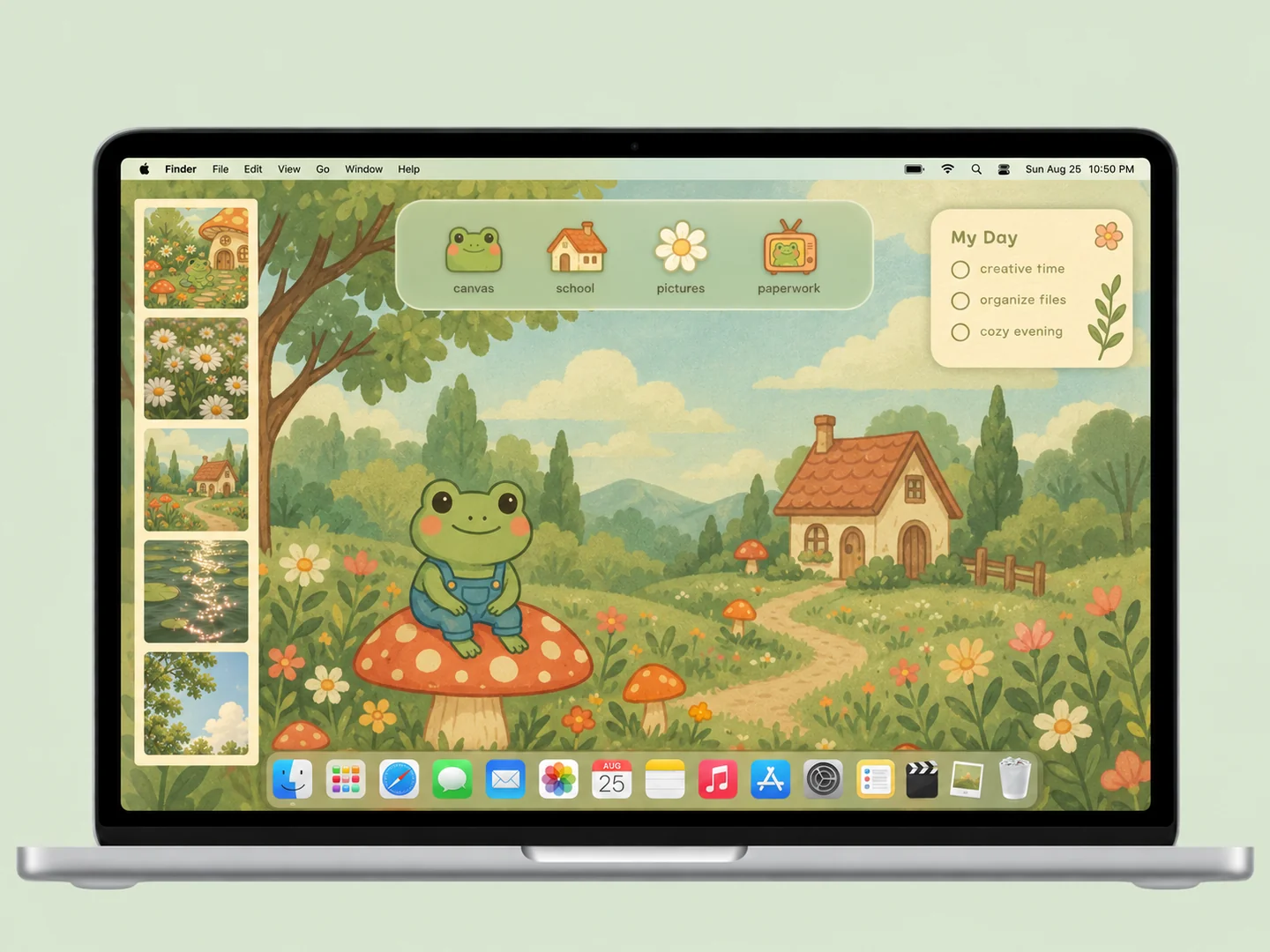 AI concept
A mossy cottage scene with frogs, mushrooms, and matching illustrated folder icons.
How to recreate it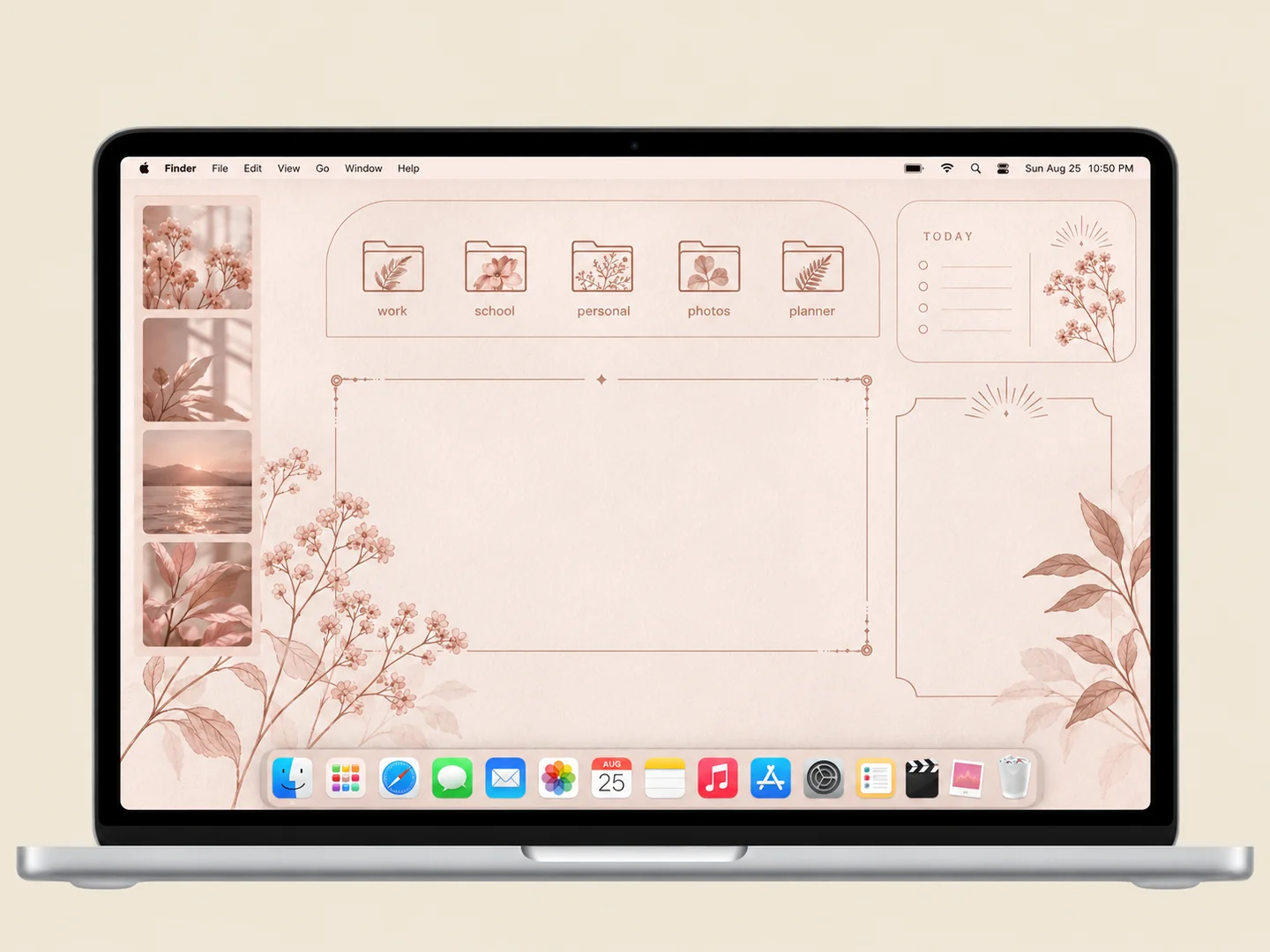 AI concept
Blush organizer panels with delicate botanical folder illustrations.
How to recreate it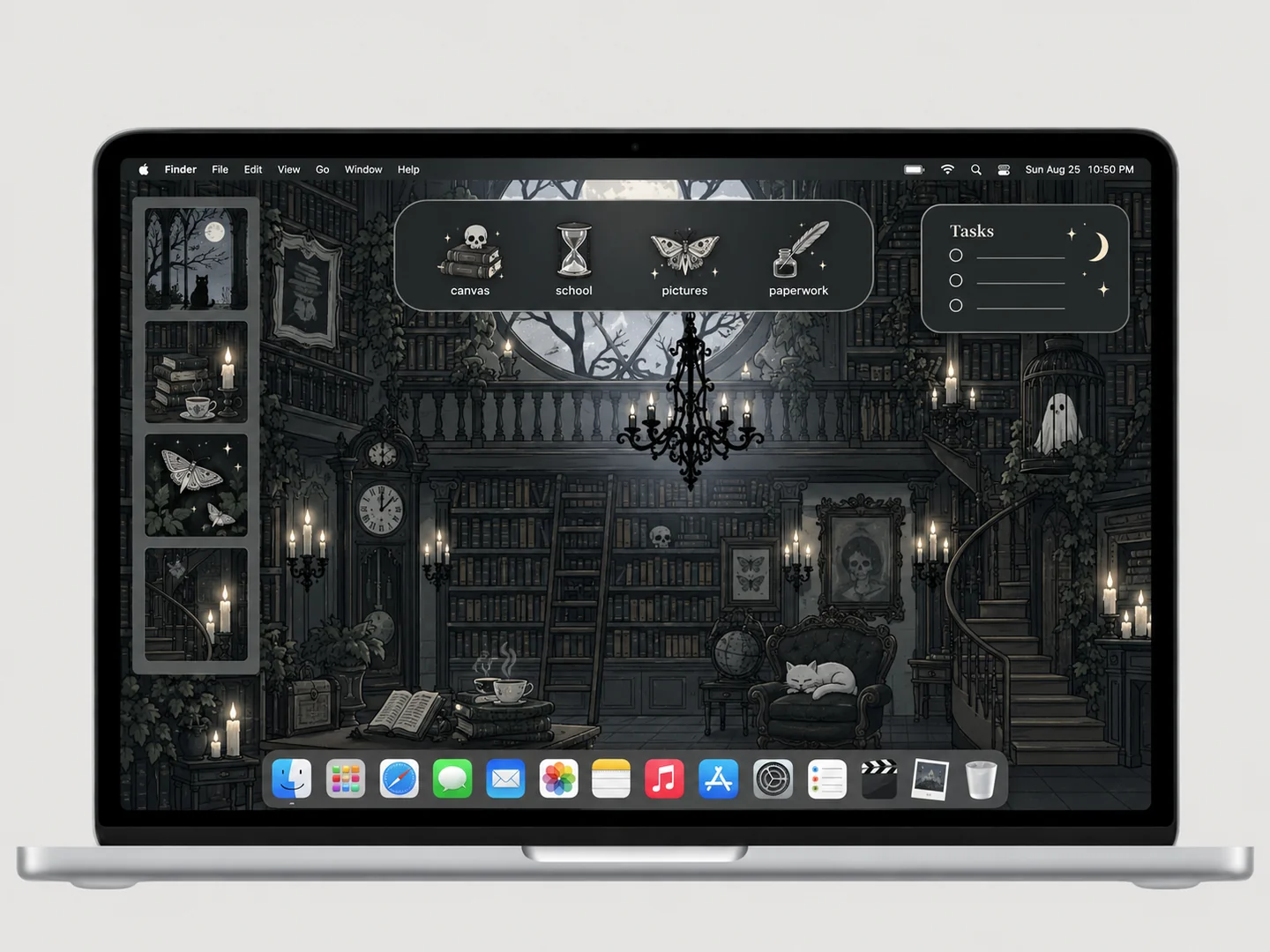 AI concept
A charcoal library scene with books, ghosts, and small bat-shaped folders.
How to recreate it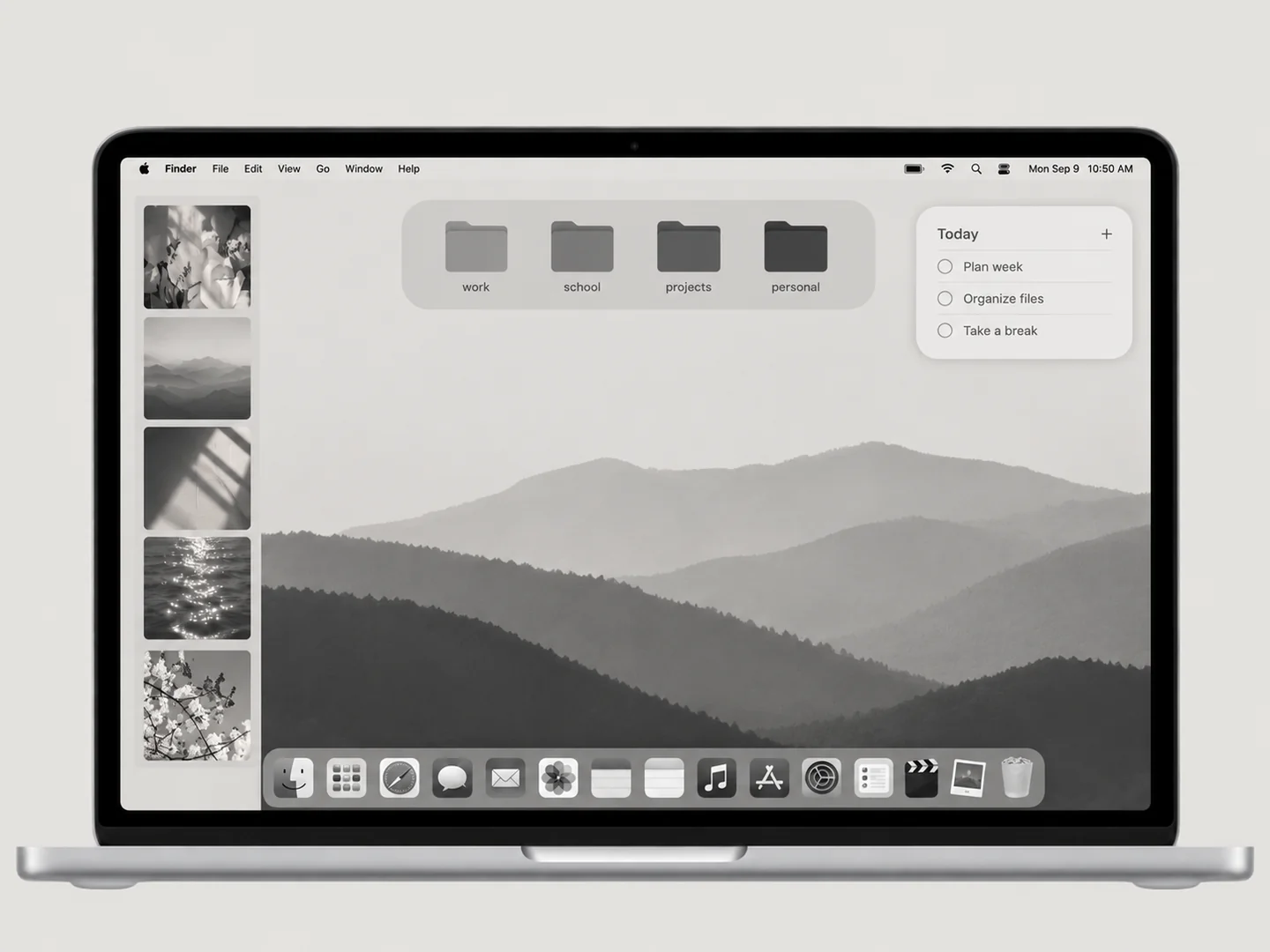 AI concept
A quiet grayscale wallpaper and a disciplined set of charcoal folders.
How to recreate it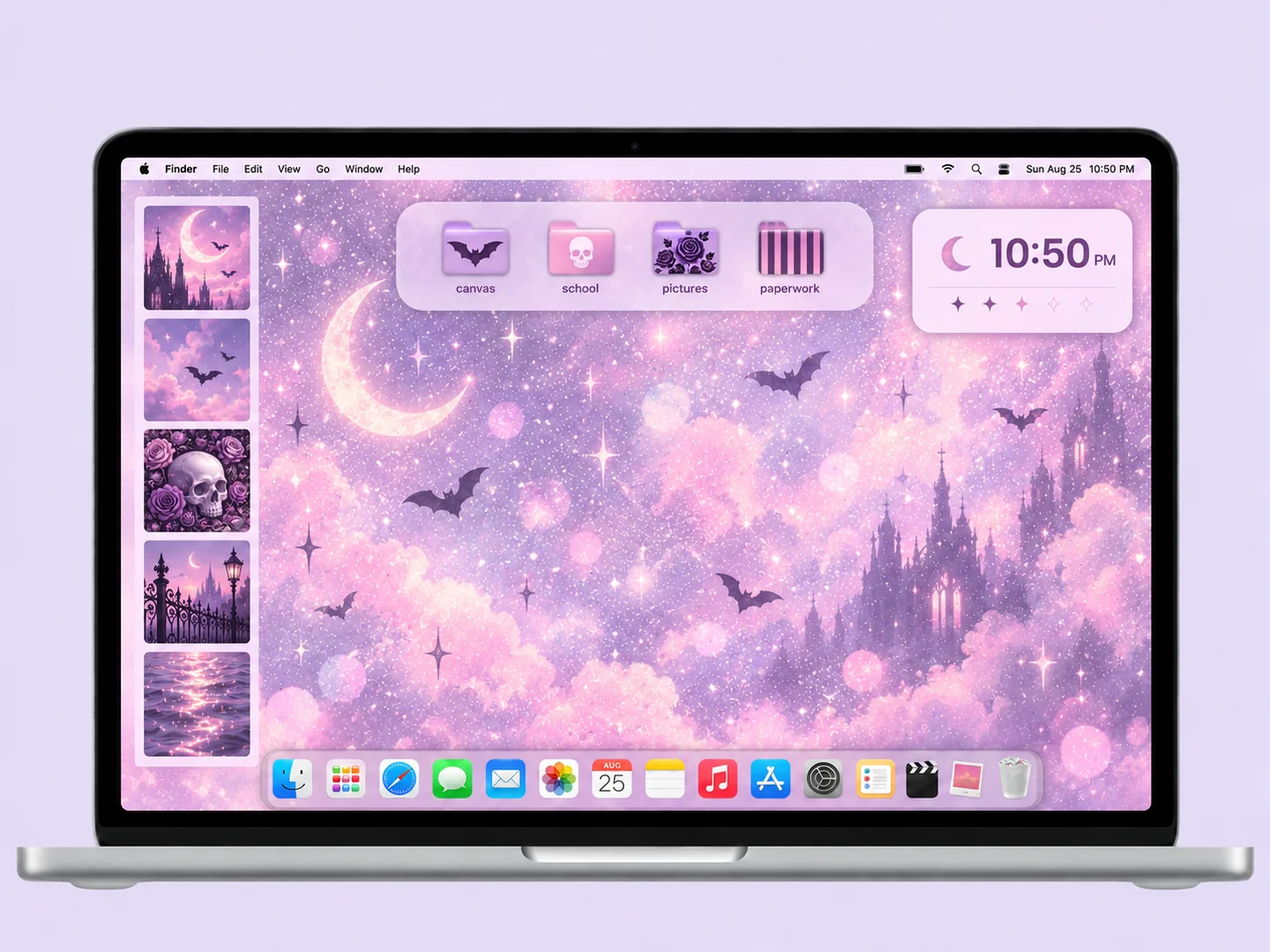 AI concept
Lavender light, soft pink accents, and a small set of gothic-patterned folders.
How to recreate it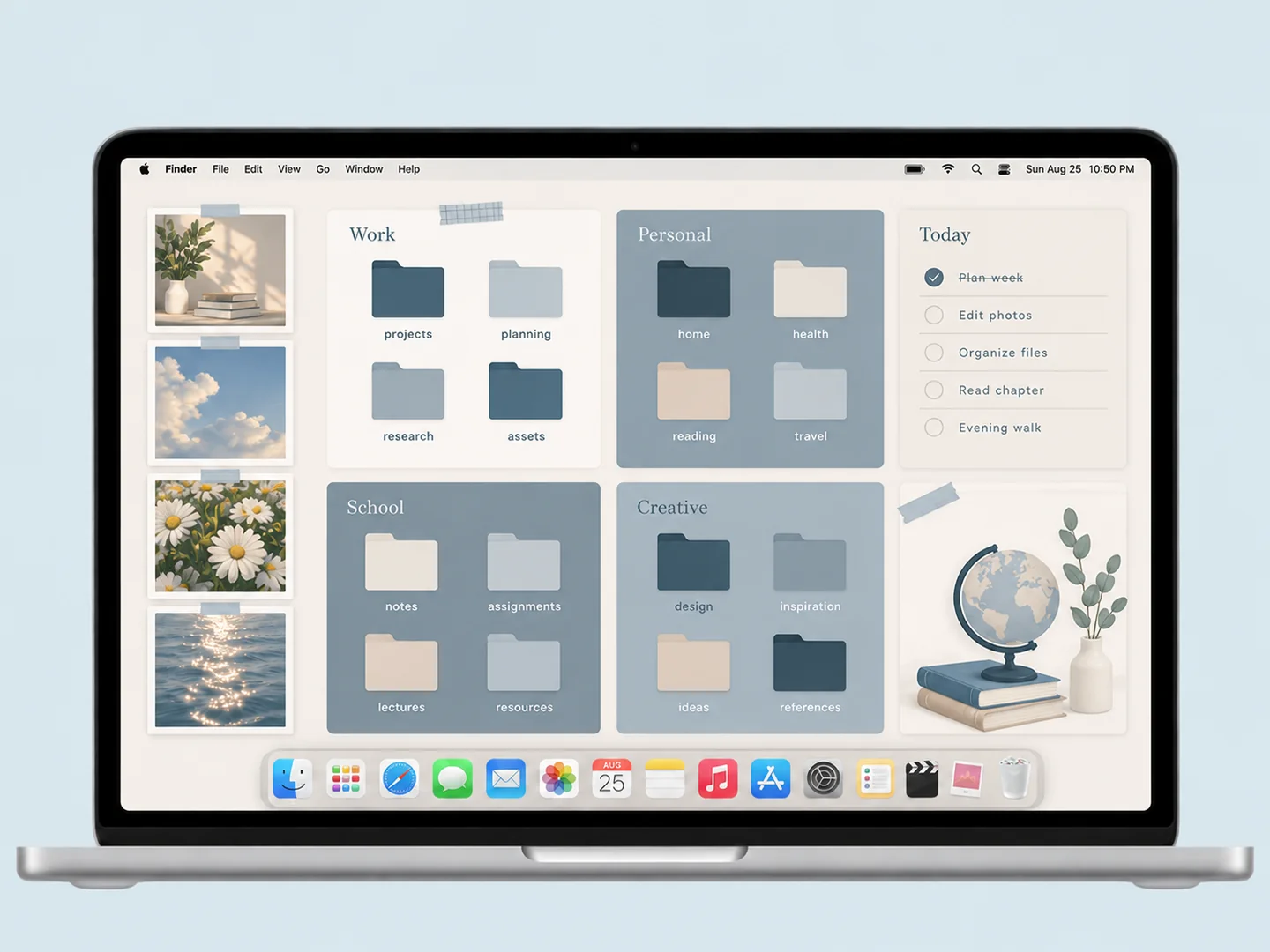 AI concept
Slate-blue panels and cream space with coordinated folders for separate work zones.
How to recreate it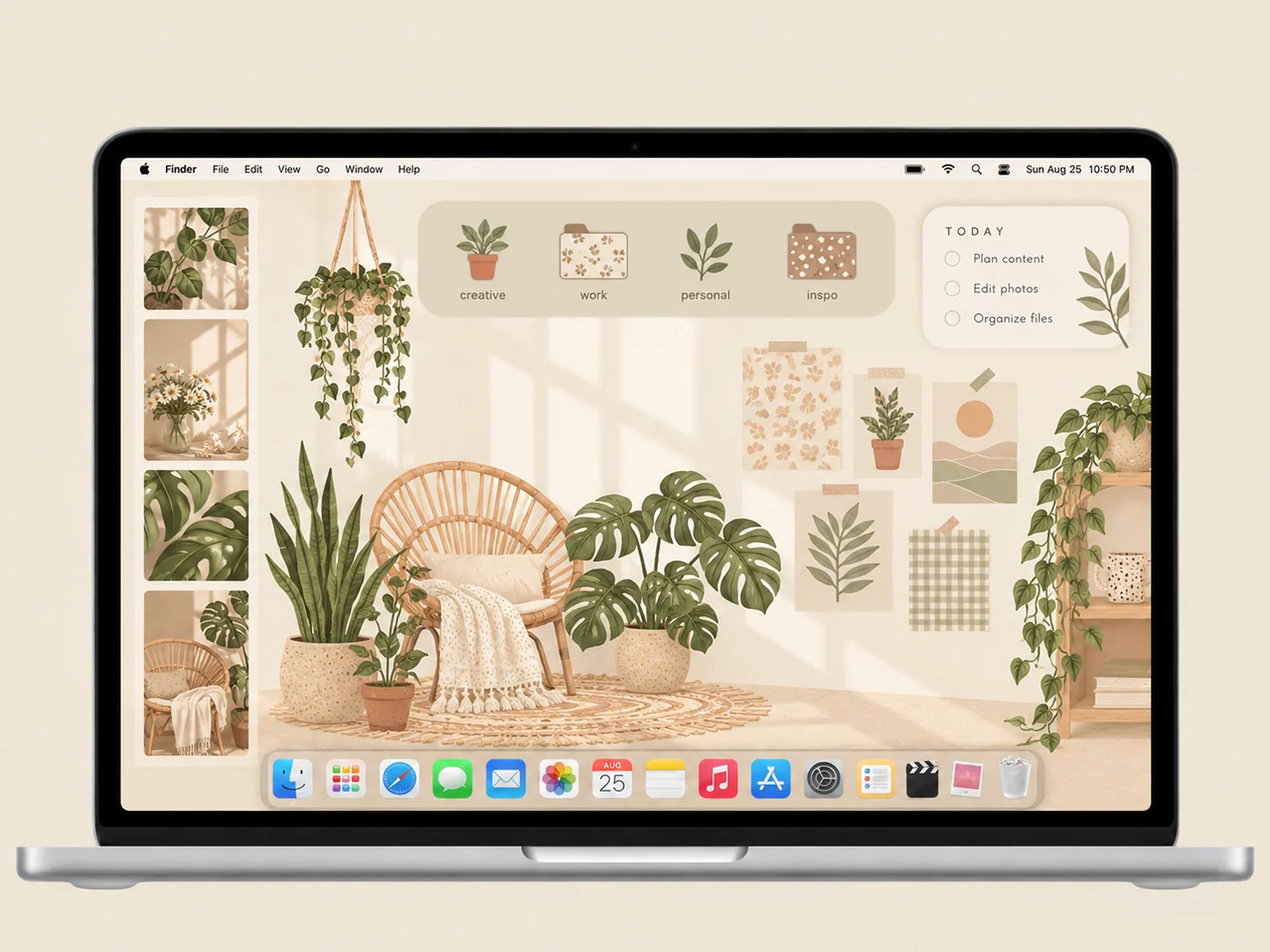 AI concept
Cream panels, sage patterns, and hanging plants around a practical folder layout.
How to recreate it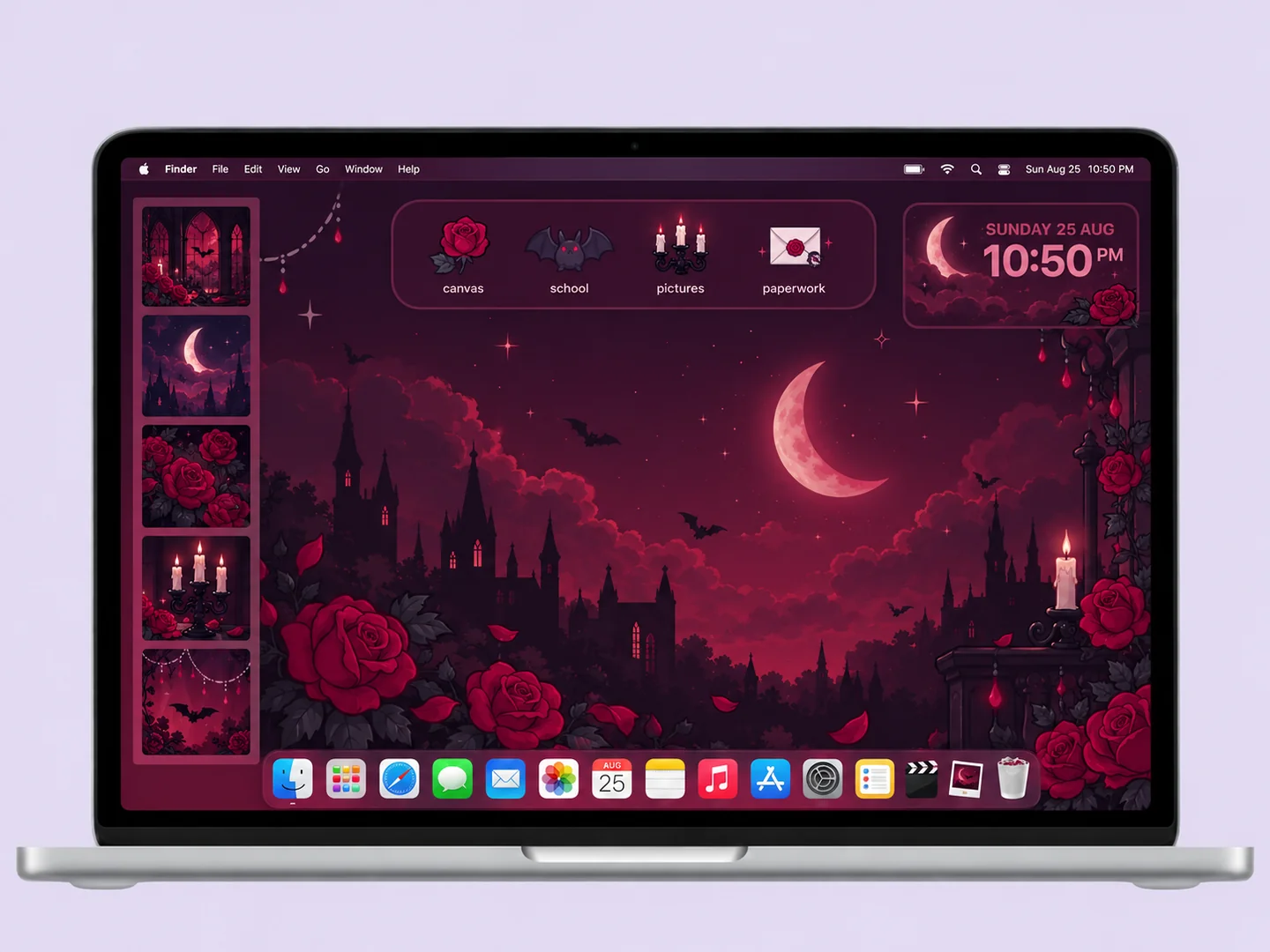 AI concept
Deep plum and burgundy panels with bat, rose, and candle folder shapes.
How to recreate it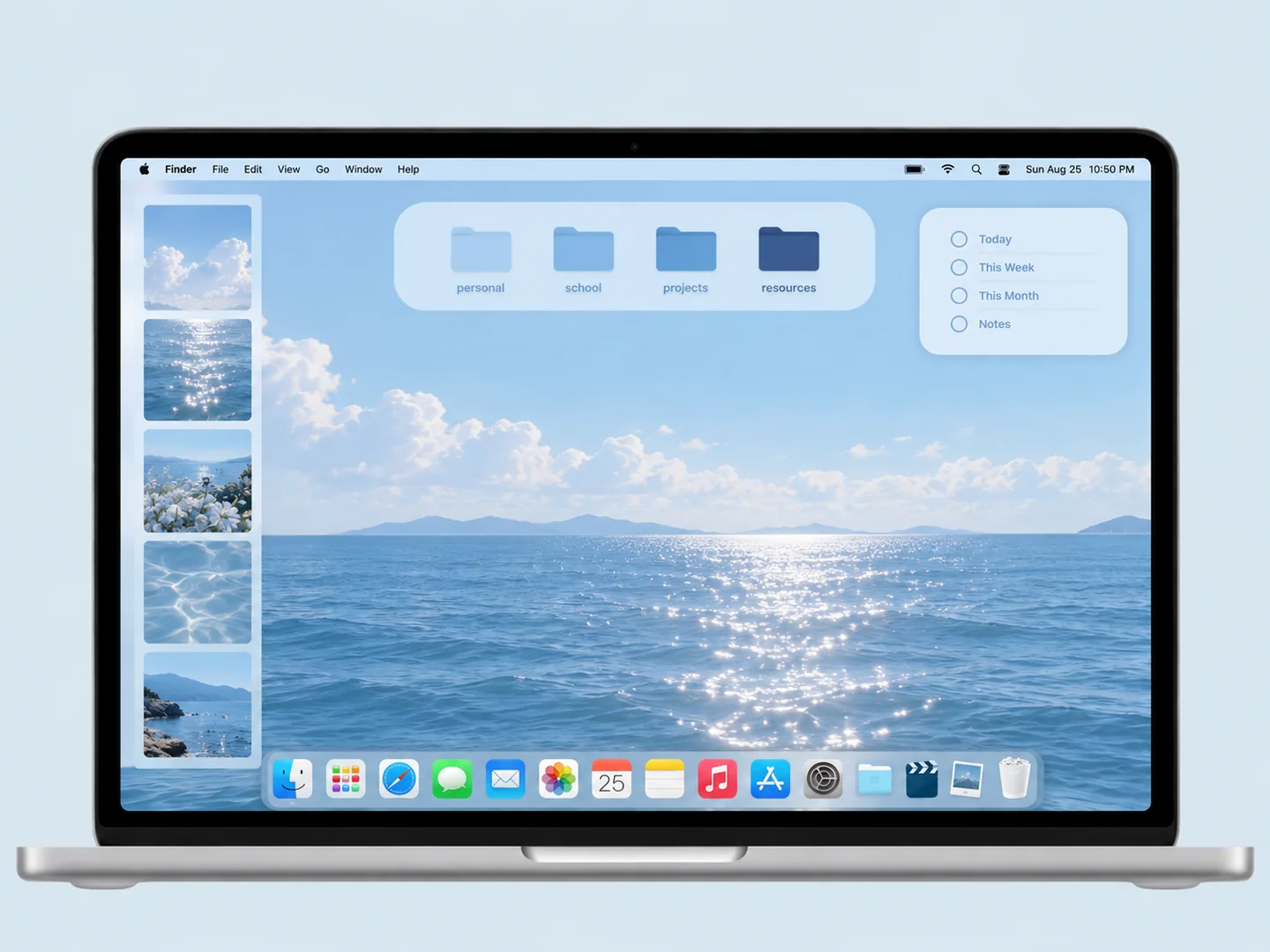 AI concept
Pale sky blue and deep navy folders on a coordinated blue background.
How to recreate it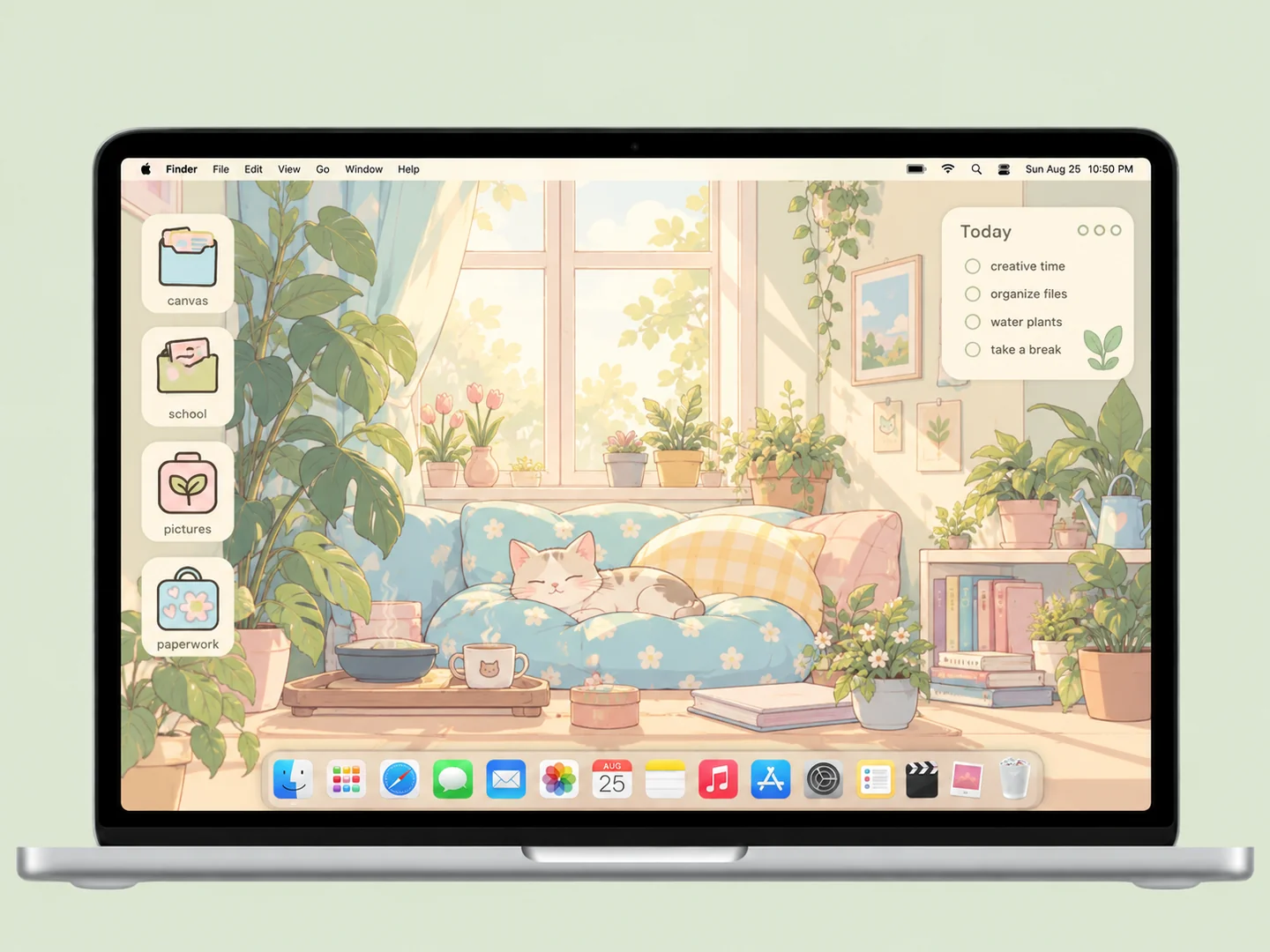 AI concept
A sunlit room with cats, books, and plants, plus sage and pale-blue folders.
How to recreate it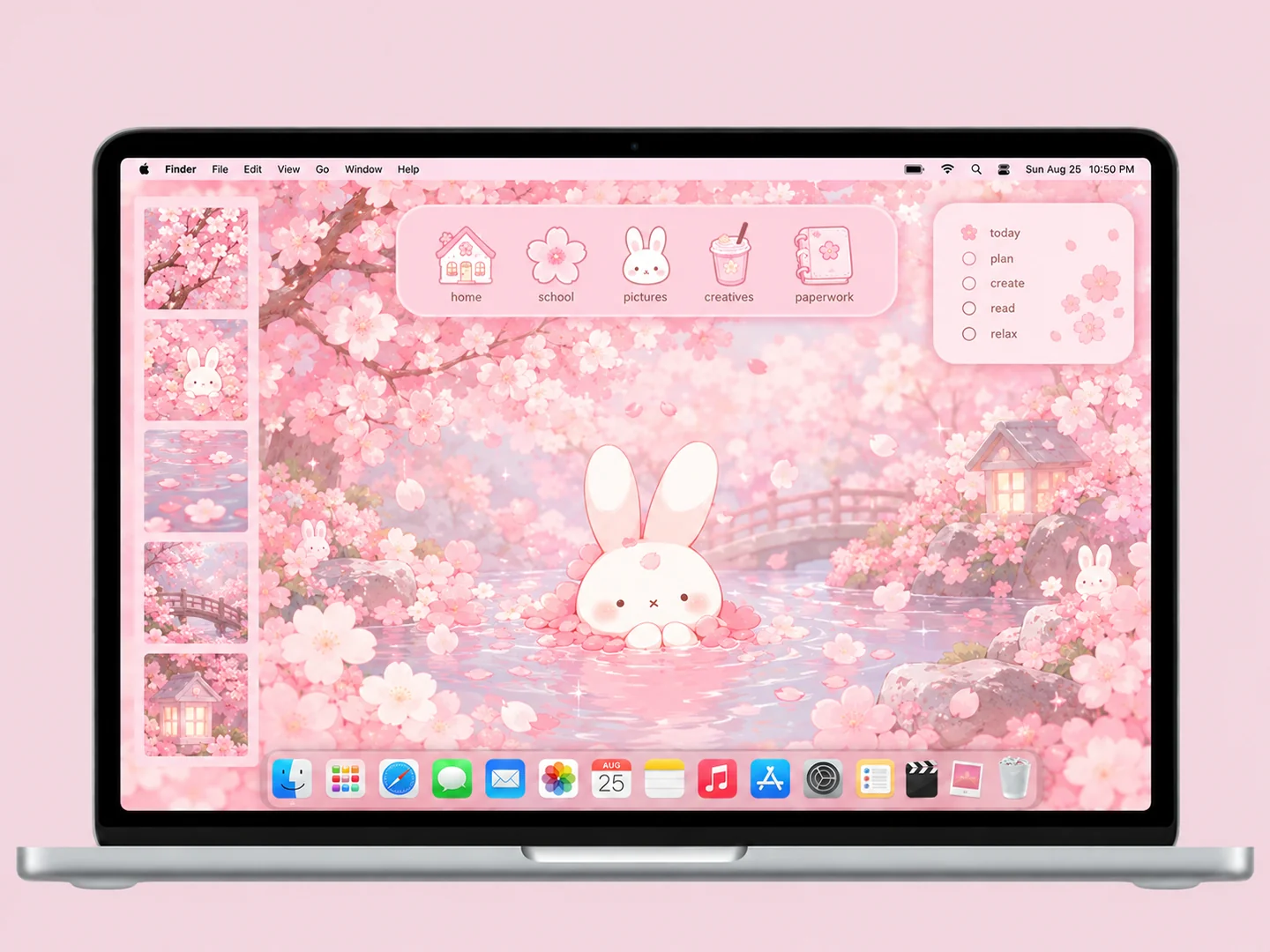 AI concept
Cherry-blossom pinks, a white bunny, and matching flower and notebook icons.
How to recreate it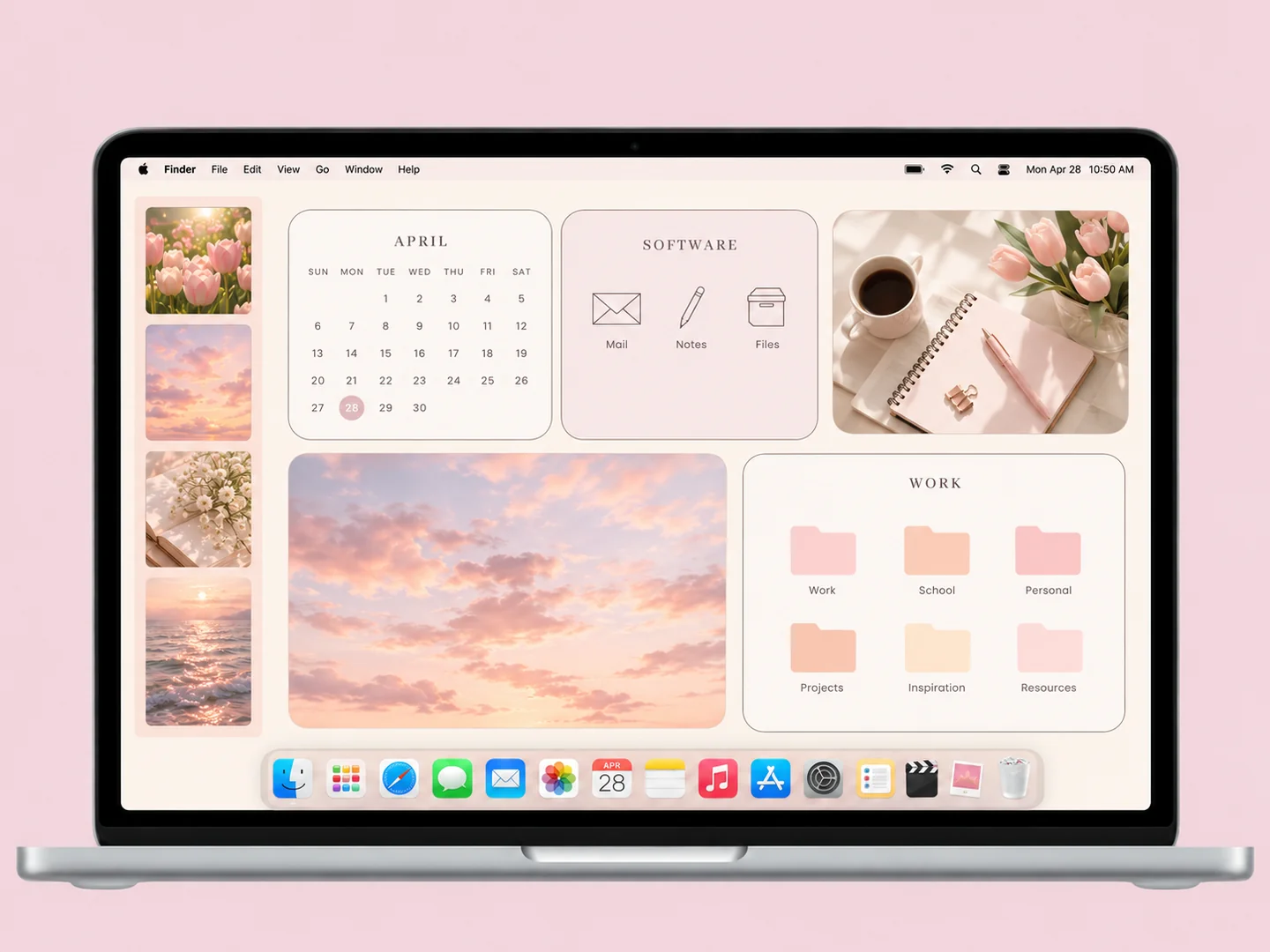 AI concept
Cream and blush work panels with pastel folders and a quiet photo area.
How to recreate it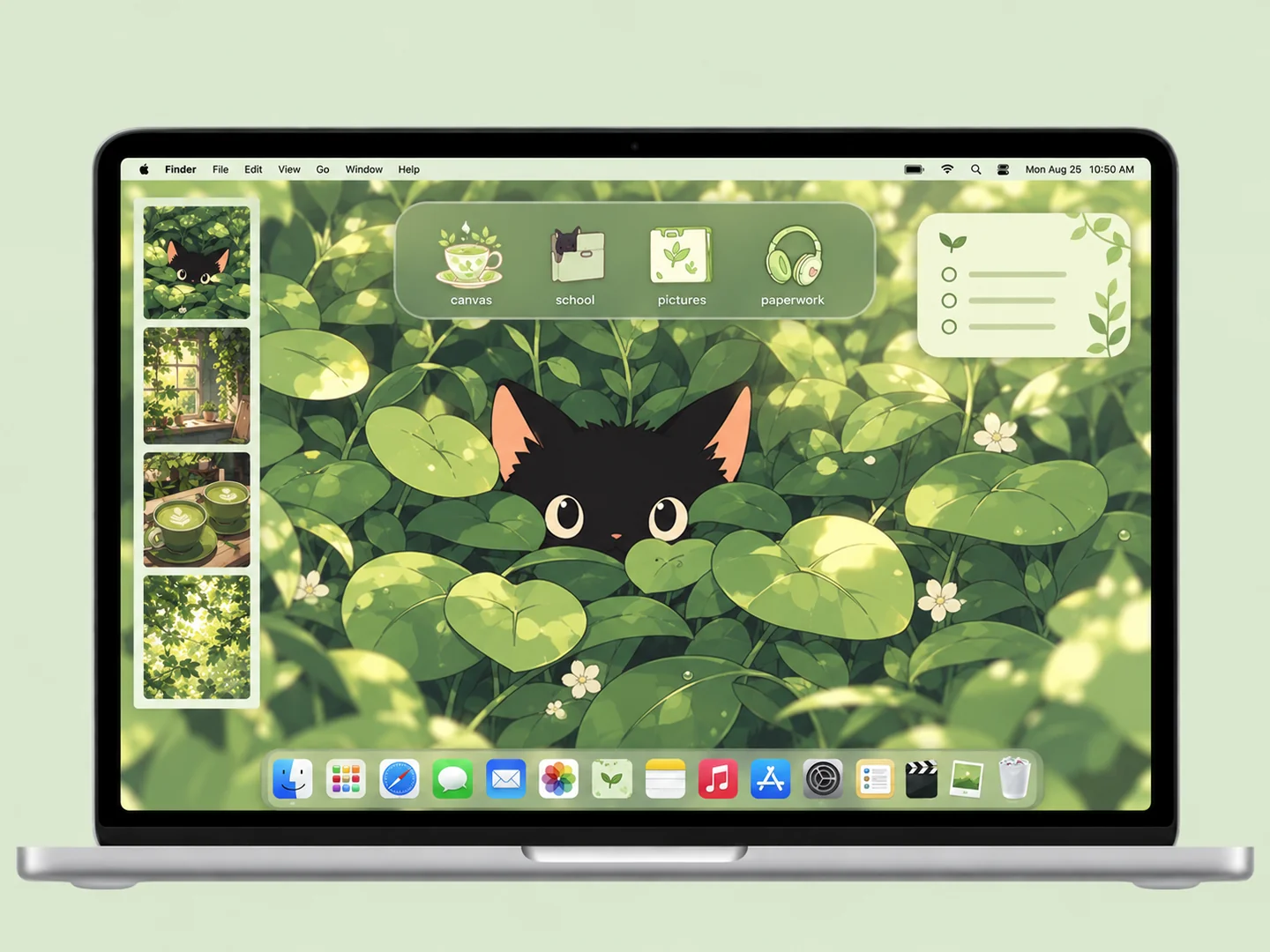 AI concept
Deep green leaves, a black kitten, and pale matcha folder icons.
How to recreate it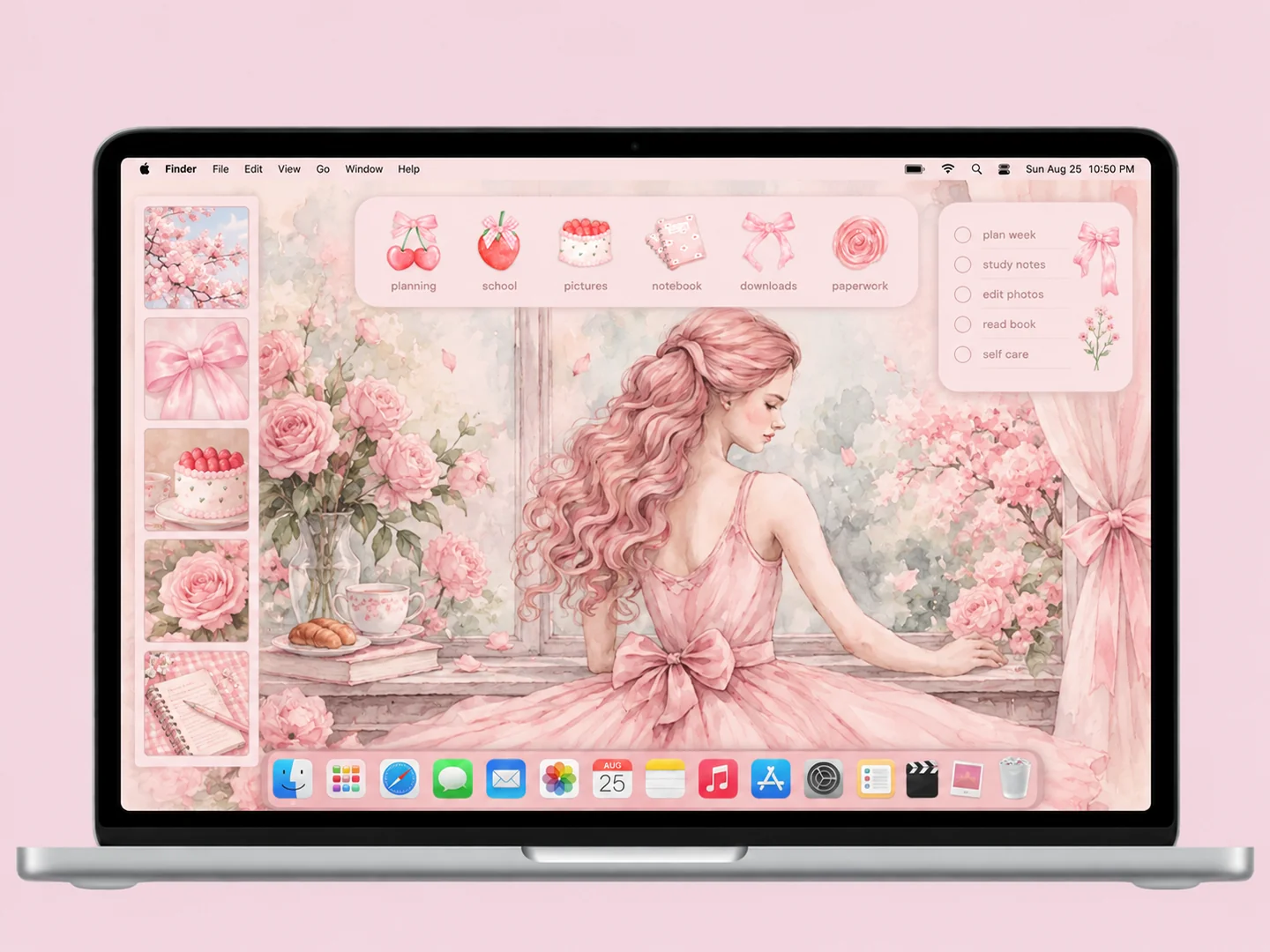 AI concept
A soft pink illustration with bows, cherries, cake, and delicate folder accents.
How to recreate itTry another color or a simpler search.
A LOOK YOU CAN BUILD
Choose a wallpaper first, match the folder icons, then arrange the files you use. The previews are AI illustrations; use your own images or check the original creator’s available files and terms.
Published by huihuisang · Updated
Open System Settings and choose Wallpaper. Check how the image fits your display before placing files. Apple’s wallpaper guide ↗
Use native folder customization where available, or paste your own icon into the small icon in Finder’s Get Info window. Apple’s folder and icon guide ↗
Use desktop View Options to adjust icon size and grid spacing. Leave file labels clear of artwork and widgets. Apple’s layout guide ↗
Controls vary by macOS version. These steps describe native features, not a verified installation of every concept.
FROM INSPO TO YOUR DESKTOP
Start with a look you like, then change the wallpaper, folders, and layout in that order.
Read the guide →02 / HOW TOUse Finder’s Get Info window to replace a folder icon with an image you are allowed to use.
Read the guide →03 / HOW TOGive files clear destinations before adding an organizer wallpaper or decorative icons.
Read the guide →Borrow a palette, try a layout, or start with just one folder. The best setup is the one you enjoy using.