 AI concept
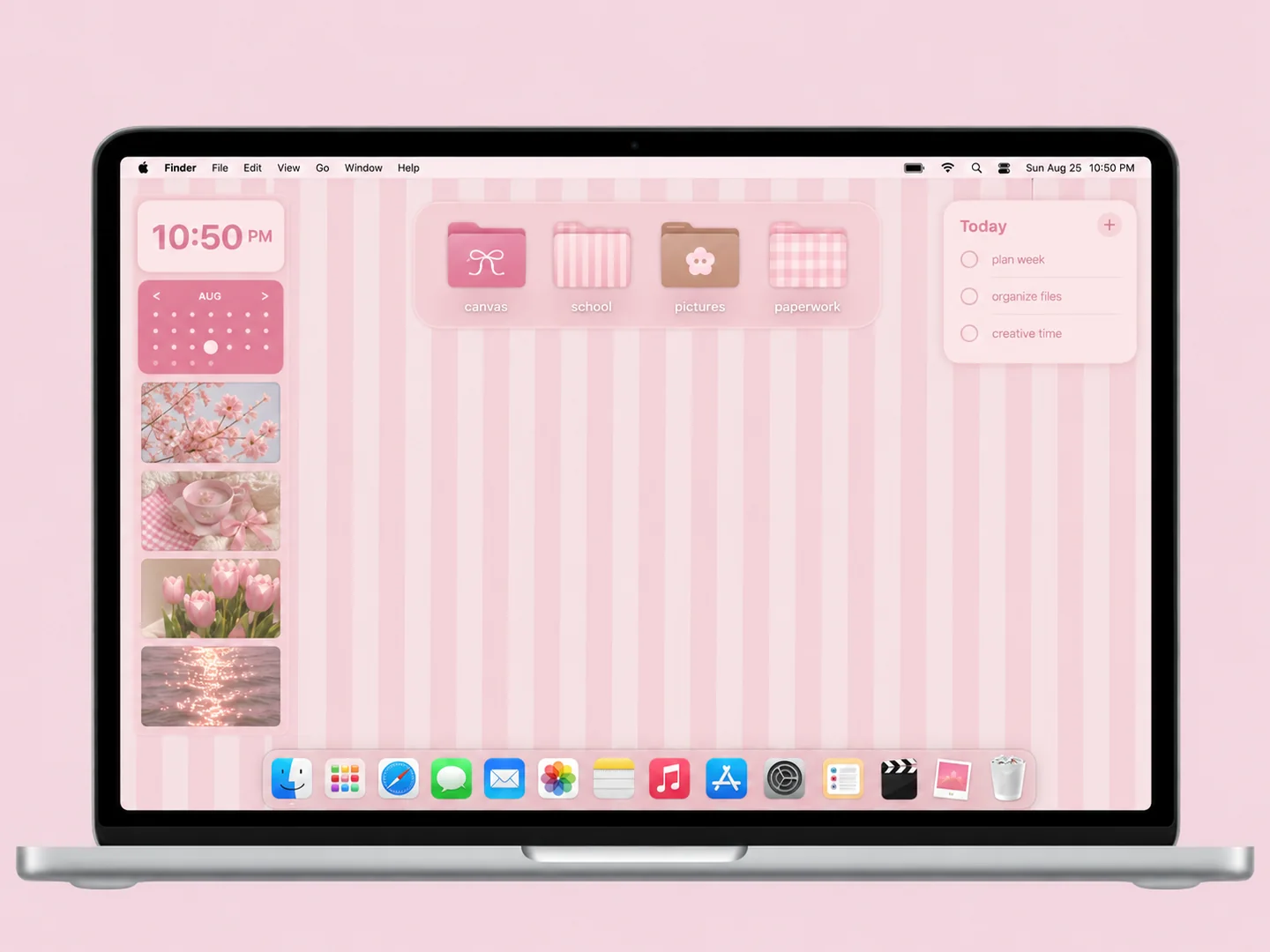
Pink vertical stripes with bow-decorated folders and a compact calendar area.
How to recreate itDESKTOP STYLE / STUDY & ORGANIZED
An organizer wallpaper works when each zone has a job. Start with current classes or projects, add a place for reference files, and keep personal photos separate from the working grid.
THE IDEA LIBRARY
13 desktop ideas
AI concept previews, each with a look breakdown, recreation tips, and original sources. How we make the images ↗
A preview could not load and has been omitted.
AI conceptPink vertical stripes with bow-decorated folders and a compact calendar area.
How to recreate it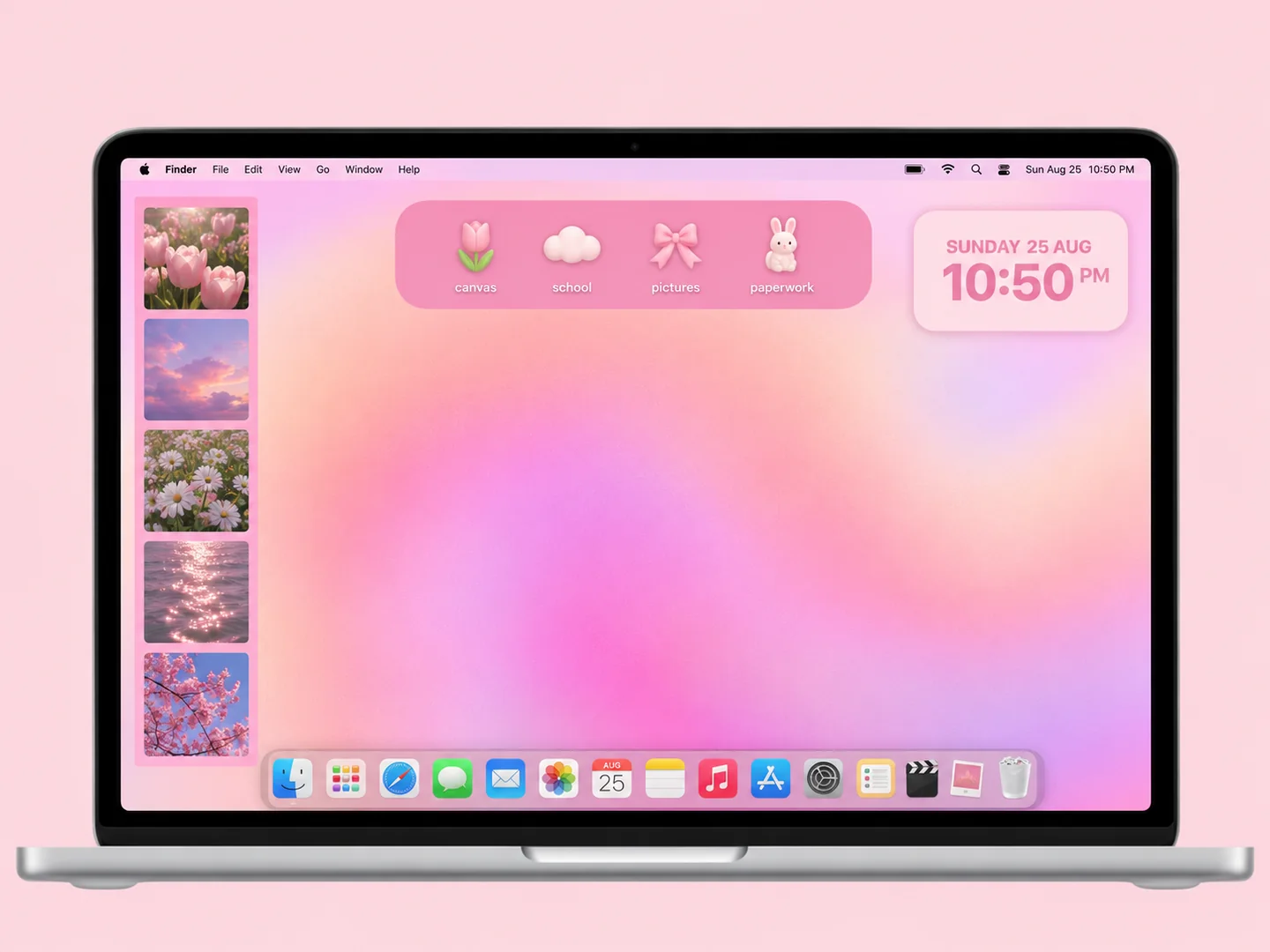 AI concept
A peach-to-lilac glow, a photo strip, and a small tray of playful folders.
How to recreate it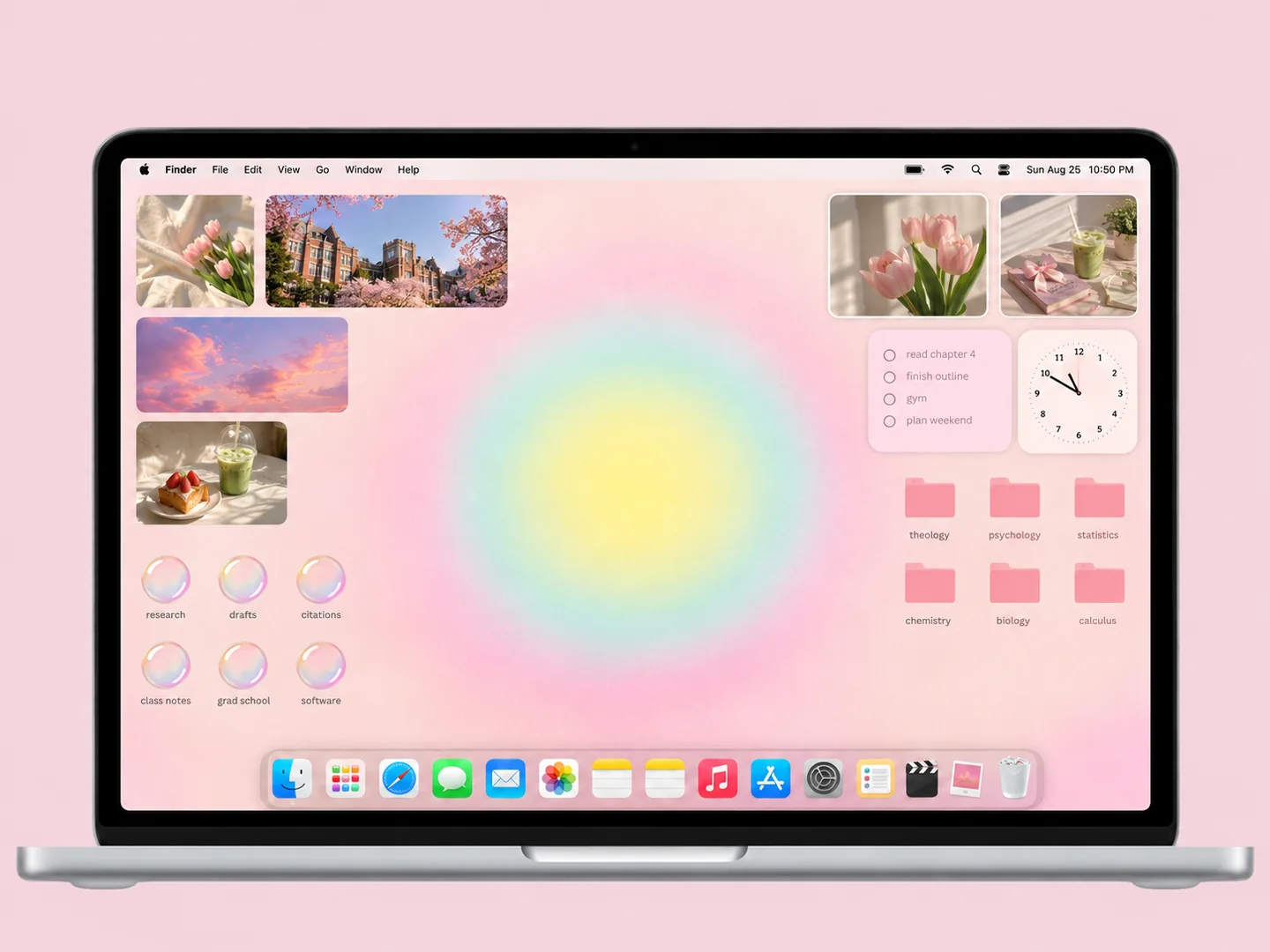 AI concept
Soft yellow and mint light, pink subject folders, and a border of personal photos.
How to recreate it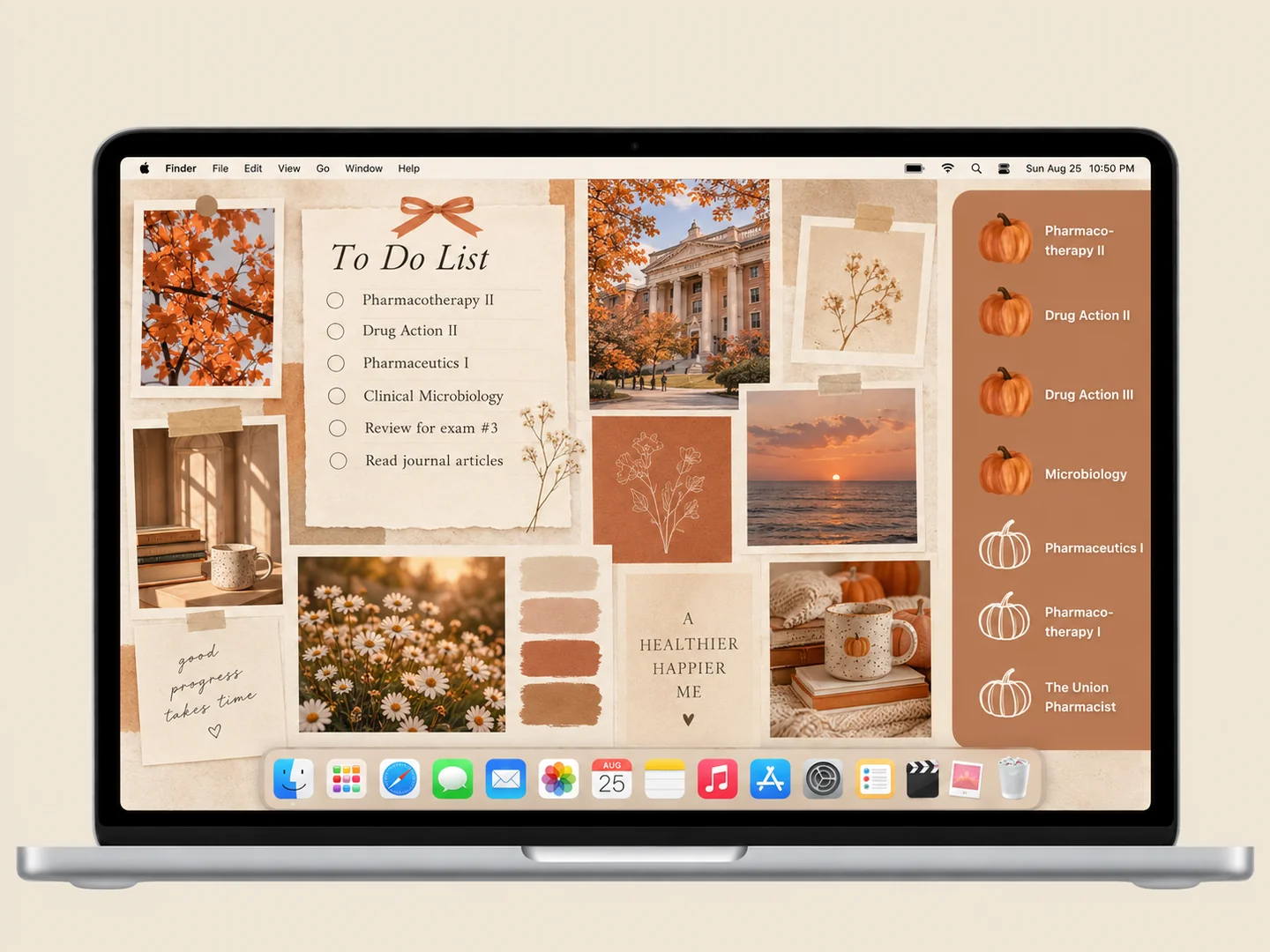 AI concept
Terracotta pumpkins, warm paper, and a compact photo collage for an autumn study setup.
How to recreate it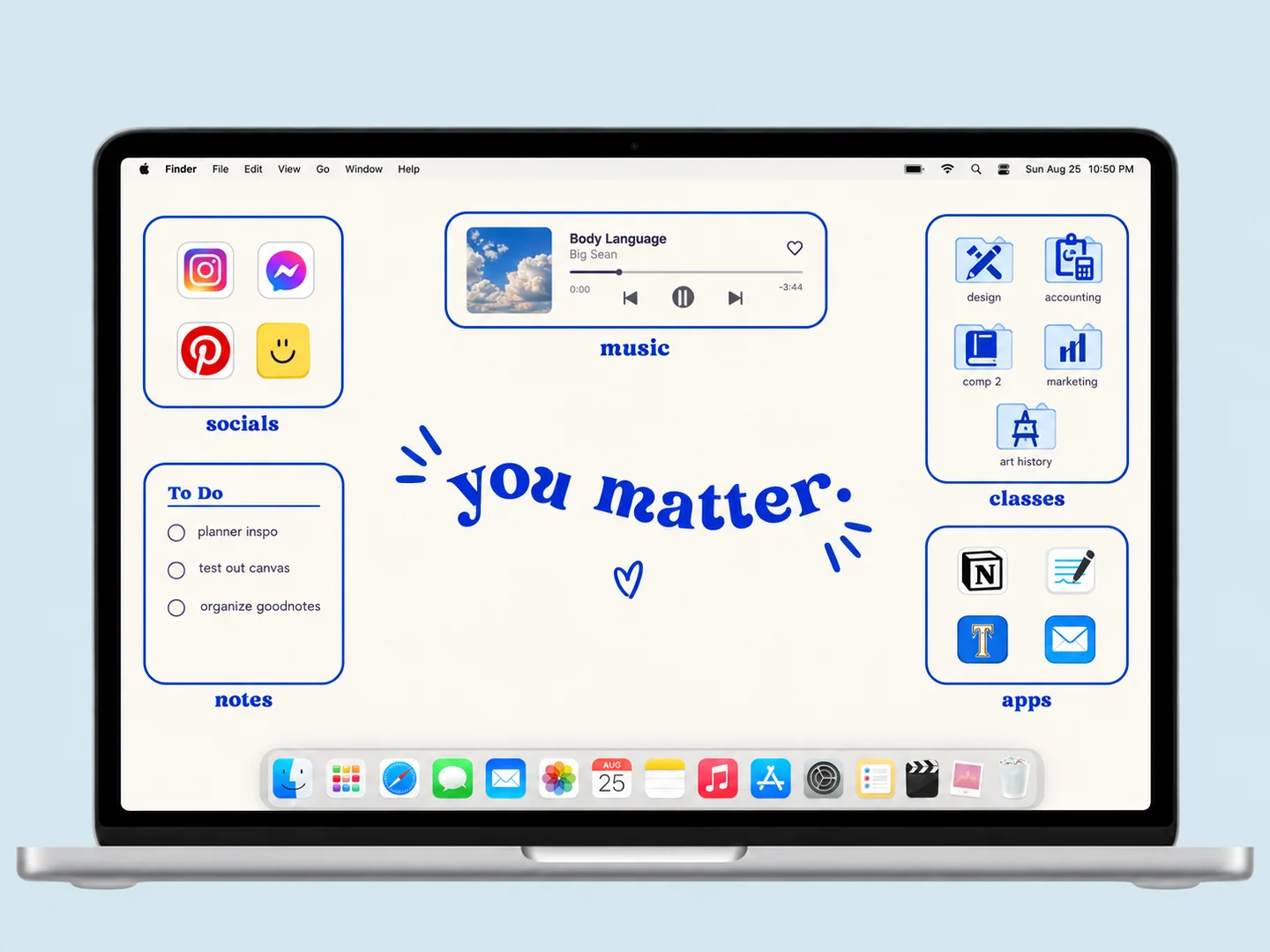 AI concept
Cobalt outlines turn a white desktop into clear zones for classes, music, and everyday apps.
How to recreate it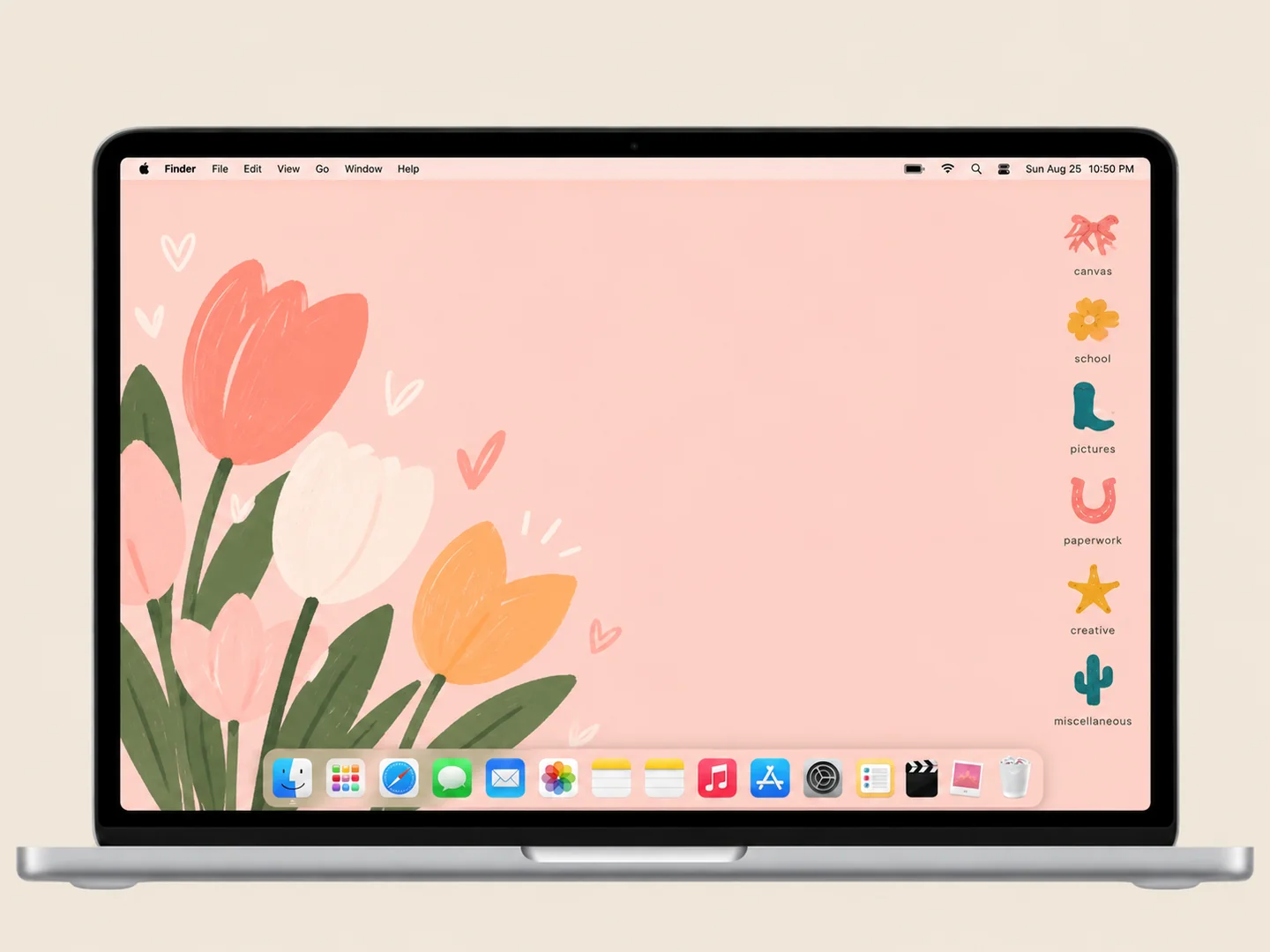 AI concept
A warm peach background with a small set of colorful custom folder shapes.
How to recreate it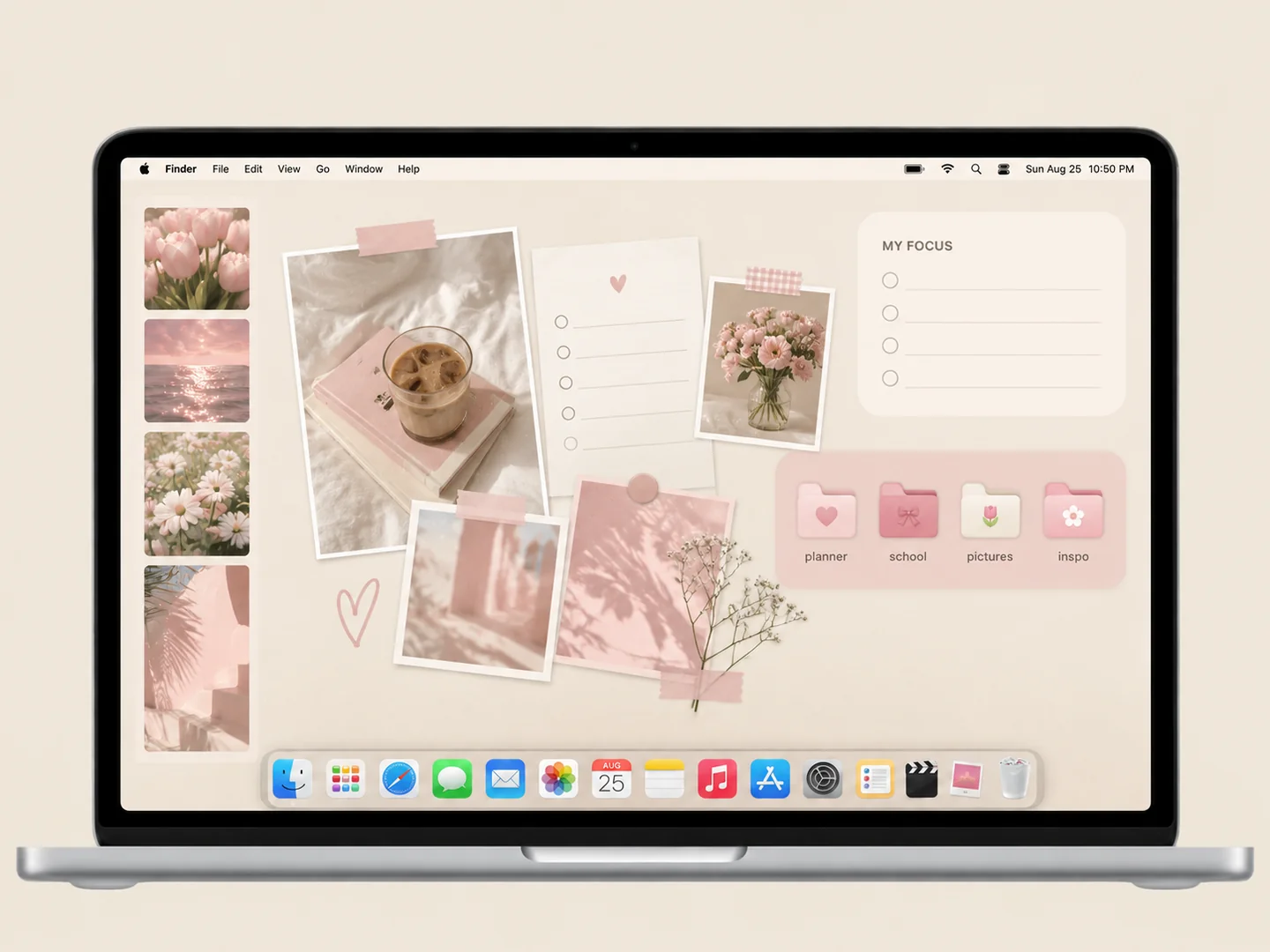 AI concept
Blush planner panels, a few personal photos, and matching pink subject folders.
How to recreate it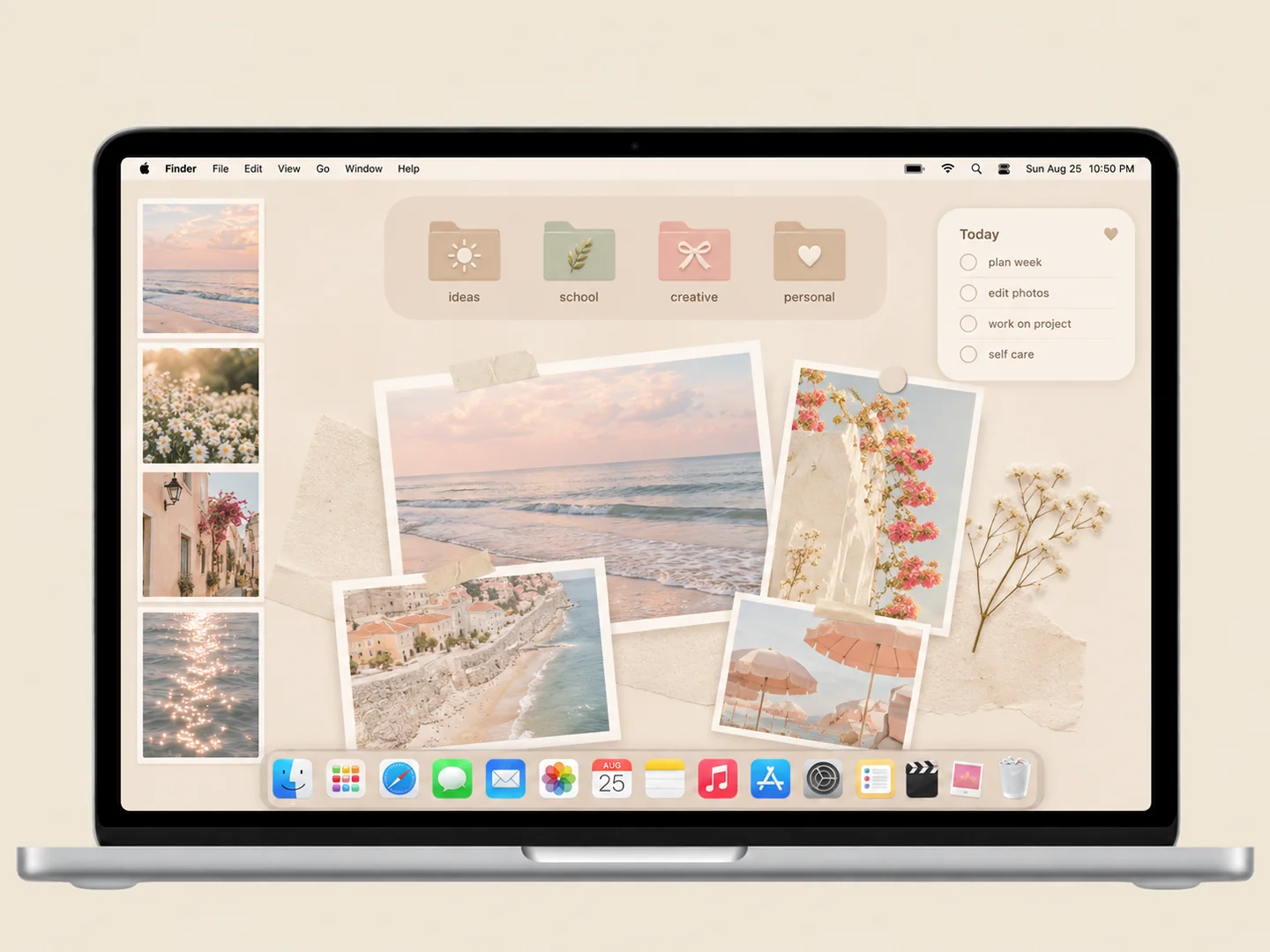 AI concept
A cream organizer with a small photo collage and pale folders in matching tones.
How to recreate it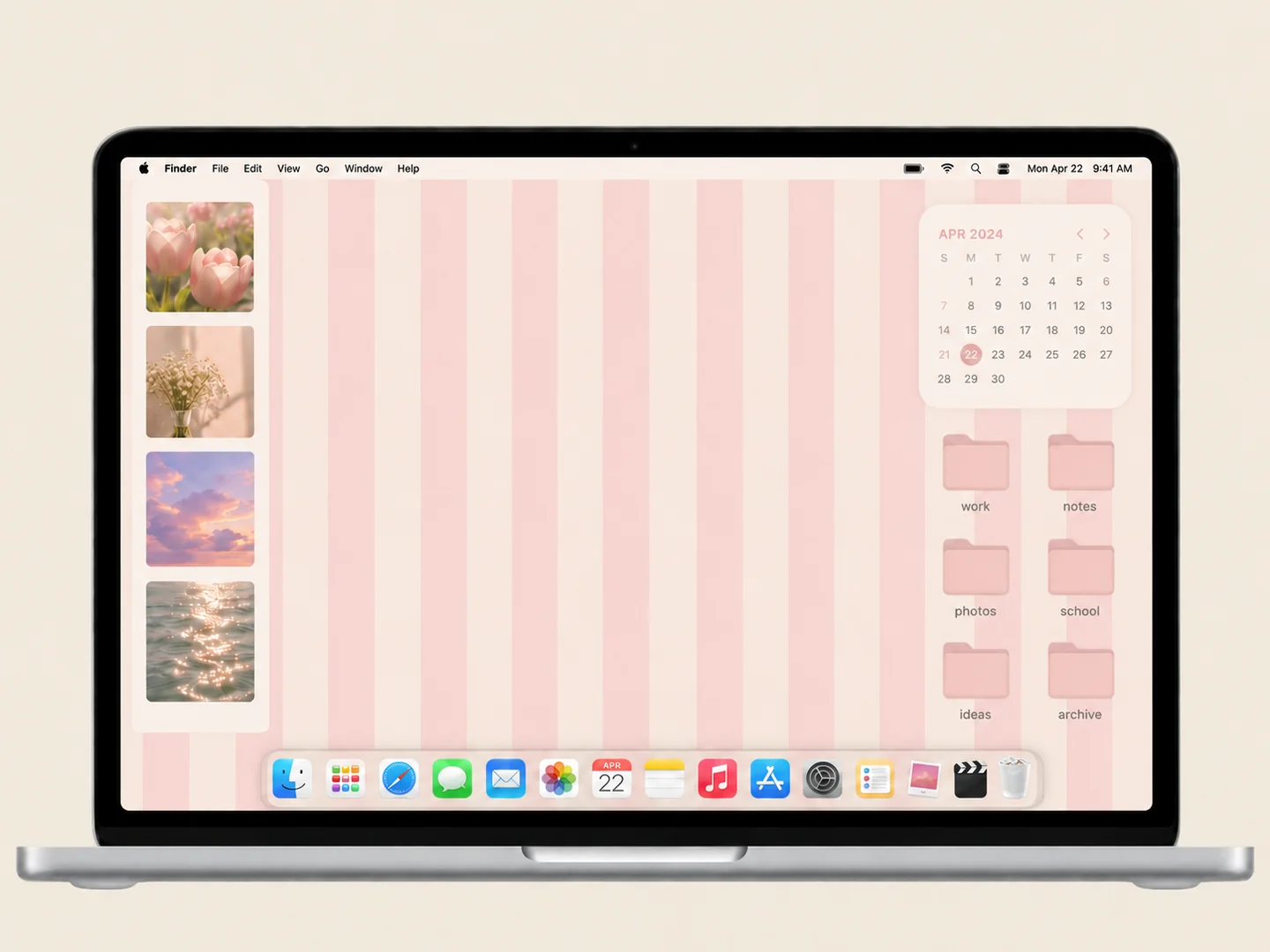 AI concept
Soft pink stripes, a small photo collection, and a matching folder grid.
How to recreate it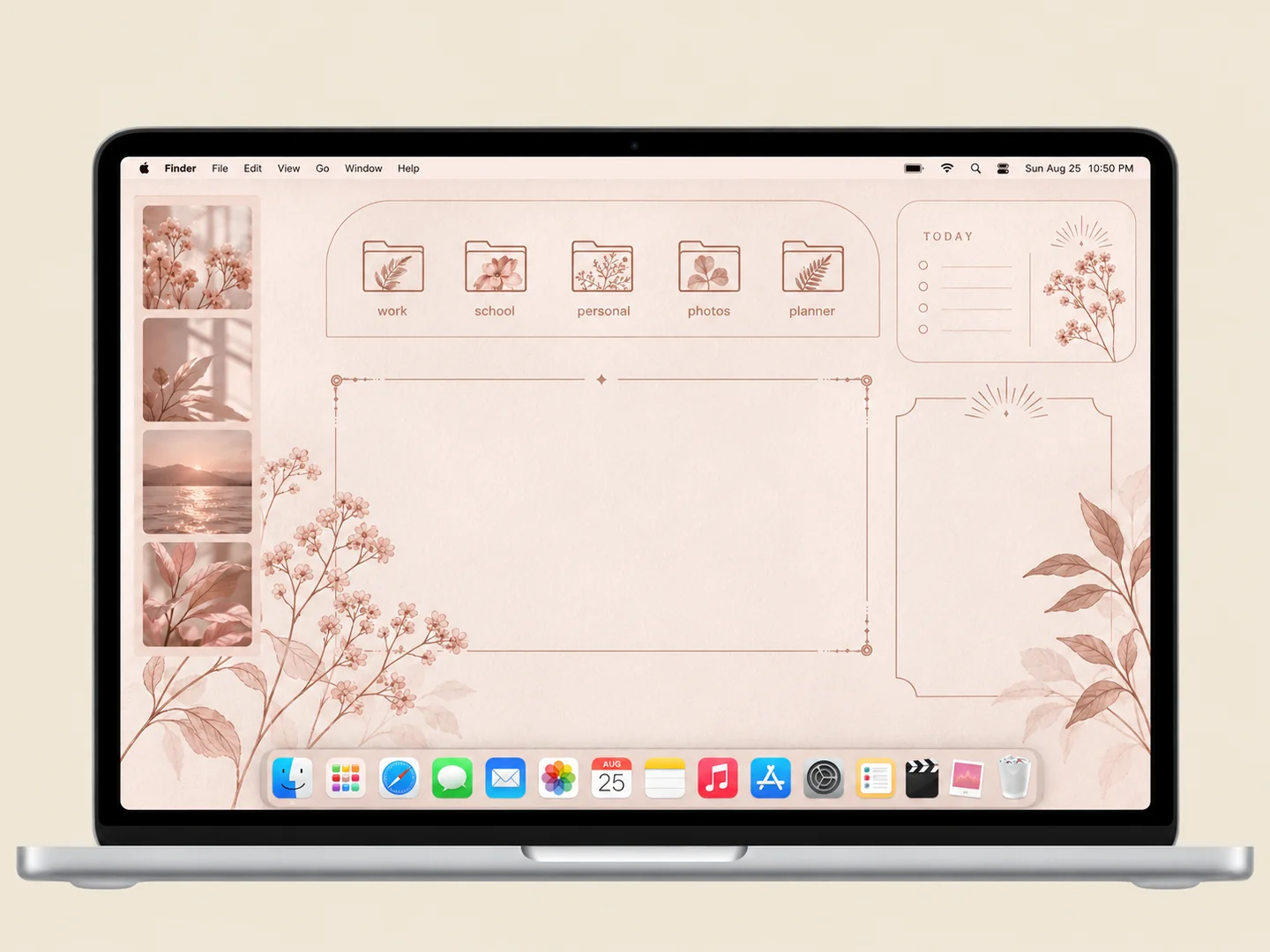 AI concept
Blush organizer panels with delicate botanical folder illustrations.
How to recreate it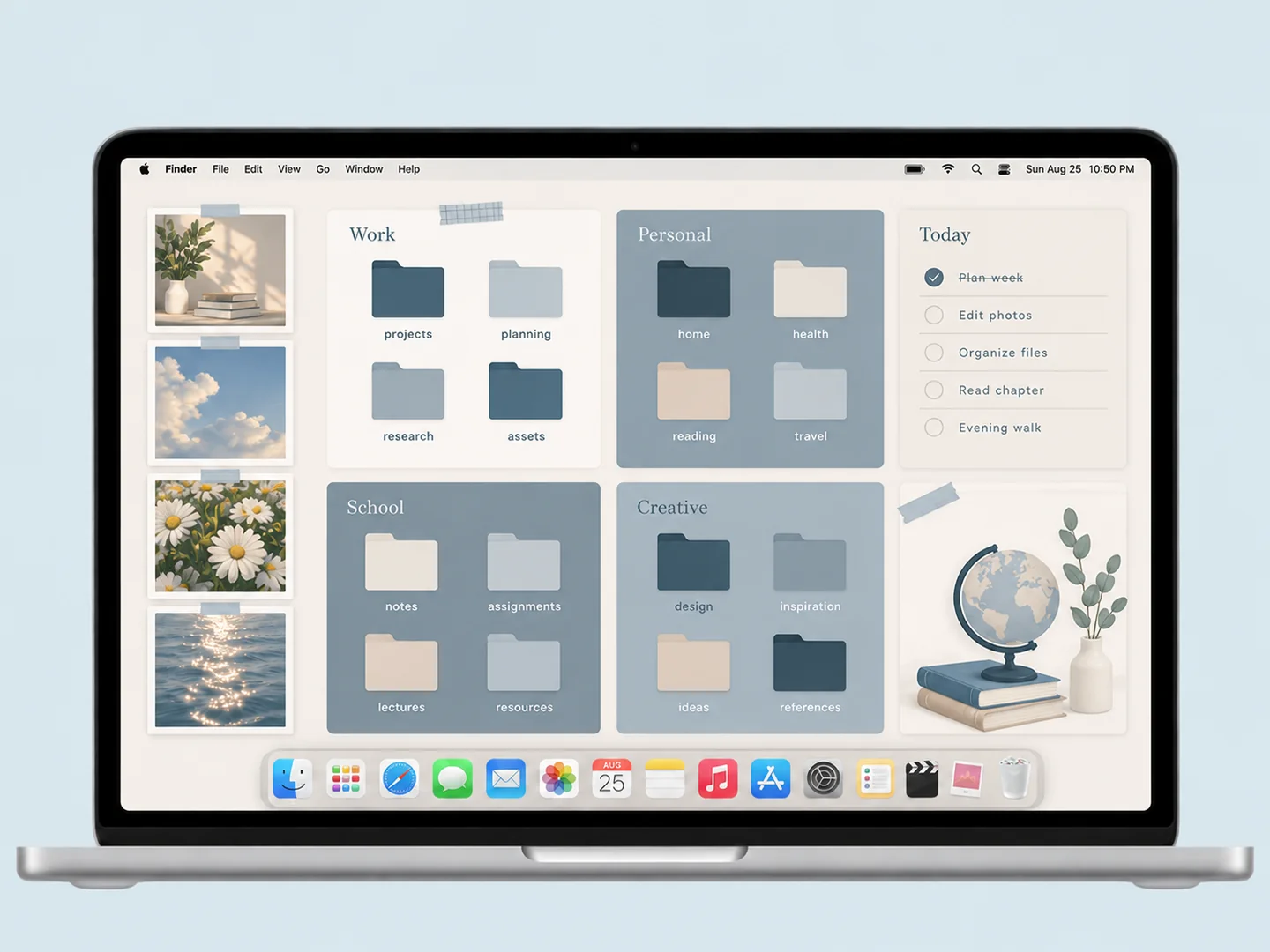 AI concept
Slate-blue panels and cream space with coordinated folders for separate work zones.
How to recreate it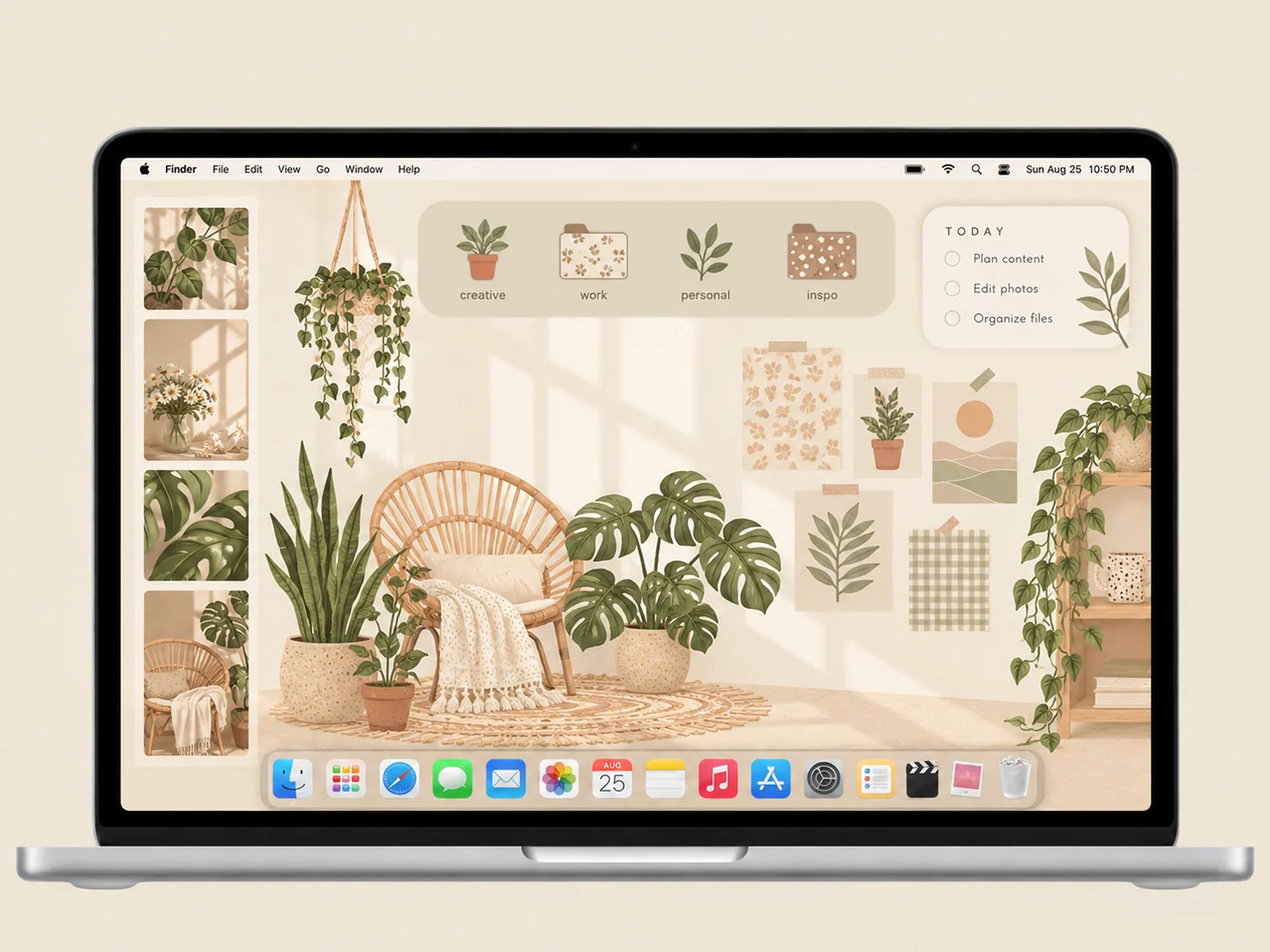 AI concept
Cream panels, sage patterns, and hanging plants around a practical folder layout.
How to recreate it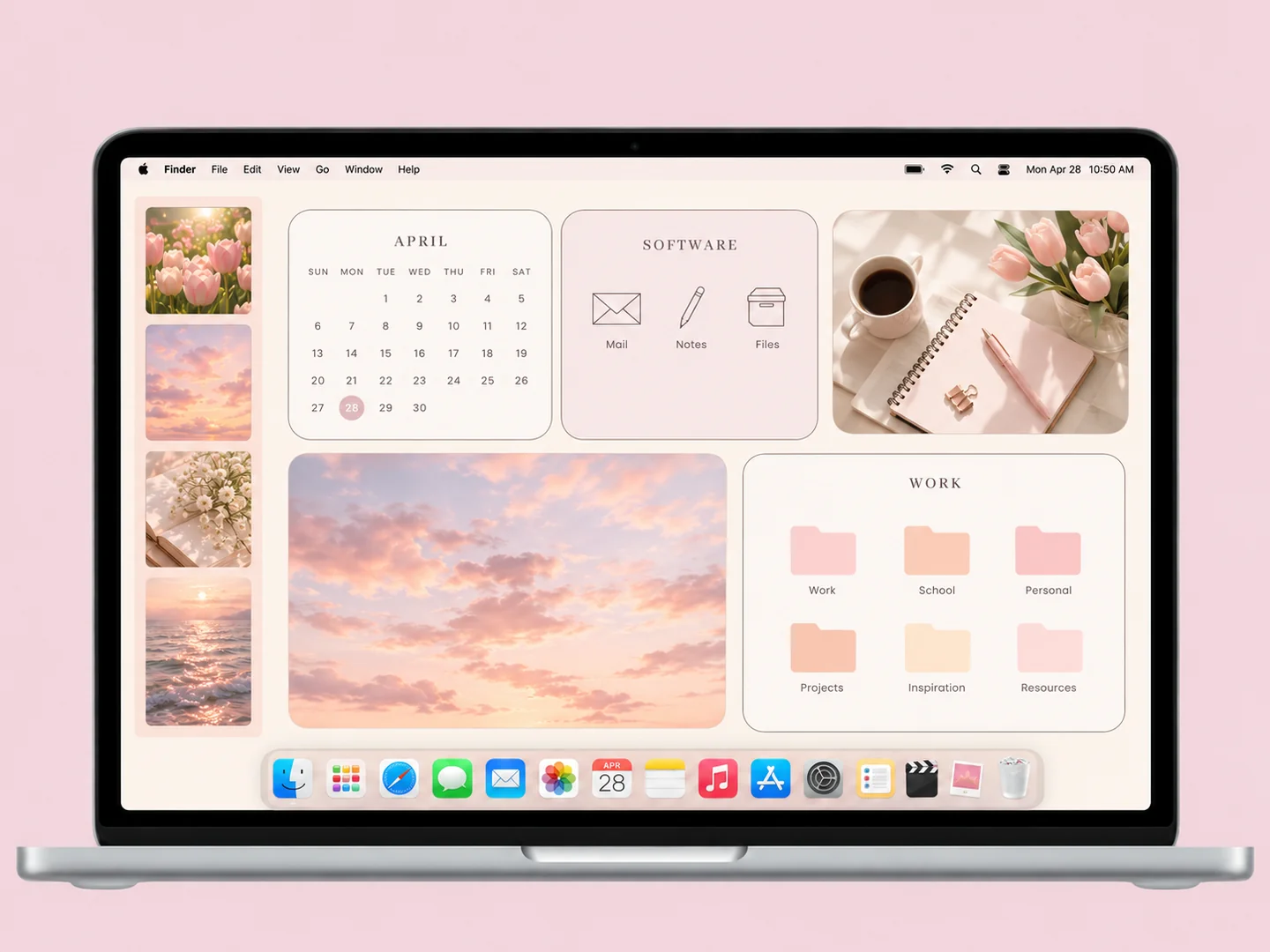 AI concept
Cream and blush work panels with pastel folders and a quiet photo area.
How to recreate itTry another color or a simpler search.
MAKE THE LOOK WORK FOR YOU
Write down the destinations you use during a normal day. Give active work the clearest panel and group less-used material elsewhere. Two or three zones are easier to maintain than a complex organizer with a box for every file type. Leave room for new files.
Create wallpaper at the proportions of your screen. Check how macOS crops or fills the image before you align folders with its panels. Keep important borders away from the menu bar and Dock. If the wallpaper changes, the files do not automatically follow its drawn zones.
A static calendar is decoration once its month ends. Use a live calendar widget for current dates and keep filename labels out of that widget area. Give subject folders short, recognizable names, then adjust icon size and grid spacing to keep the layout comfortable.
No. The drawn panels are part of the image. You place folders in them yourself. Keep an Inbox folder for unsorted files and review it regularly if you want the layout to stay useful.
FROM INSPO TO YOUR DESKTOP
Start with a look you like, then change the wallpaper, folders, and layout in that order.
Read the guide →02 / HOW TOUse Finder’s Get Info window to replace a folder icon with an image you are allowed to use.
Read the guide →03 / HOW TOGive files clear destinations before adding an organizer wallpaper or decorative icons.
Read the guide →