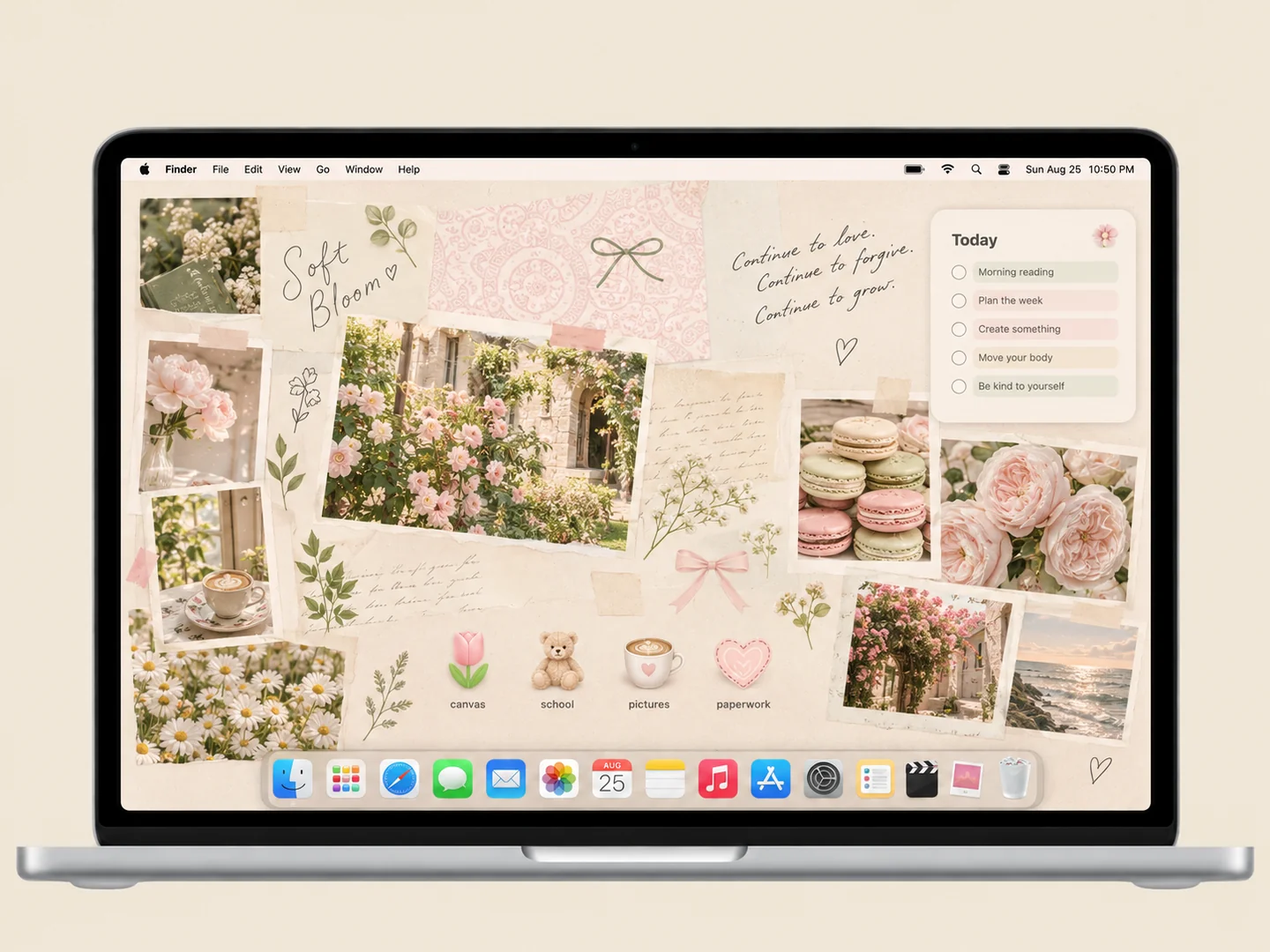
 AI concept
Cream paper, garden photos, and a few flower and coffee icons create a quiet study corner.
How to recreate itDESKTOP STYLE / NATURE & COTTAGECORE
Nature-inspired desktops range from a quiet botanical photograph to a storybook meadow. Use the landscape to frame a working area rather than covering every open space with decoration.
THE IDEA LIBRARY
10 desktop ideas
AI concept previews, each with a look breakdown, recreation tips, and original sources. How we make the images ↗
A preview could not load and has been omitted.
AI conceptCream paper, garden photos, and a few flower and coffee icons create a quiet study corner.
How to recreate it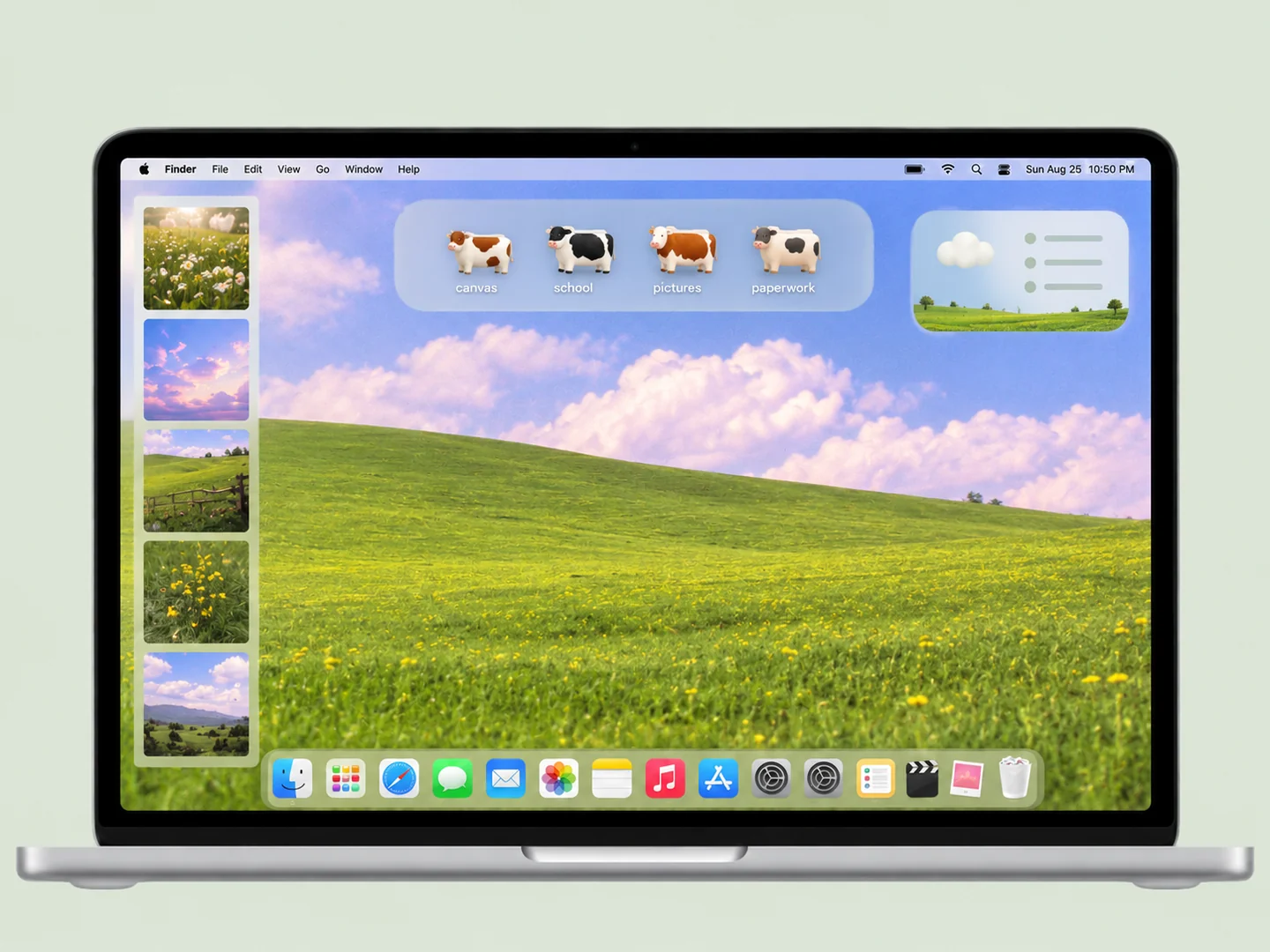 AI concept
A green meadow and pastel sky with cow-shaped folders placed across the grass.
How to recreate it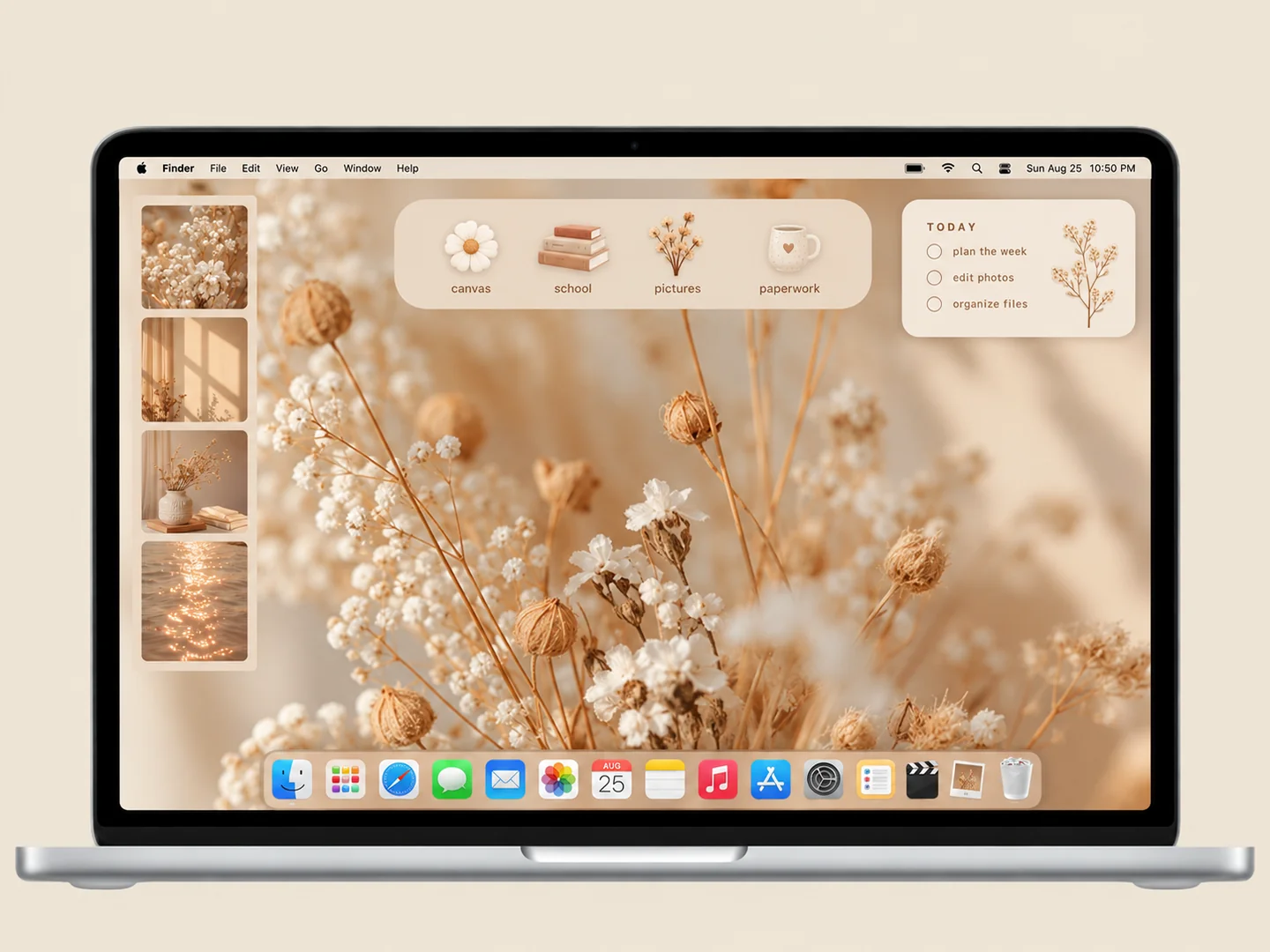 AI concept
Warm neutrals and delicate botanical textures with a restrained set of folders.
How to recreate it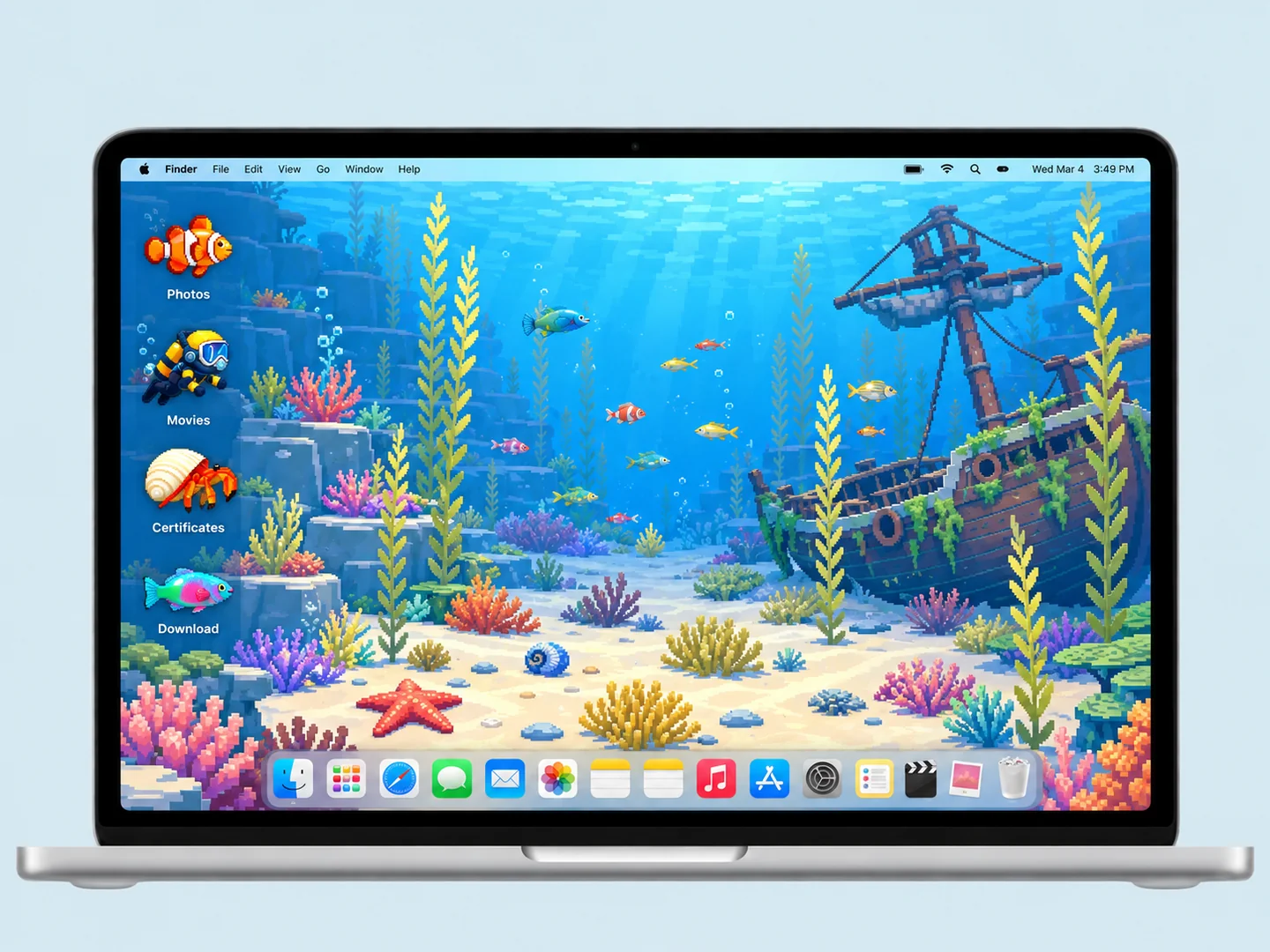 AI concept
A blue underwater scene turns fish, divers, and shells into a playful folder system.
How to recreate it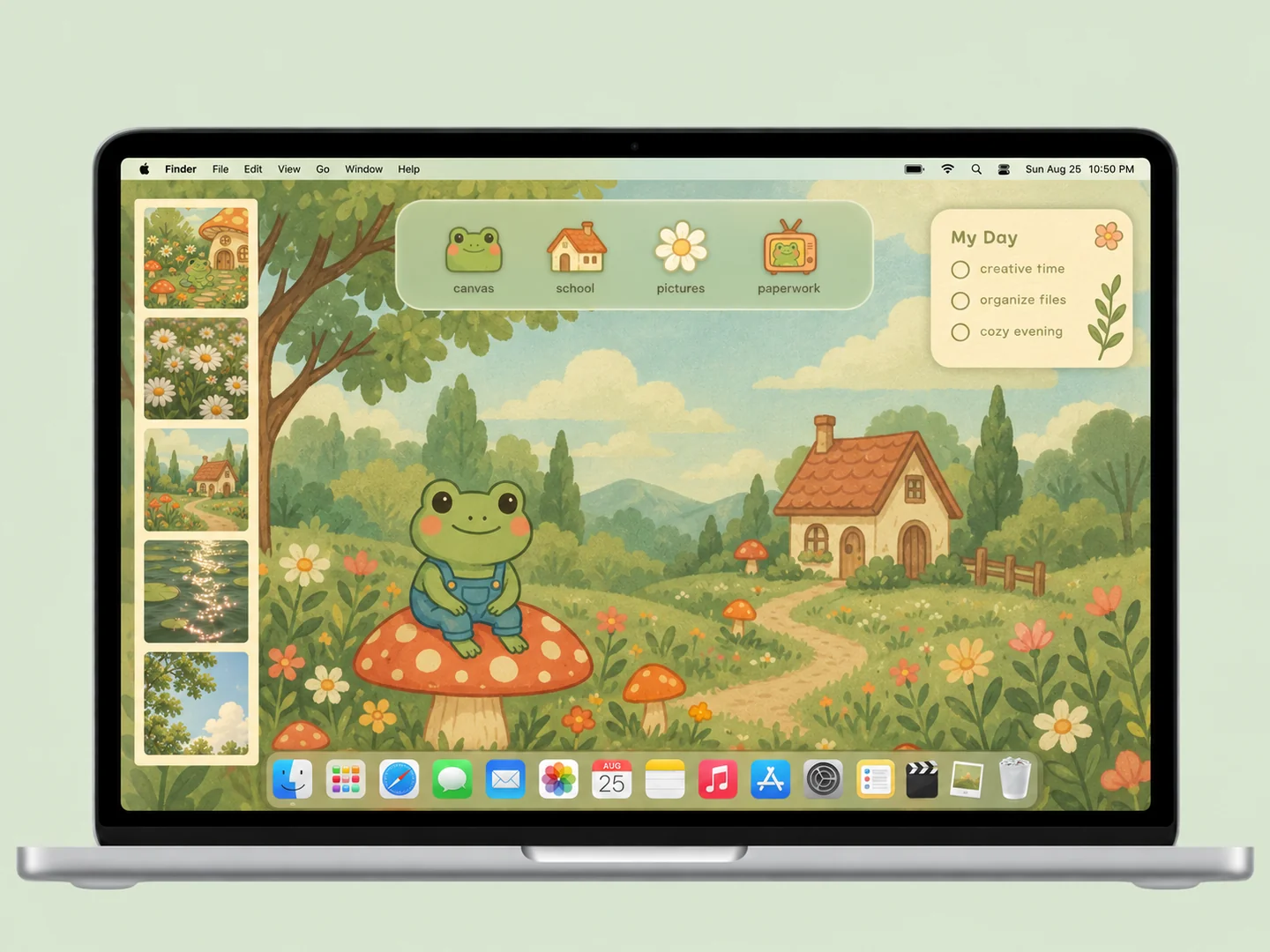 AI concept
A mossy cottage scene with frogs, mushrooms, and matching illustrated folder icons.
How to recreate it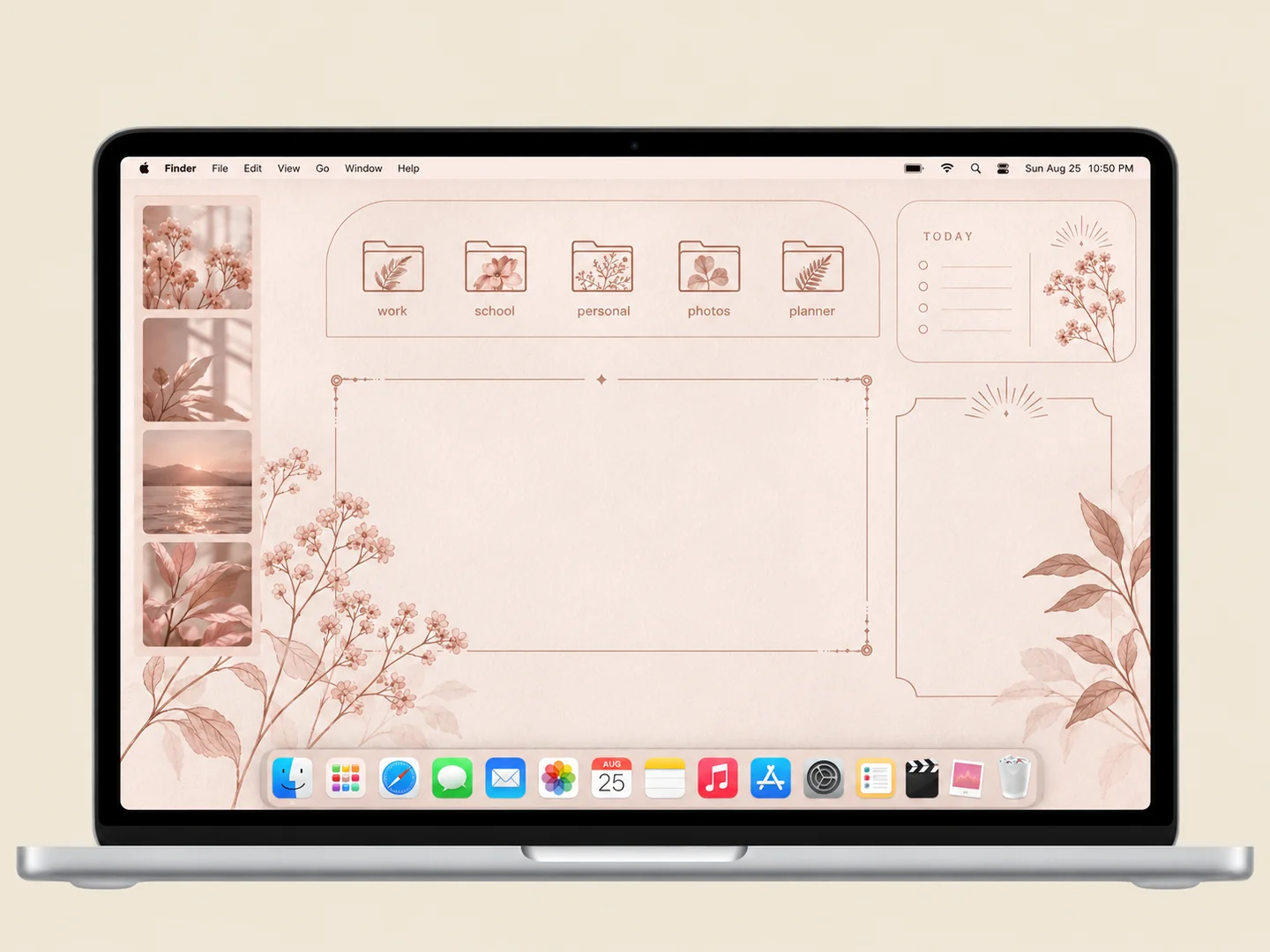 AI concept
Blush organizer panels with delicate botanical folder illustrations.
How to recreate it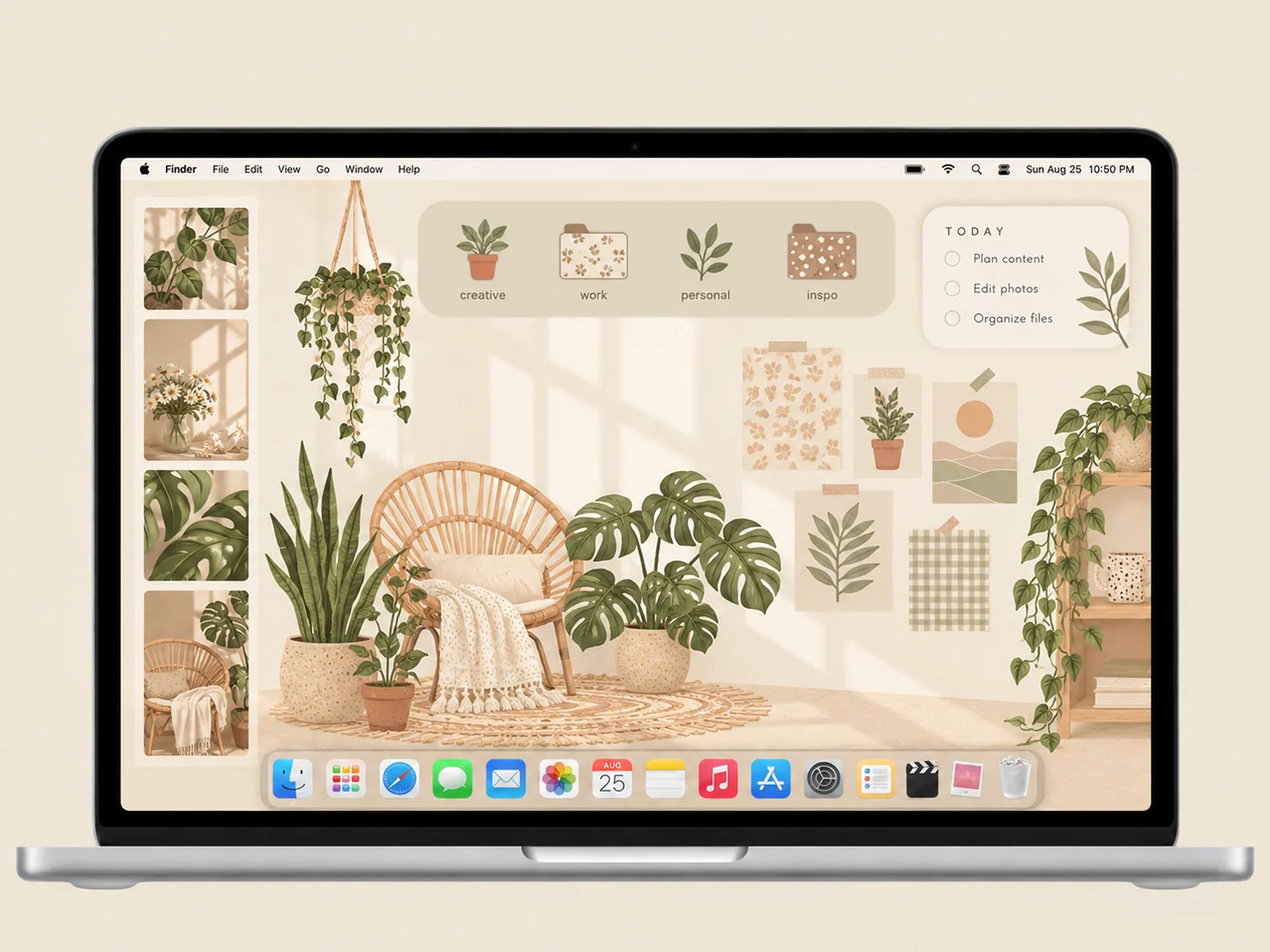 AI concept
Cream panels, sage patterns, and hanging plants around a practical folder layout.
How to recreate it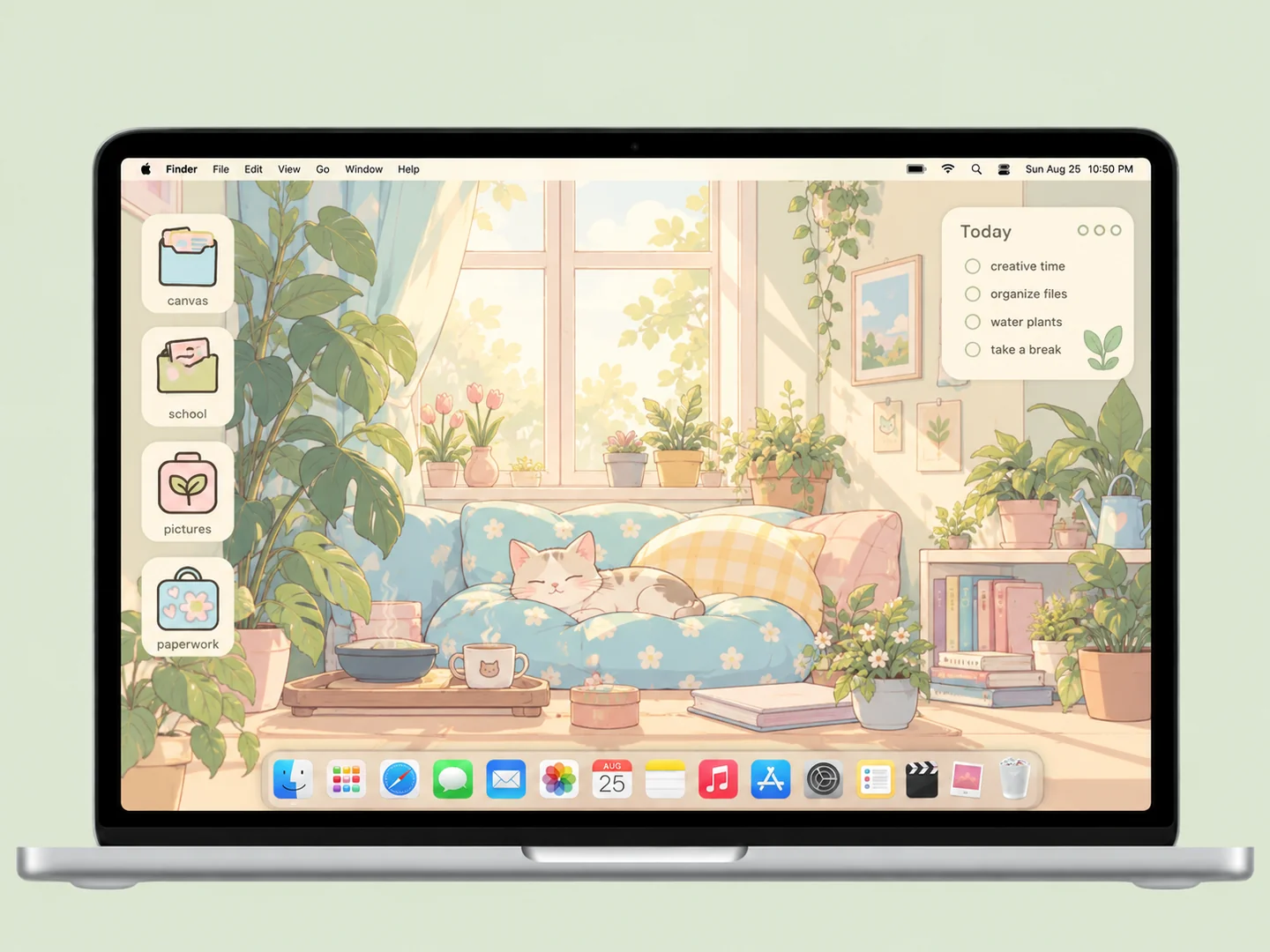 AI concept
A sunlit room with cats, books, and plants, plus sage and pale-blue folders.
How to recreate it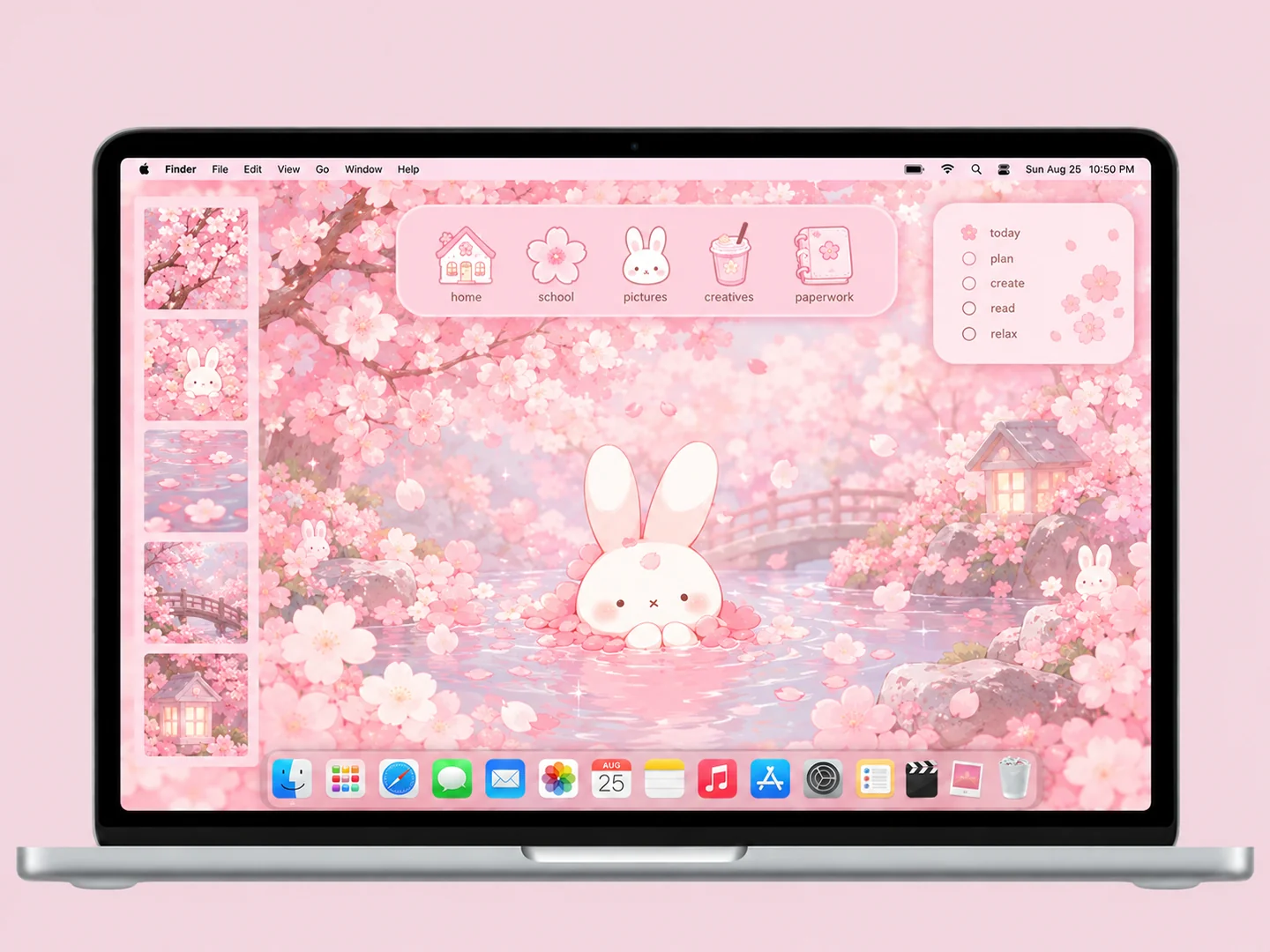 AI concept
Cherry-blossom pinks, a white bunny, and matching flower and notebook icons.
How to recreate it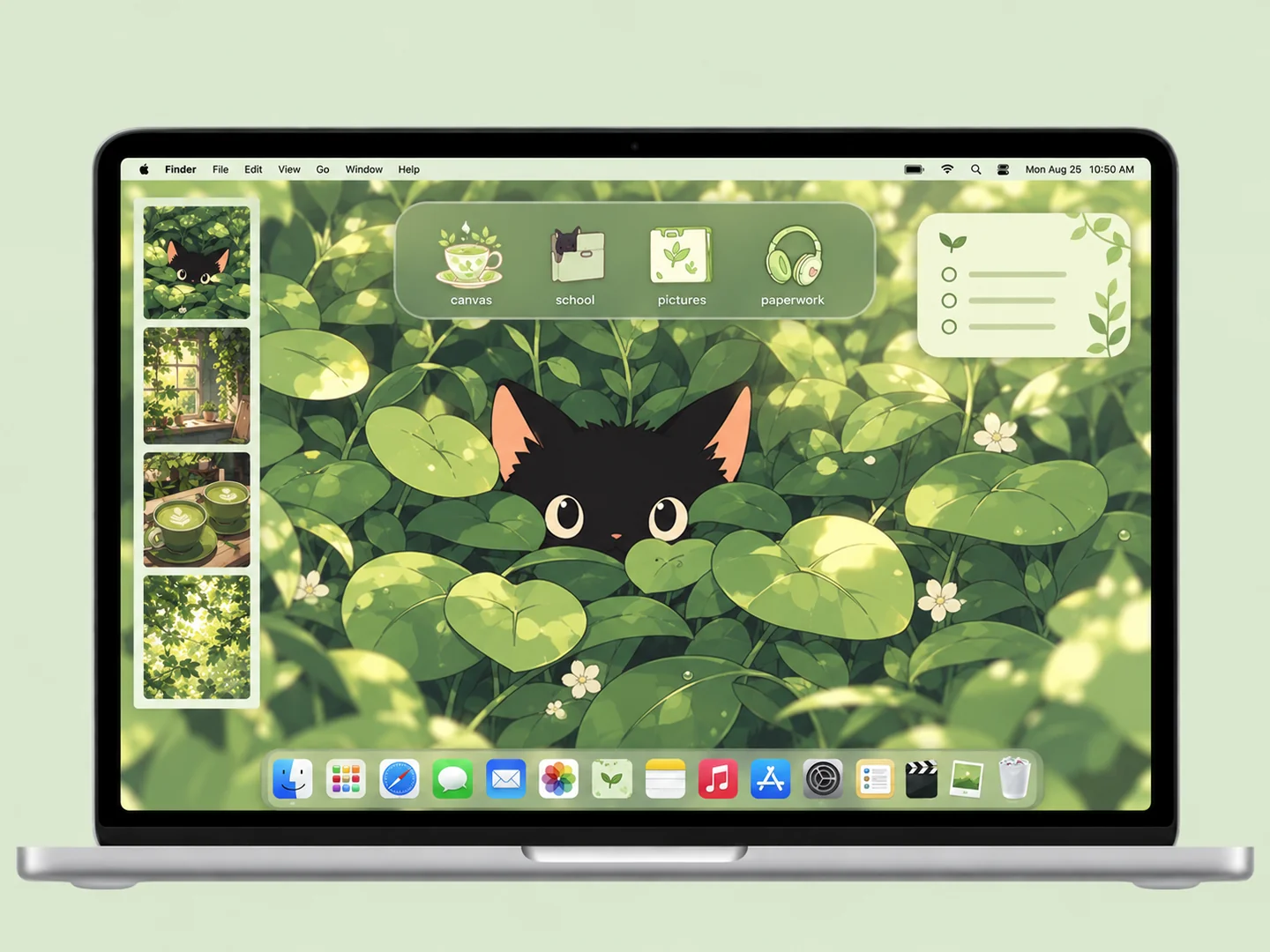 AI concept
Deep green leaves, a black kitten, and pale matcha folder icons.
How to recreate itTry another color or a simpler search.
MAKE THE LOOK WORK FOR YOU
Leaves, branches, and grass can make labels hard to read. Choose a background with a clear sky, open wall, or smooth patch of color. Place folders there before adding any extra objects. Keep the main animal or cottage visible as the focal point.
A pixel fish, a painted flower, and a photographic cow have different textures. Choose one approach for each setup. Sage and cream suit soft illustrations, while pale matcha icons can stand out against deep foliage. Use distinct silhouettes rather than relying on color alone.
A concept preview is a guide to the composition. It is not a wallpaper or icon download. Follow the original creator links to check available files and their terms, or use your own nature photos and original icons to build a similar palette.
Use a clearly lighter or darker folder color, choose icons with a strong silhouette, and place them in a low-detail area. Check both the icon and its filename at normal size.
FROM INSPO TO YOUR DESKTOP
Start with a look you like, then change the wallpaper, folders, and layout in that order.
Read the guide →02 / HOW TOUse Finder’s Get Info window to replace a folder icon with an image you are allowed to use.
Read the guide →03 / HOW TOGive files clear destinations before adding an organizer wallpaper or decorative icons.
Read the guide →