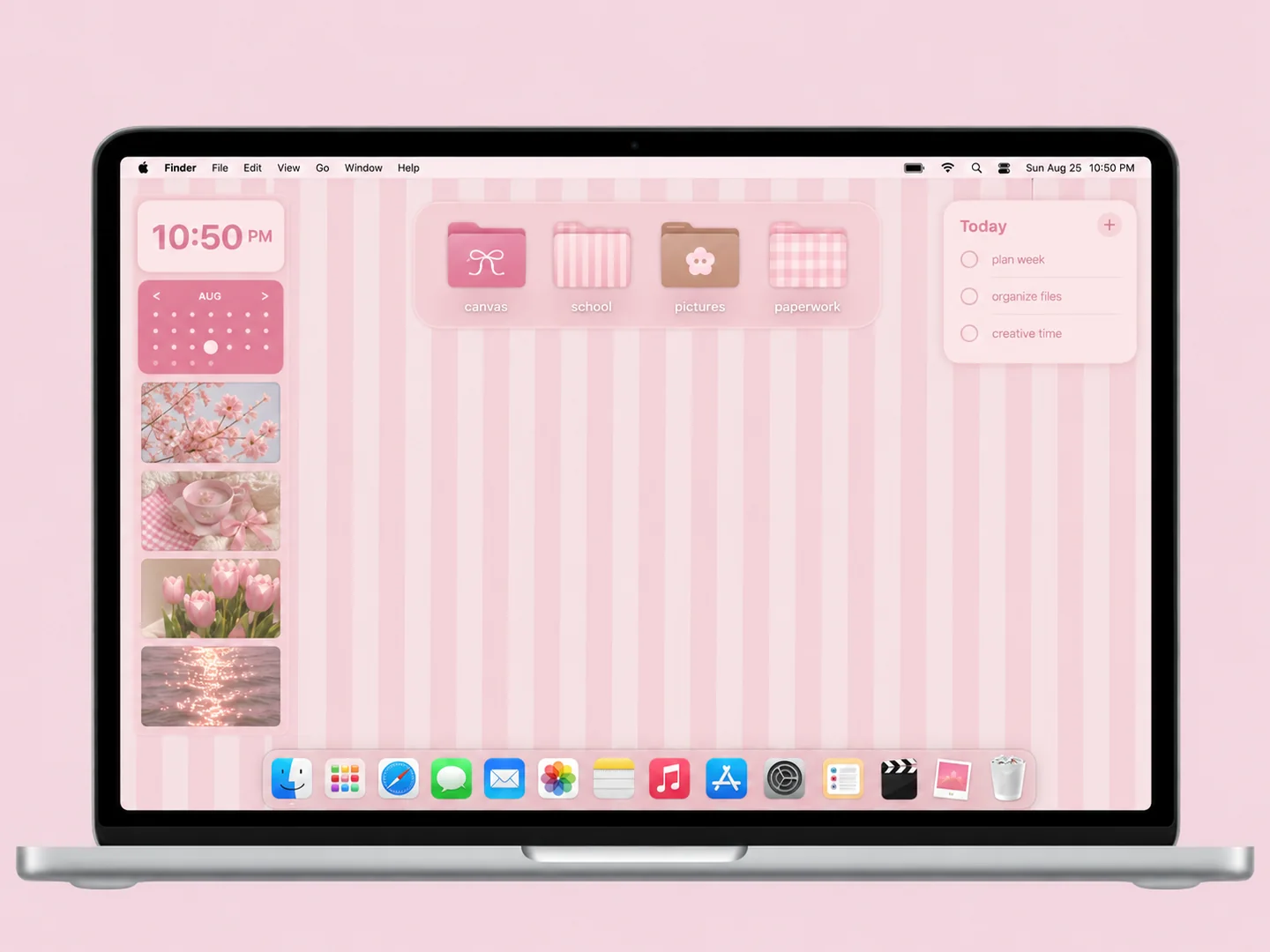
 AI concept
Pink vertical stripes with bow-decorated folders and a compact calendar area.
How to recreate itDESKTOP STYLE / PINK & PASTEL
Pink can feel soft, playful, or carefully organized. Start with one shade you want to see every day, then choose a quieter background or a more expressive set of folder icons.
THE IDEA LIBRARY
15 desktop ideas
AI concept previews, each with a look breakdown, recreation tips, and original sources. How we make the images ↗
A preview could not load and has been omitted.
AI conceptPink vertical stripes with bow-decorated folders and a compact calendar area.
How to recreate it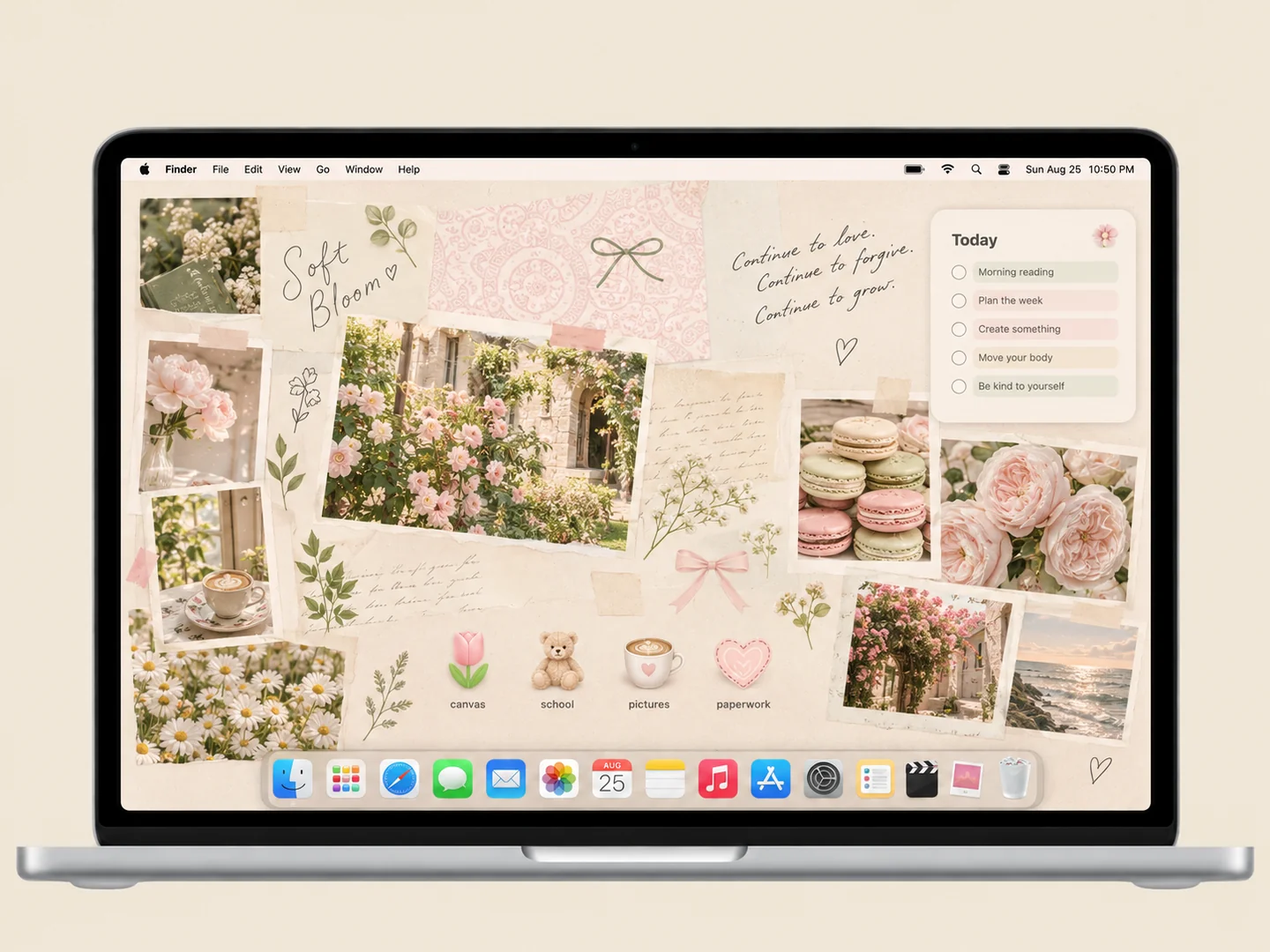 AI concept
Cream paper, garden photos, and a few flower and coffee icons create a quiet study corner.
How to recreate it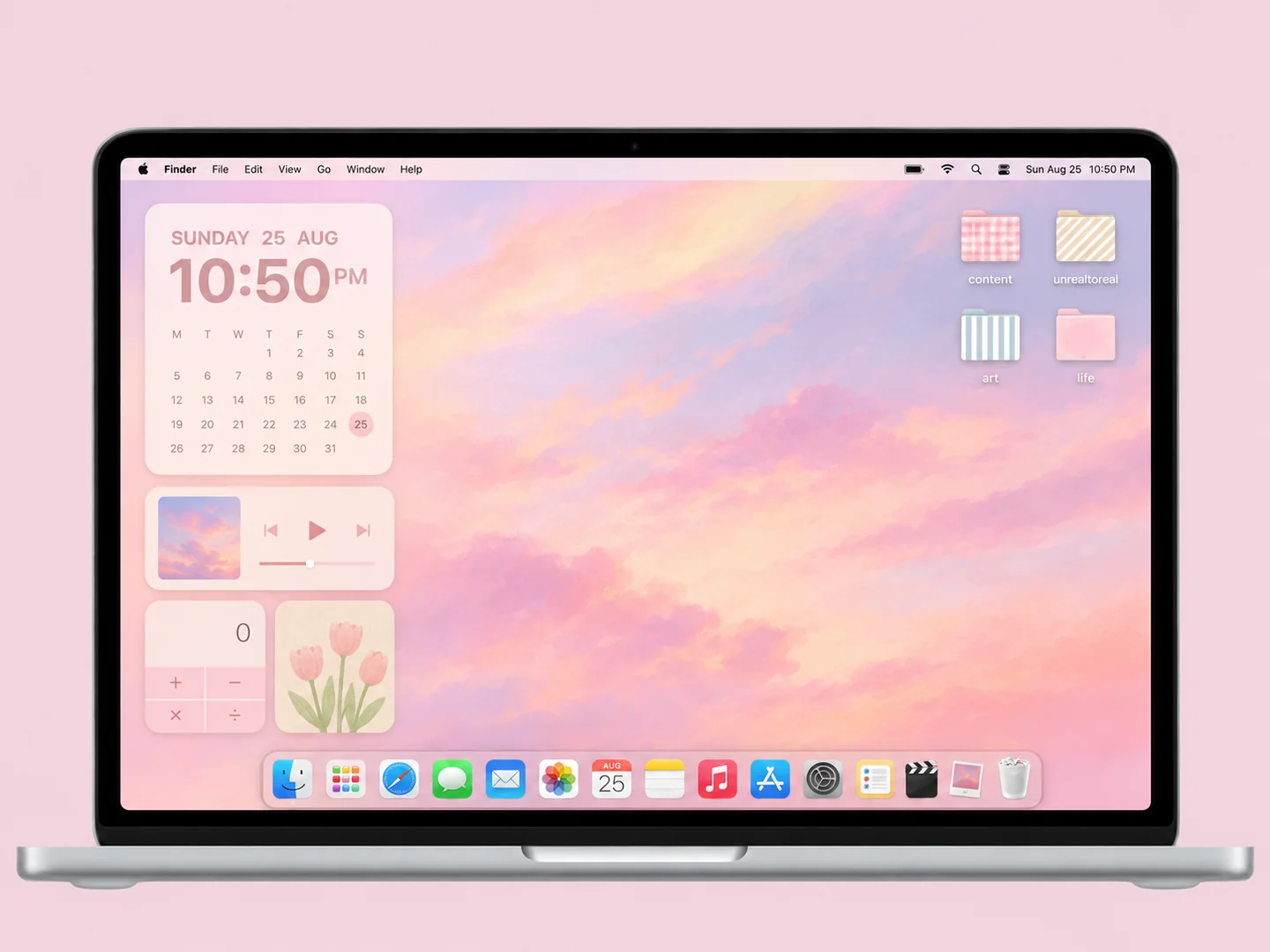 AI concept
A peach cloud gradient with gingham, striped, and solid pastel folders.
How to recreate it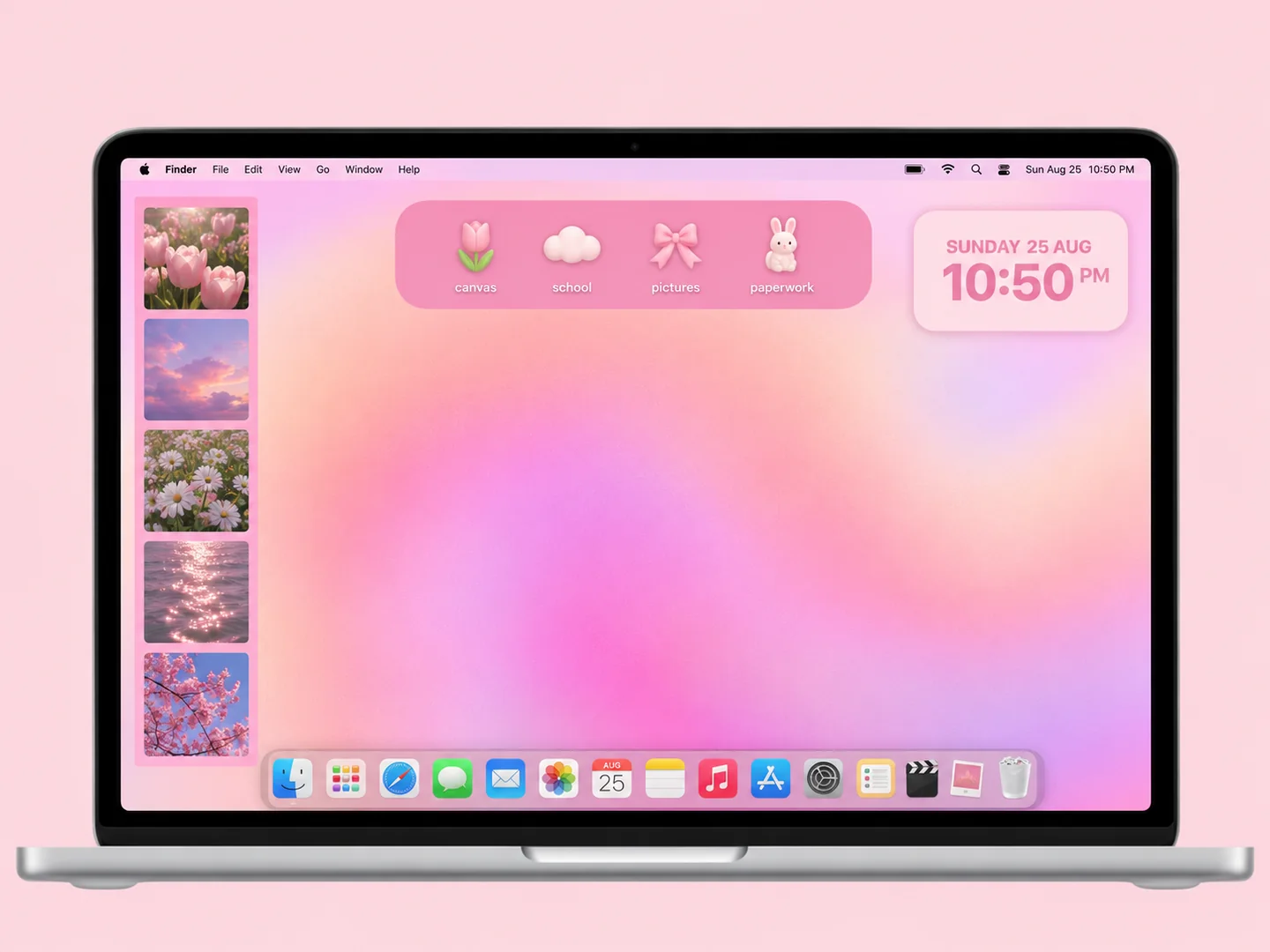 AI concept
A peach-to-lilac glow, a photo strip, and a small tray of playful folders.
How to recreate it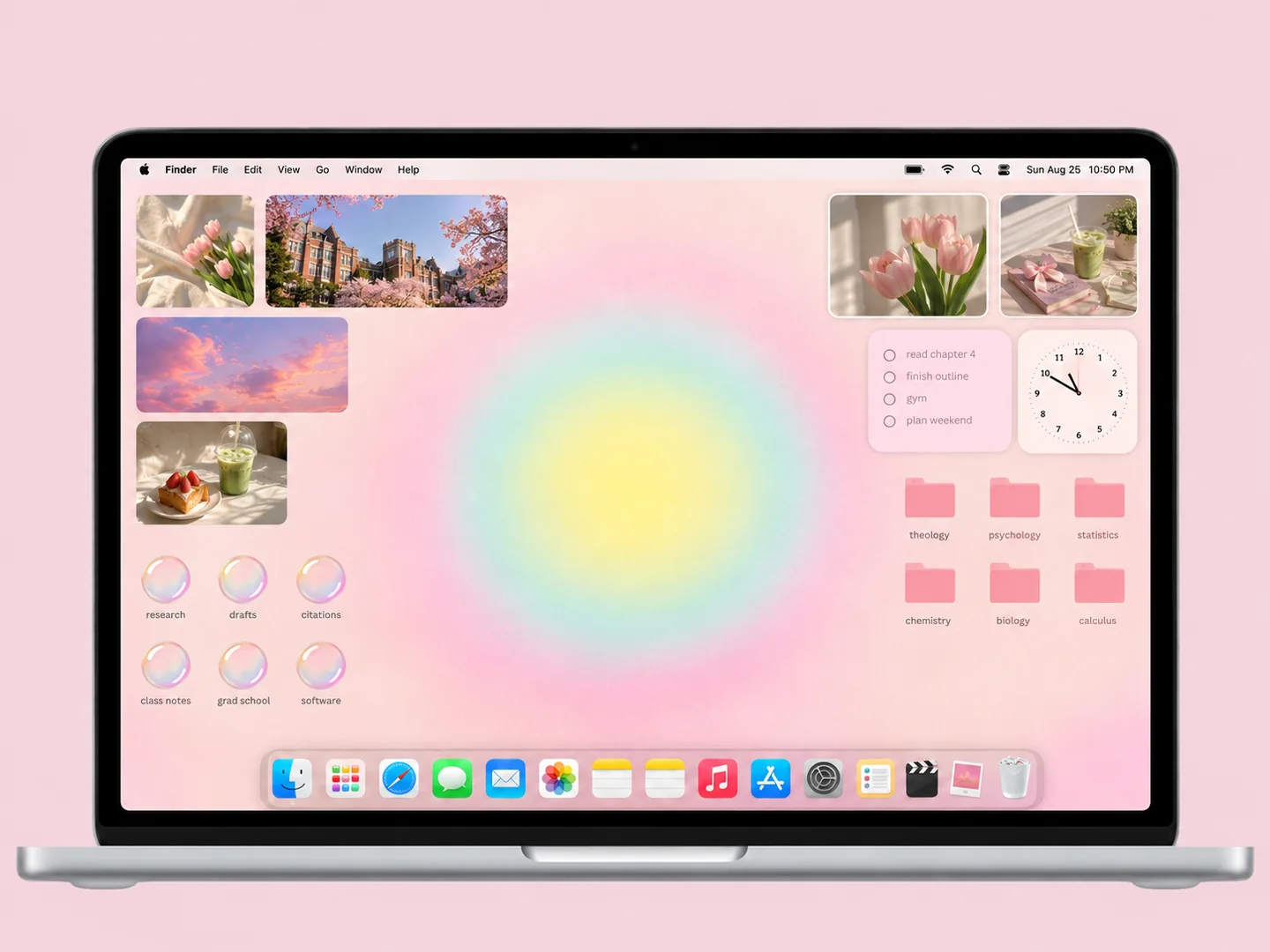 AI concept
Soft yellow and mint light, pink subject folders, and a border of personal photos.
How to recreate it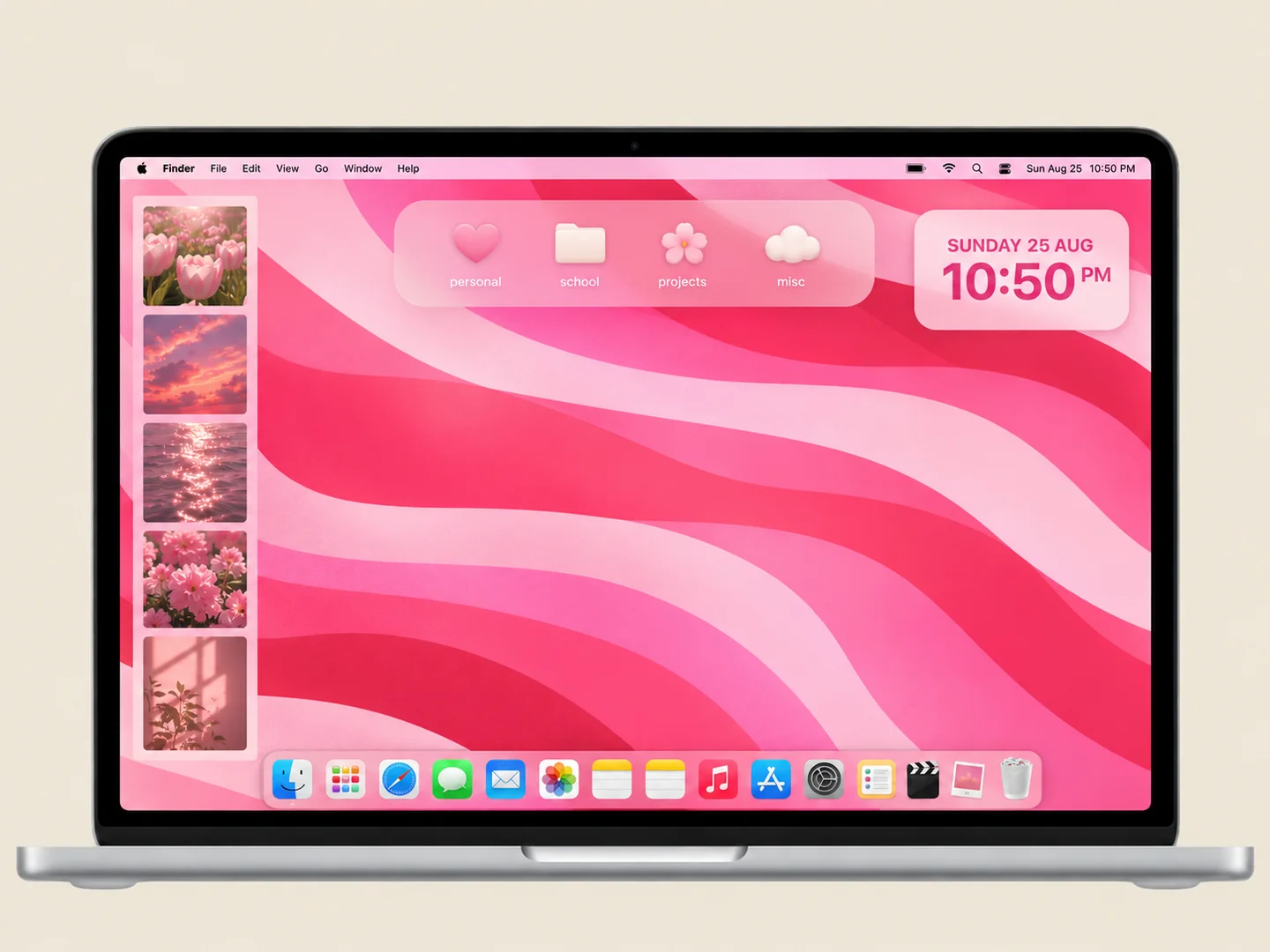 AI concept
Pink ribbon-like waves with small matching folders and a compact widget group.
How to recreate it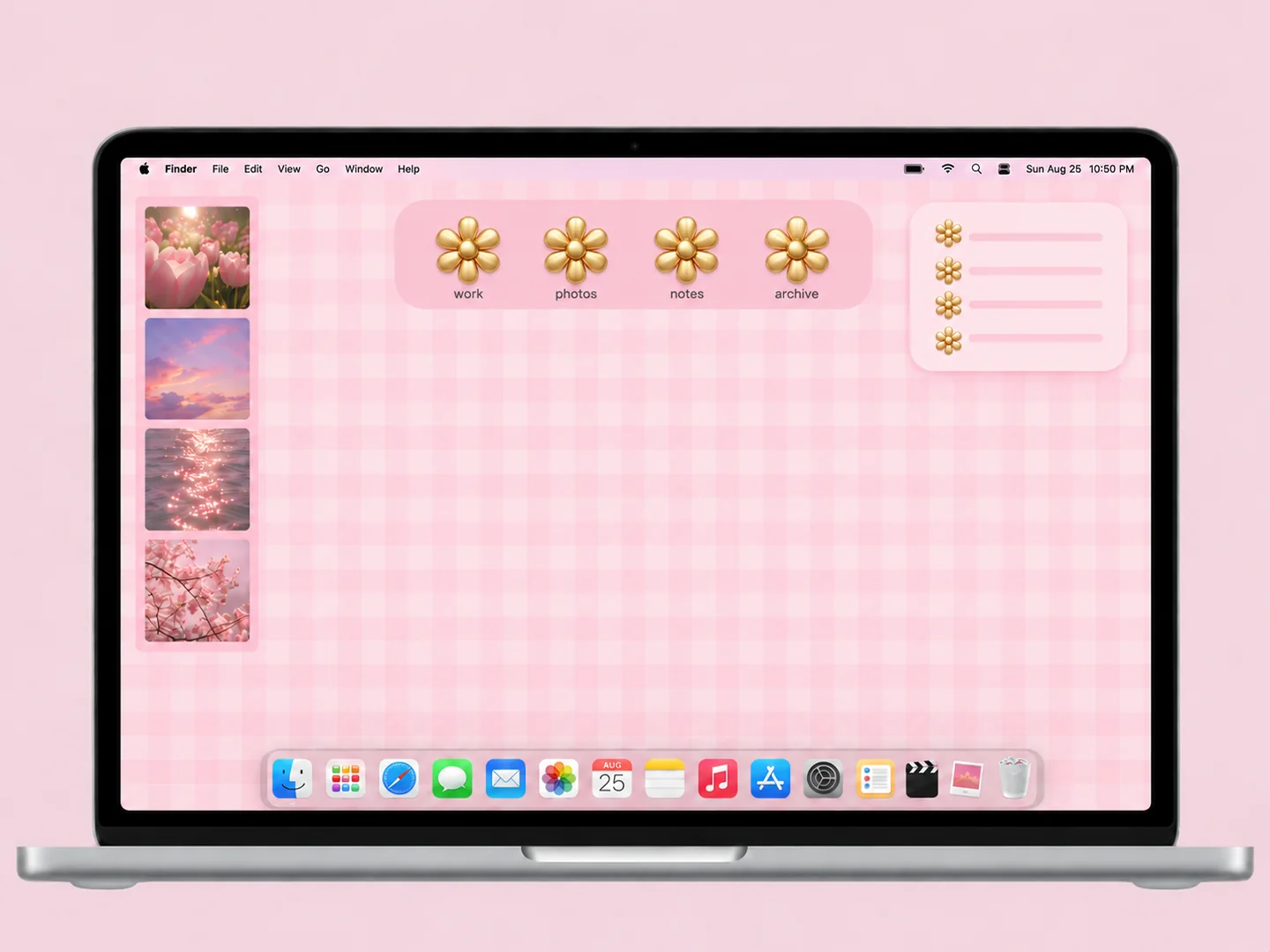 AI concept
Small pink checks paired with warm gold flower-shaped folder icons.
How to recreate it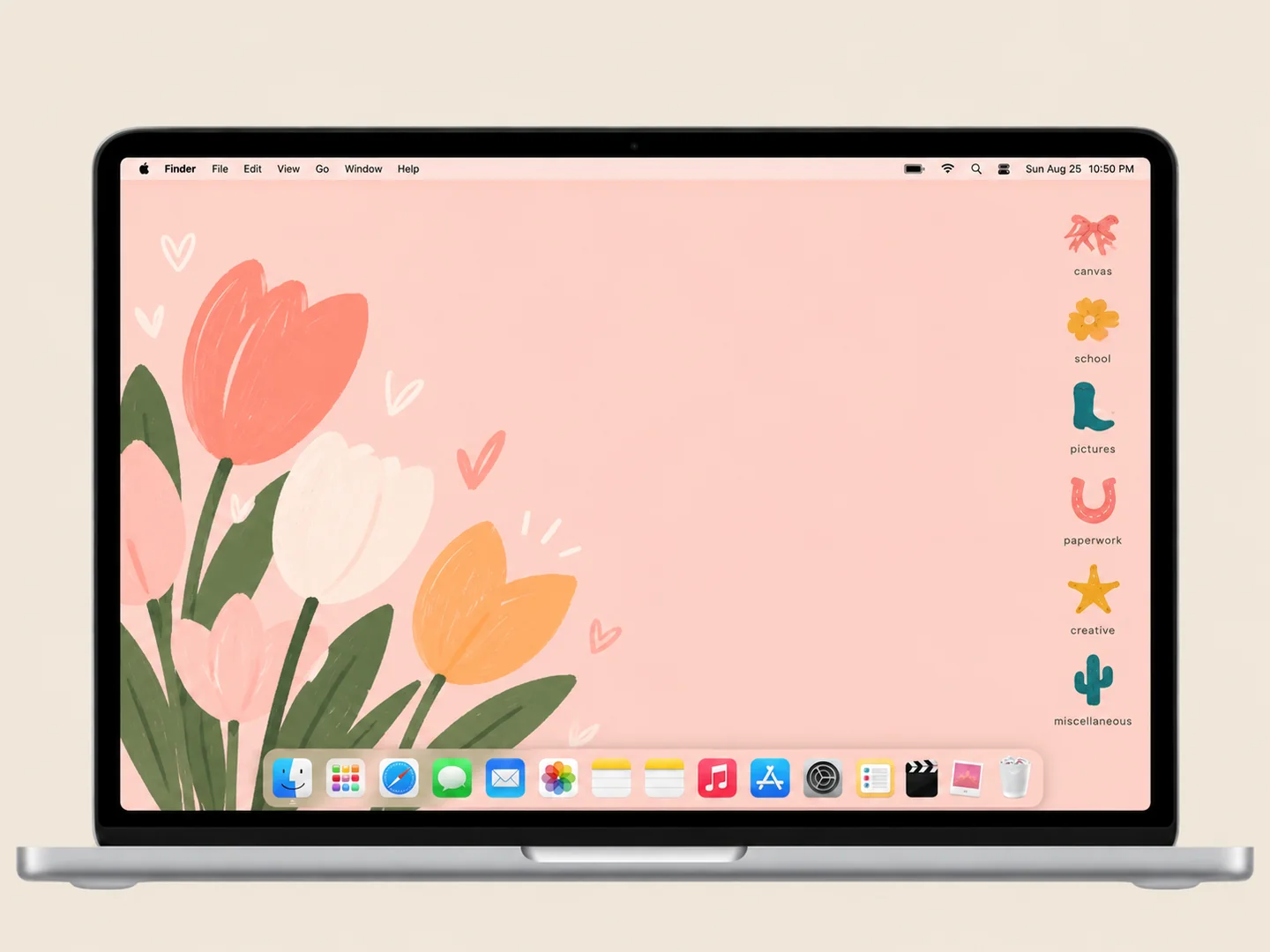 AI concept
A warm peach background with a small set of colorful custom folder shapes.
How to recreate it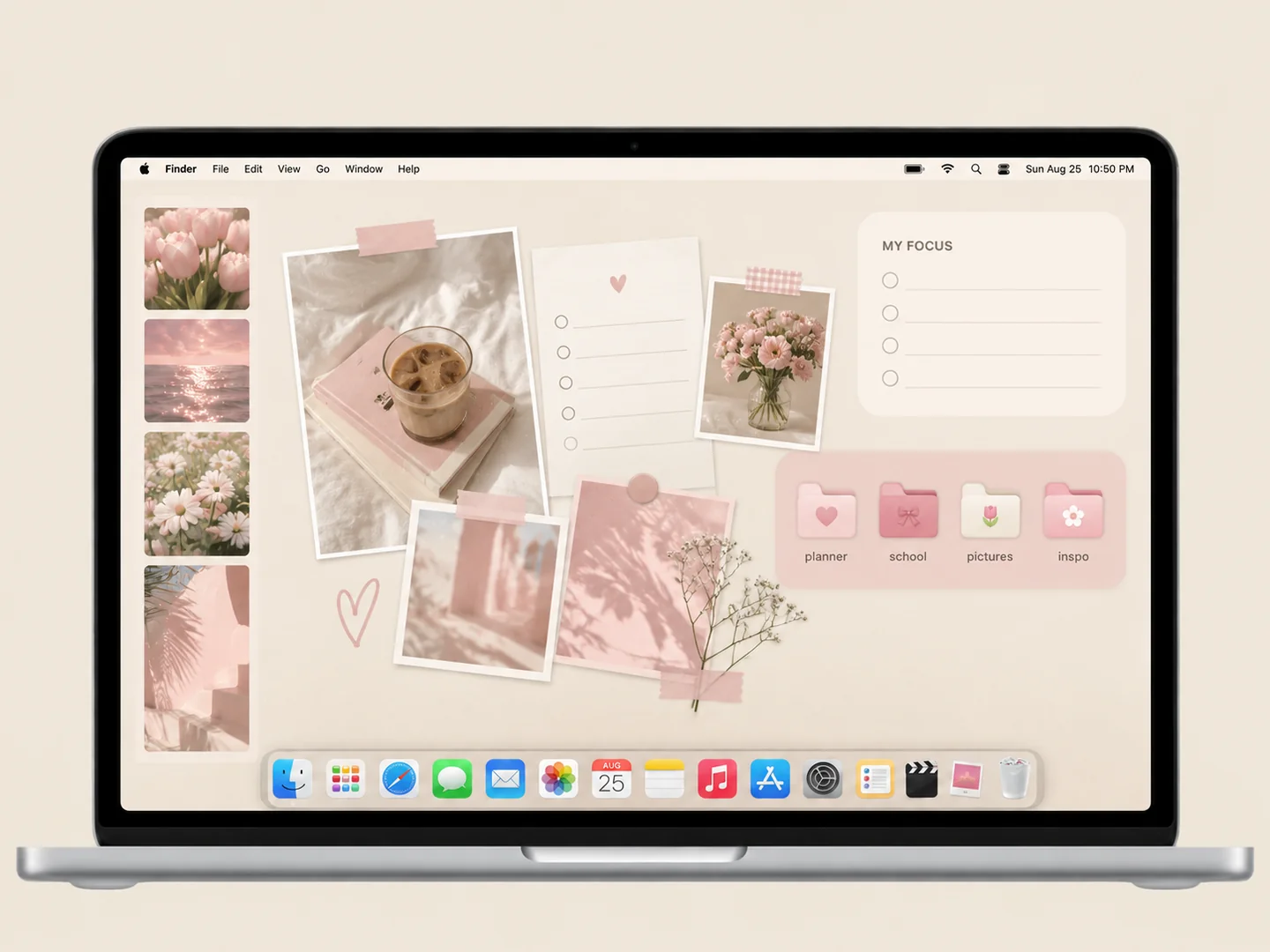 AI concept
Blush planner panels, a few personal photos, and matching pink subject folders.
How to recreate it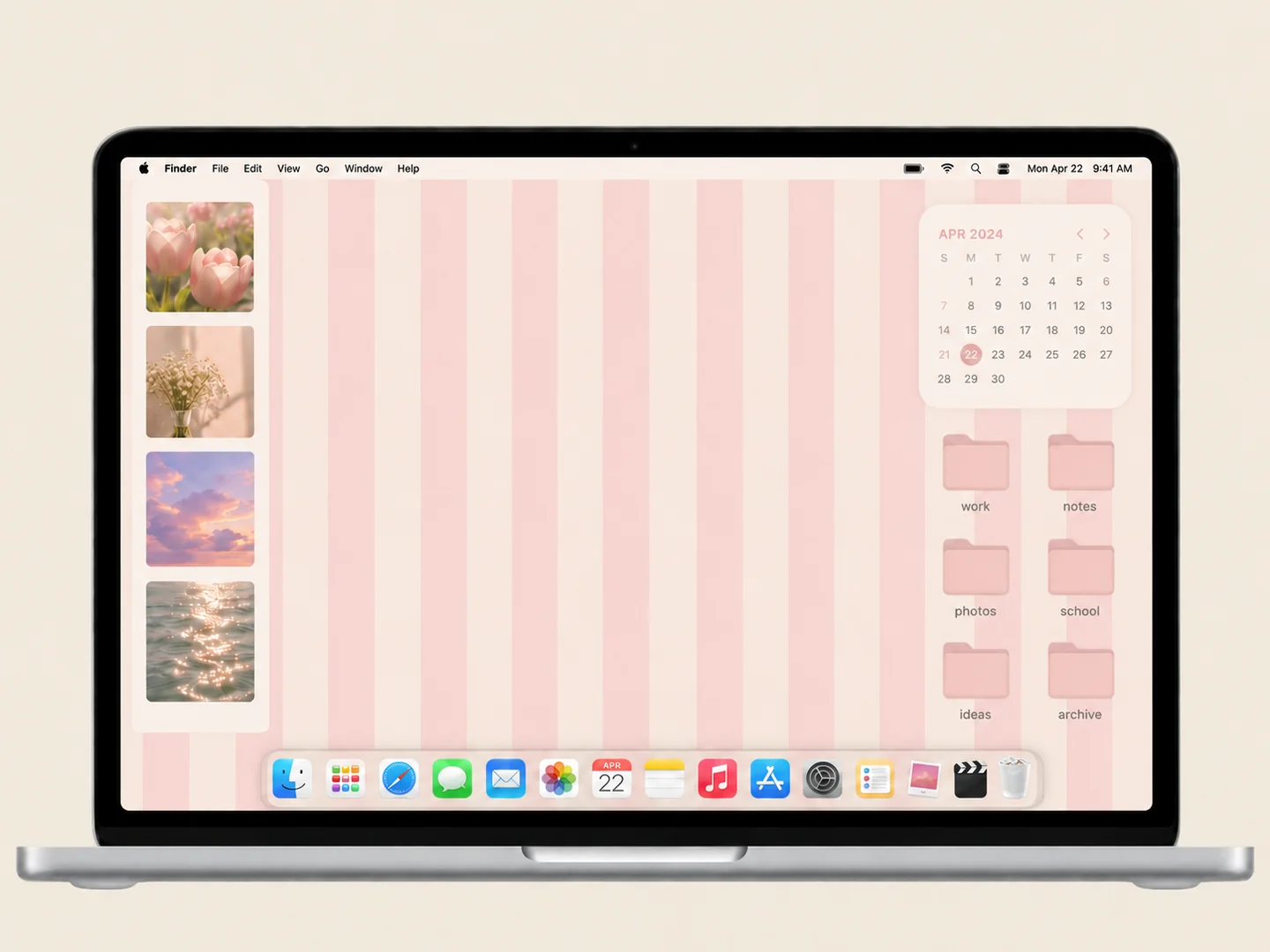 AI concept
Soft pink stripes, a small photo collection, and a matching folder grid.
How to recreate it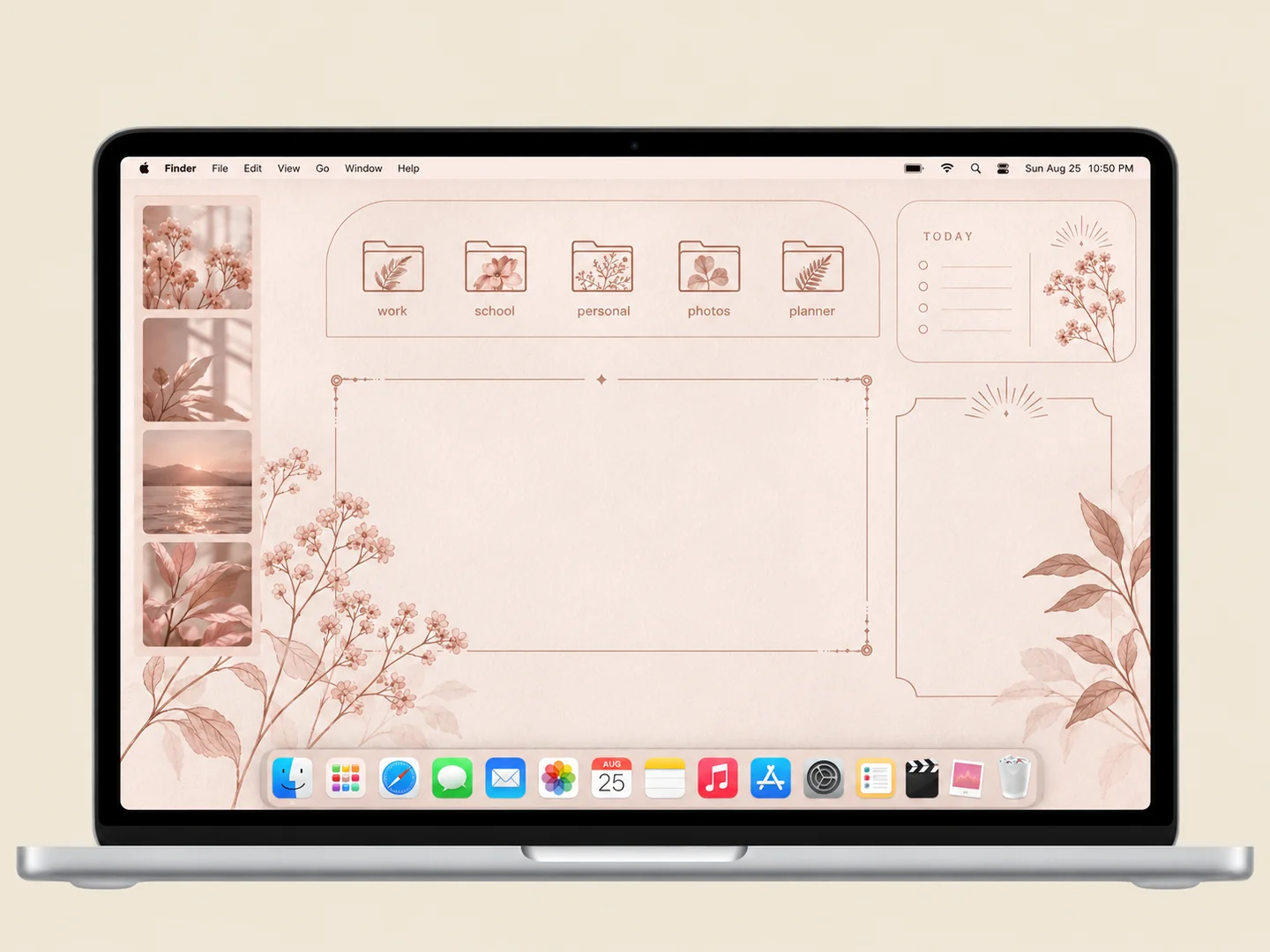 AI concept
Blush organizer panels with delicate botanical folder illustrations.
How to recreate it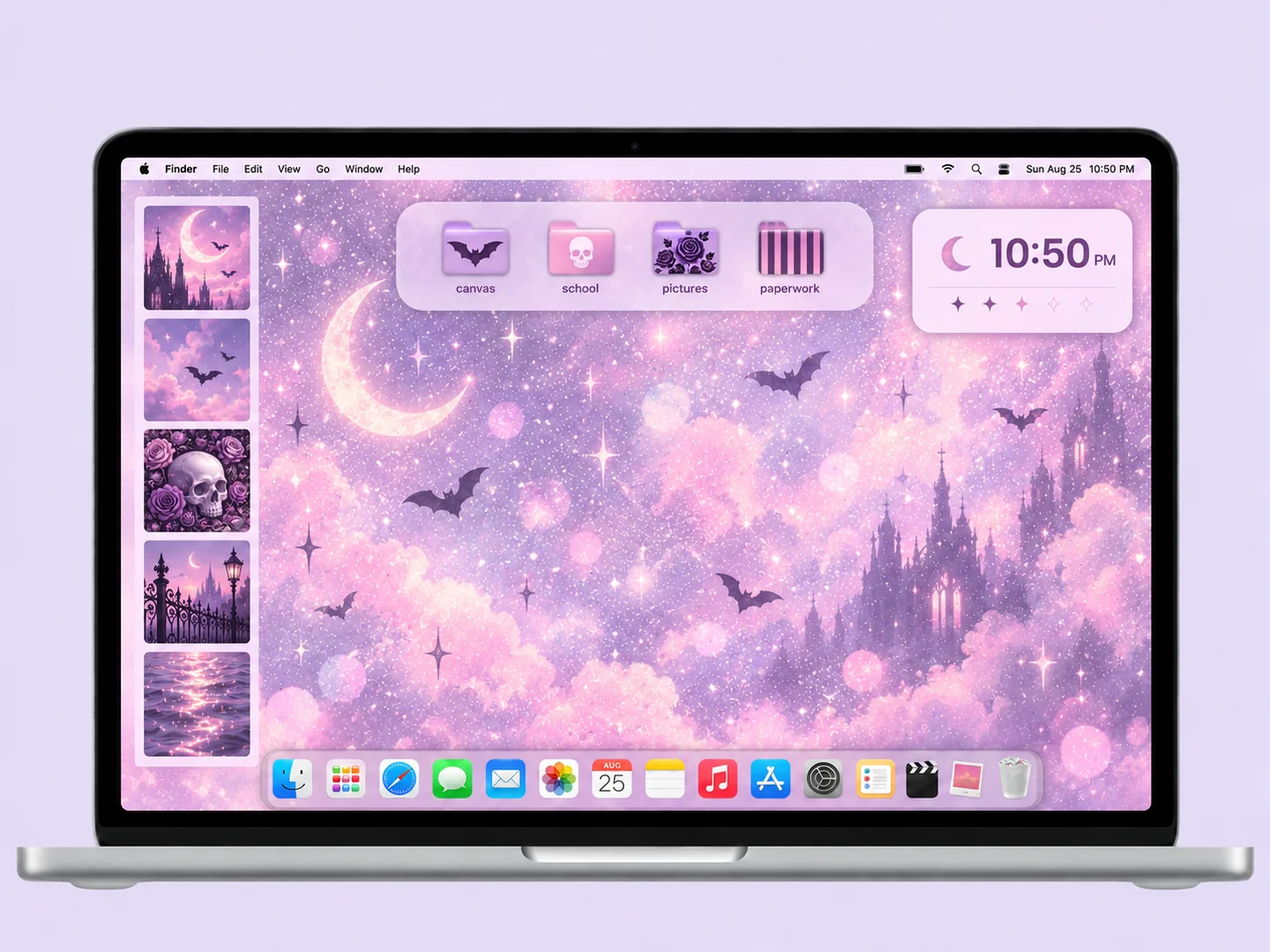 AI concept
Lavender light, soft pink accents, and a small set of gothic-patterned folders.
How to recreate it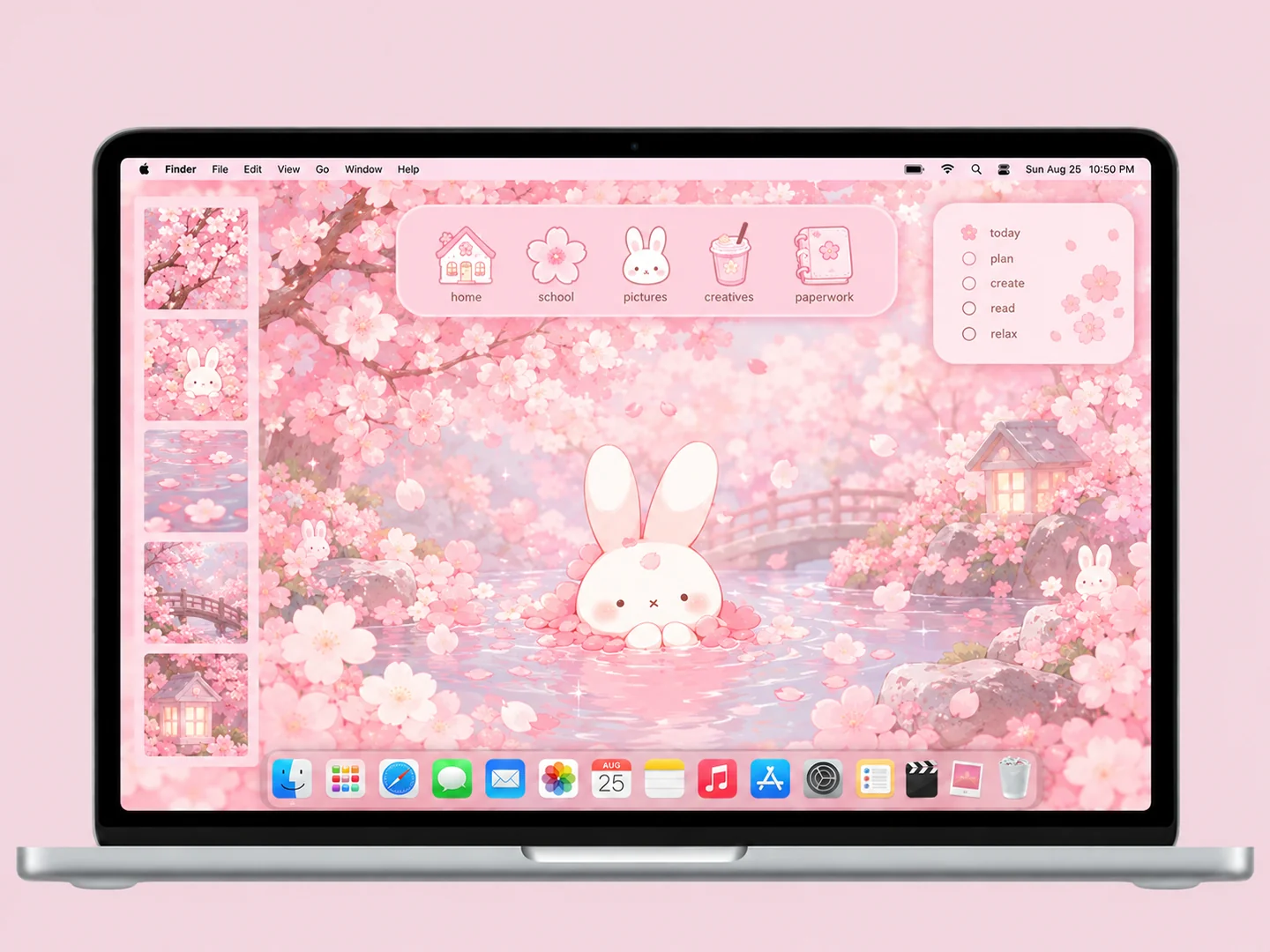 AI concept
Cherry-blossom pinks, a white bunny, and matching flower and notebook icons.
How to recreate it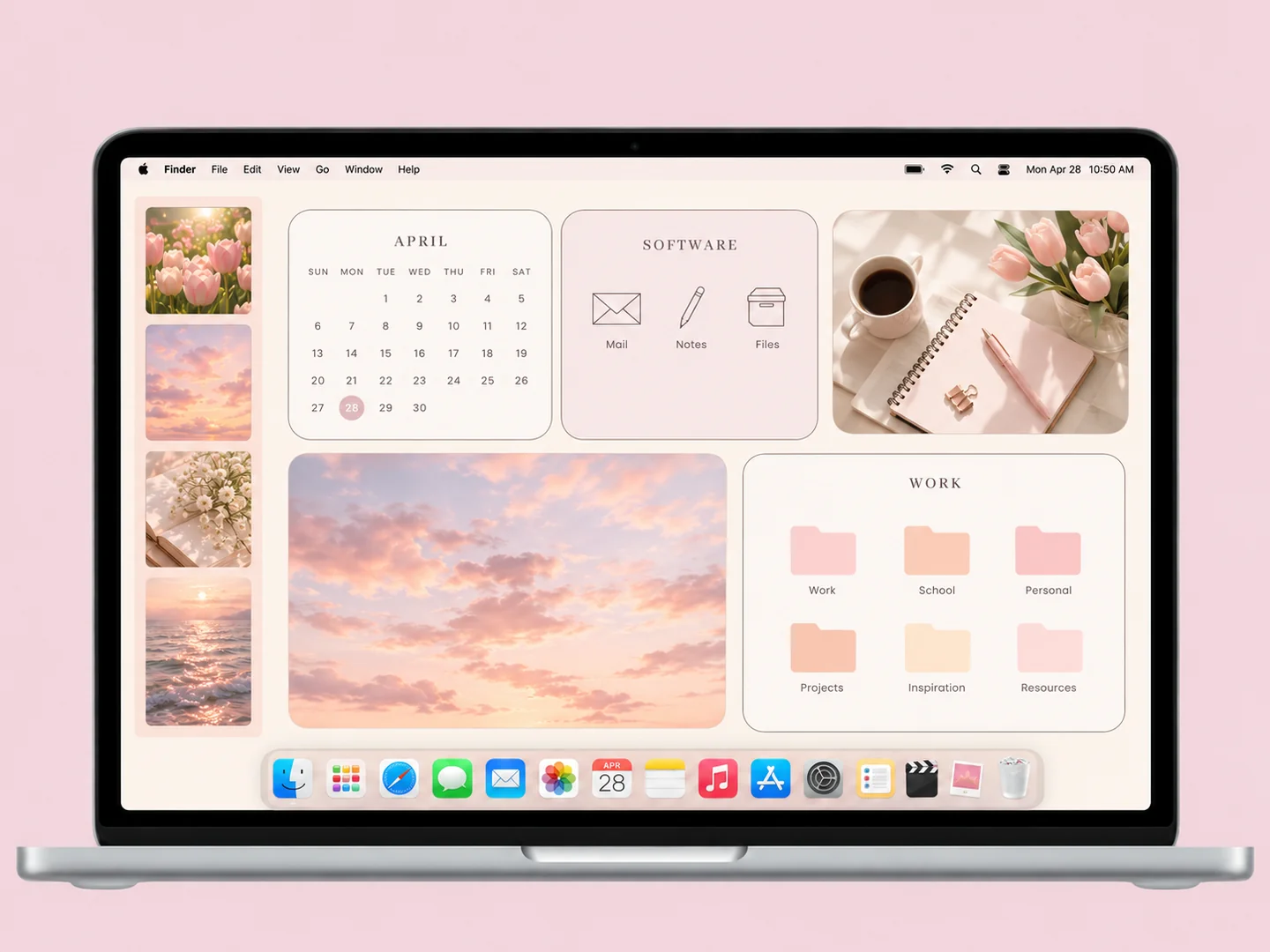 AI concept
Cream and blush work panels with pastel folders and a quiet photo area.
How to recreate it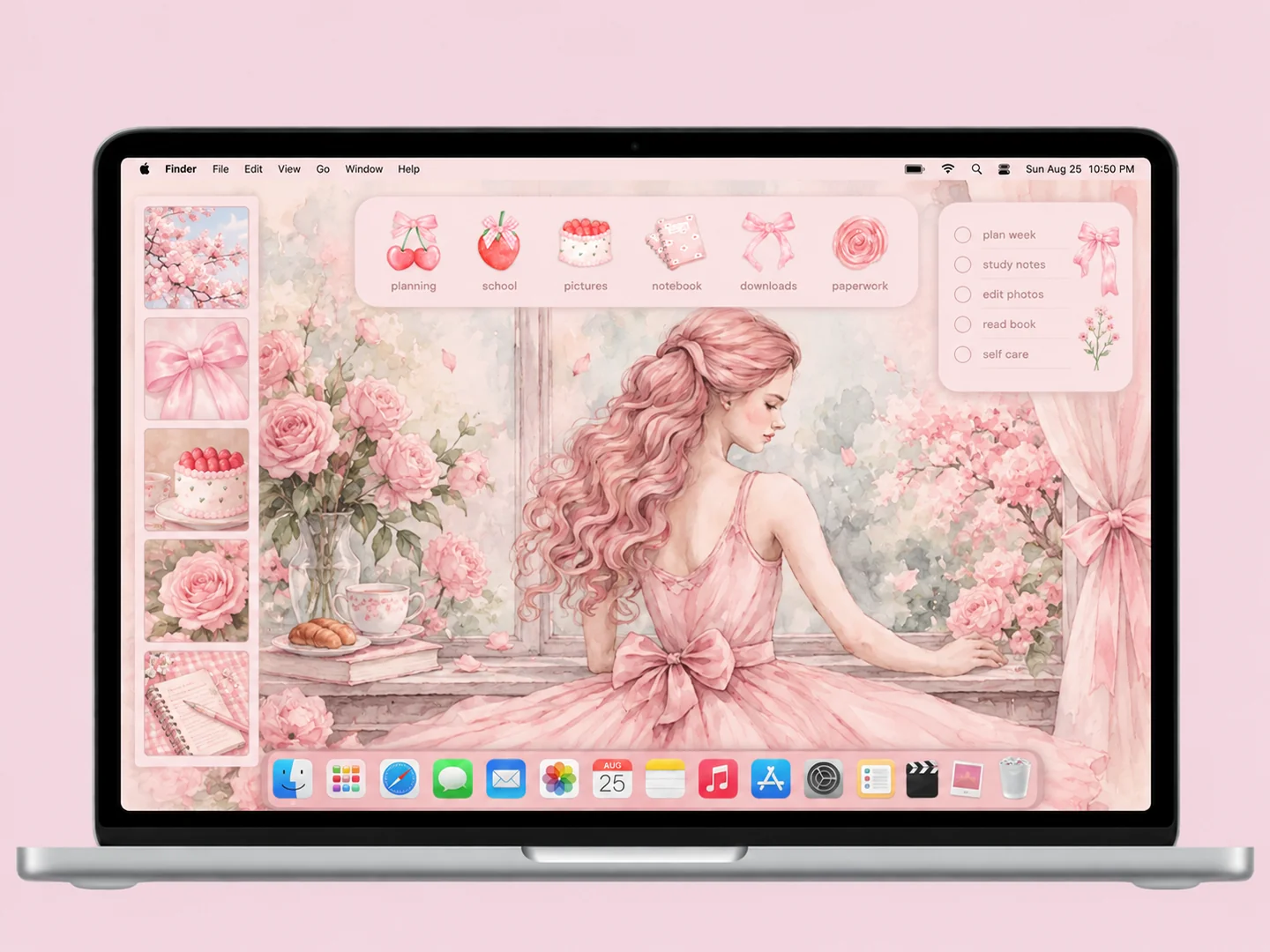 AI concept
A soft pink illustration with bows, cherries, cake, and delicate folder accents.
How to recreate itTry another color or a simpler search.
MAKE THE LOOK WORK FOR YOU
A gingham or striped wallpaper already provides a pattern. Pair it with plain folders or one simple bow design. For an aura or cloud background, try a few object-shaped icons instead. Keeping the detail in one layer makes filenames easier to read.
Use cream or pale peach as the base, pink as the main accent, and one stronger color for important folders. Test white labels against the wallpaper at normal screen brightness. A pale pink icon can disappear against an equally pale panel; a slightly darker outline helps.
For a study desktop, group subjects in one panel and photos in another. For a decorative desktop, keep only your most-used folders visible. A calendar printed into wallpaper will become outdated; choose a live widget if dates are part of your routine.
Choose either a patterned wallpaper or patterned folders as the focal point. Use plain space for filenames, keep widgets together, and limit the visible folders to the ones you use.
FROM INSPO TO YOUR DESKTOP
Start with a look you like, then change the wallpaper, folders, and layout in that order.
Read the guide →02 / HOW TOUse Finder’s Get Info window to replace a folder icon with an image you are allowed to use.
Read the guide →03 / HOW TOGive files clear destinations before adding an organizer wallpaper or decorative icons.
Read the guide →