 AI concept
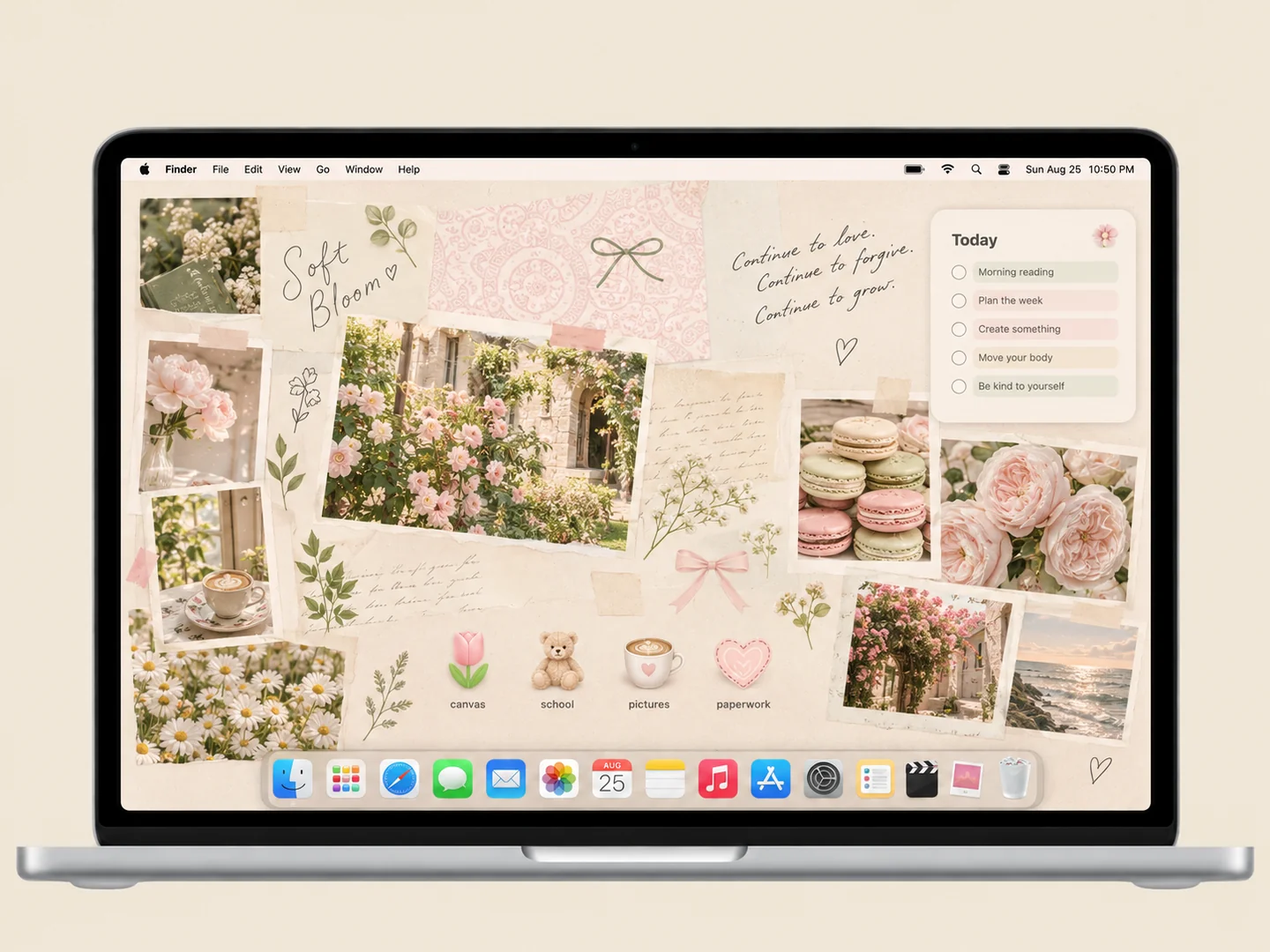
Cream paper, garden photos, and a few flower and coffee icons create a quiet study corner.
How to recreate itDESKTOP STYLE / COZY
Warm rooms, paper textures, and small everyday objects can make a Mac feel more personal. The useful part is choosing which details belong in the wallpaper and which need to remain easy to click.
THE IDEA LIBRARY
8 desktop ideas
AI concept previews, each with a look breakdown, recreation tips, and original sources. How we make the images ↗
A preview could not load and has been omitted.
AI conceptCream paper, garden photos, and a few flower and coffee icons create a quiet study corner.
How to recreate it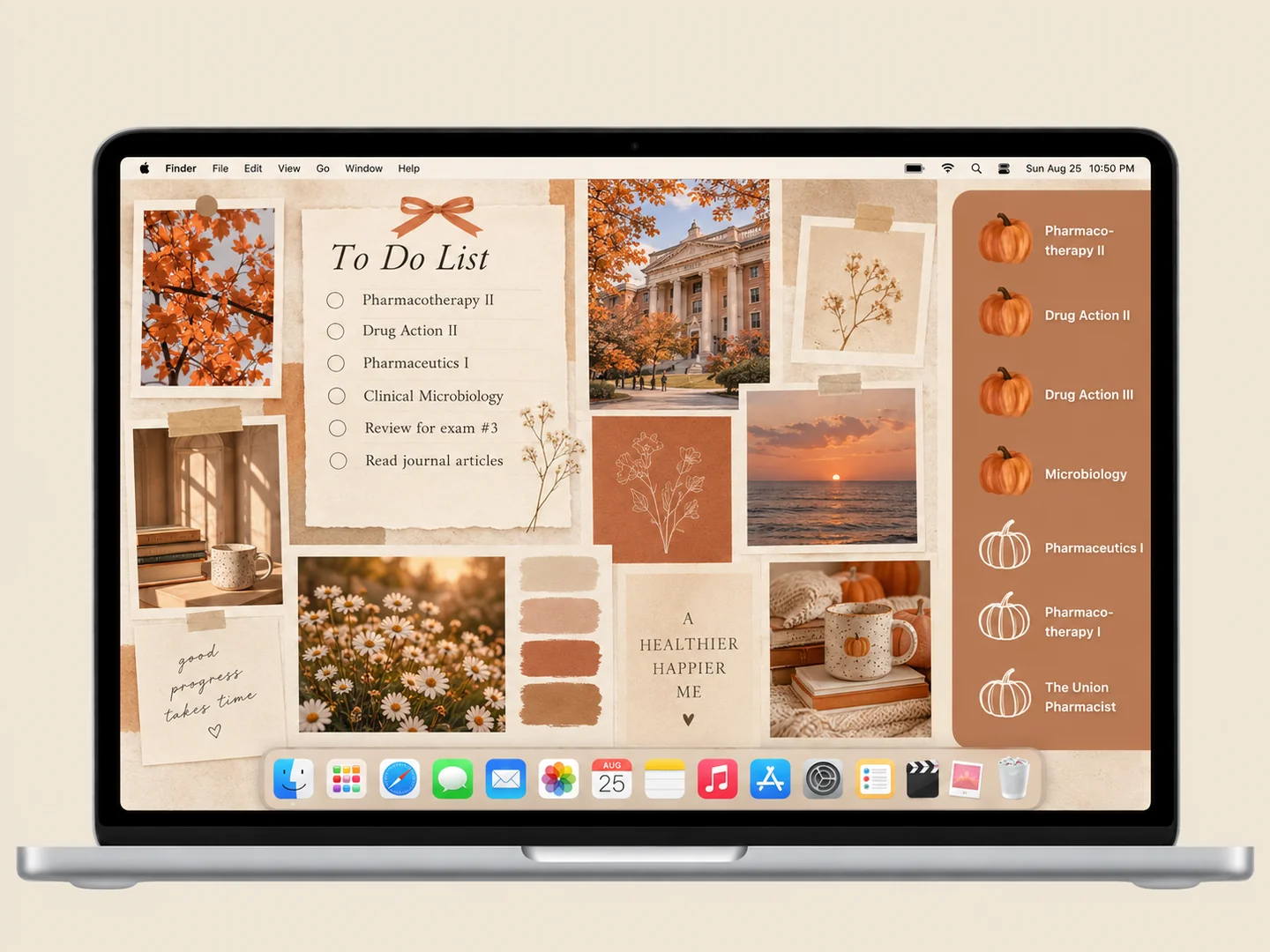 AI concept
Terracotta pumpkins, warm paper, and a compact photo collage for an autumn study setup.
How to recreate it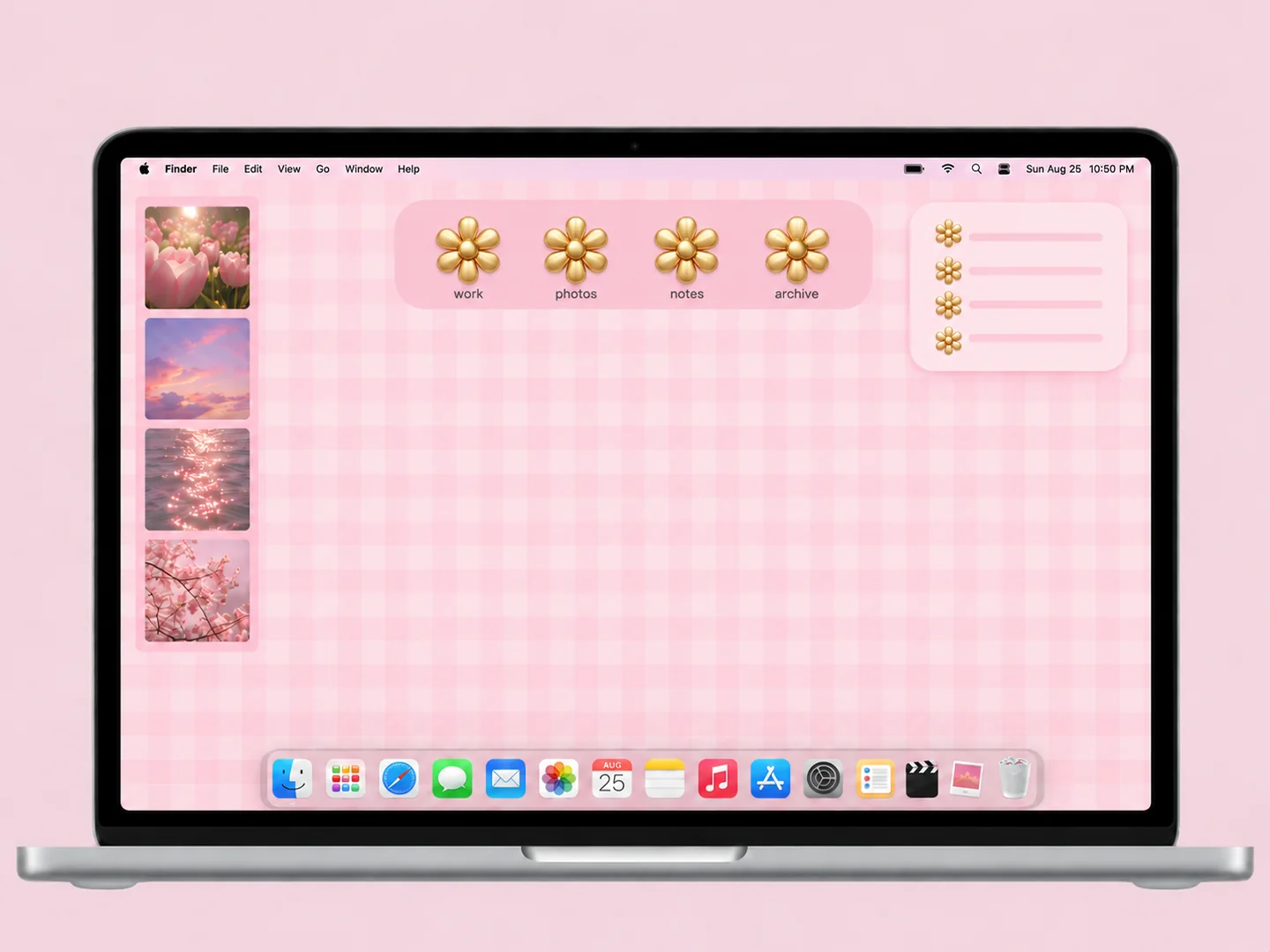 AI concept
Small pink checks paired with warm gold flower-shaped folder icons.
How to recreate it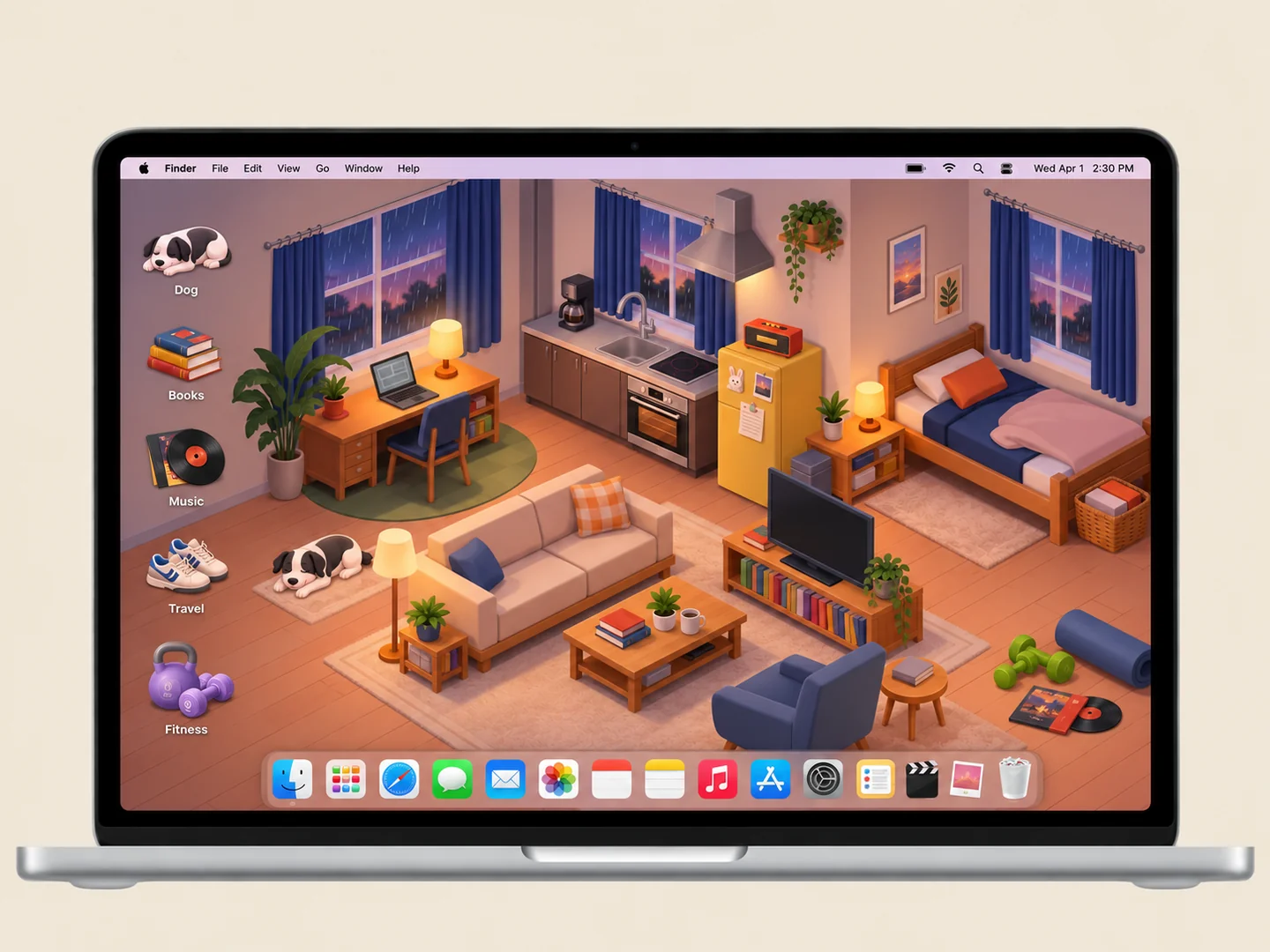 AI concept
An illustrated apartment with records, books, and small everyday-object folders.
How to recreate it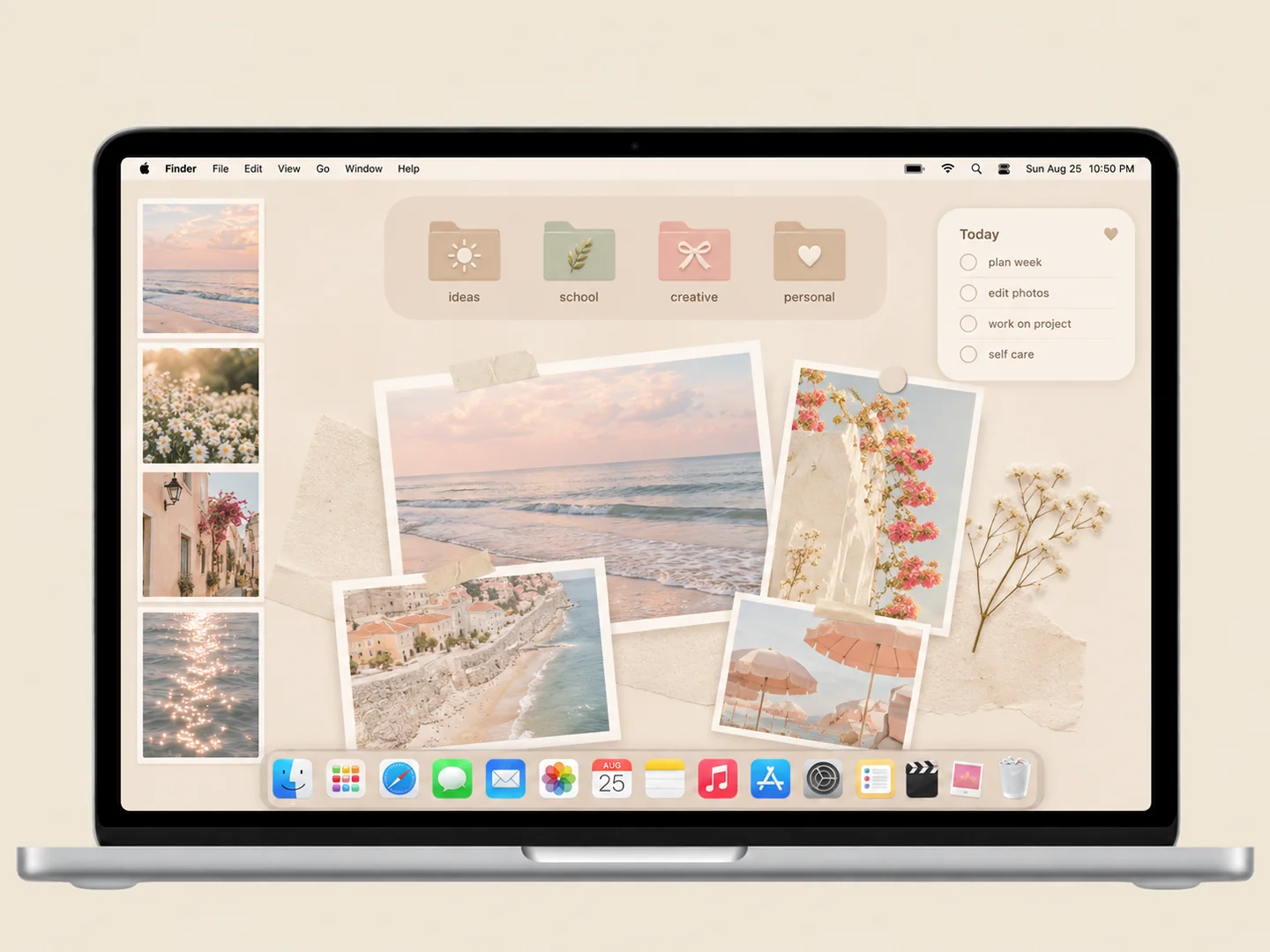 AI concept
A cream organizer with a small photo collage and pale folders in matching tones.
How to recreate it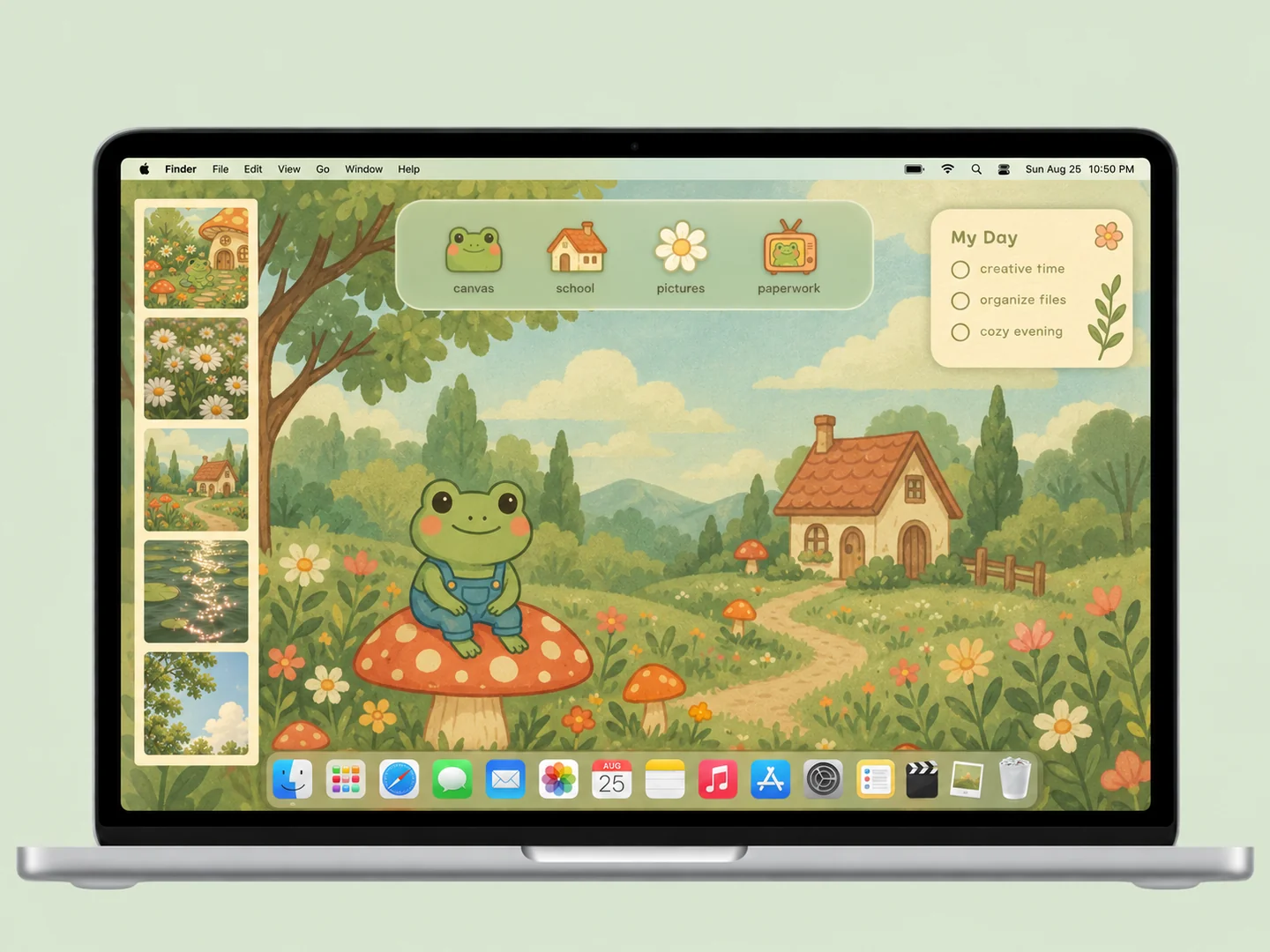 AI concept
A mossy cottage scene with frogs, mushrooms, and matching illustrated folder icons.
How to recreate it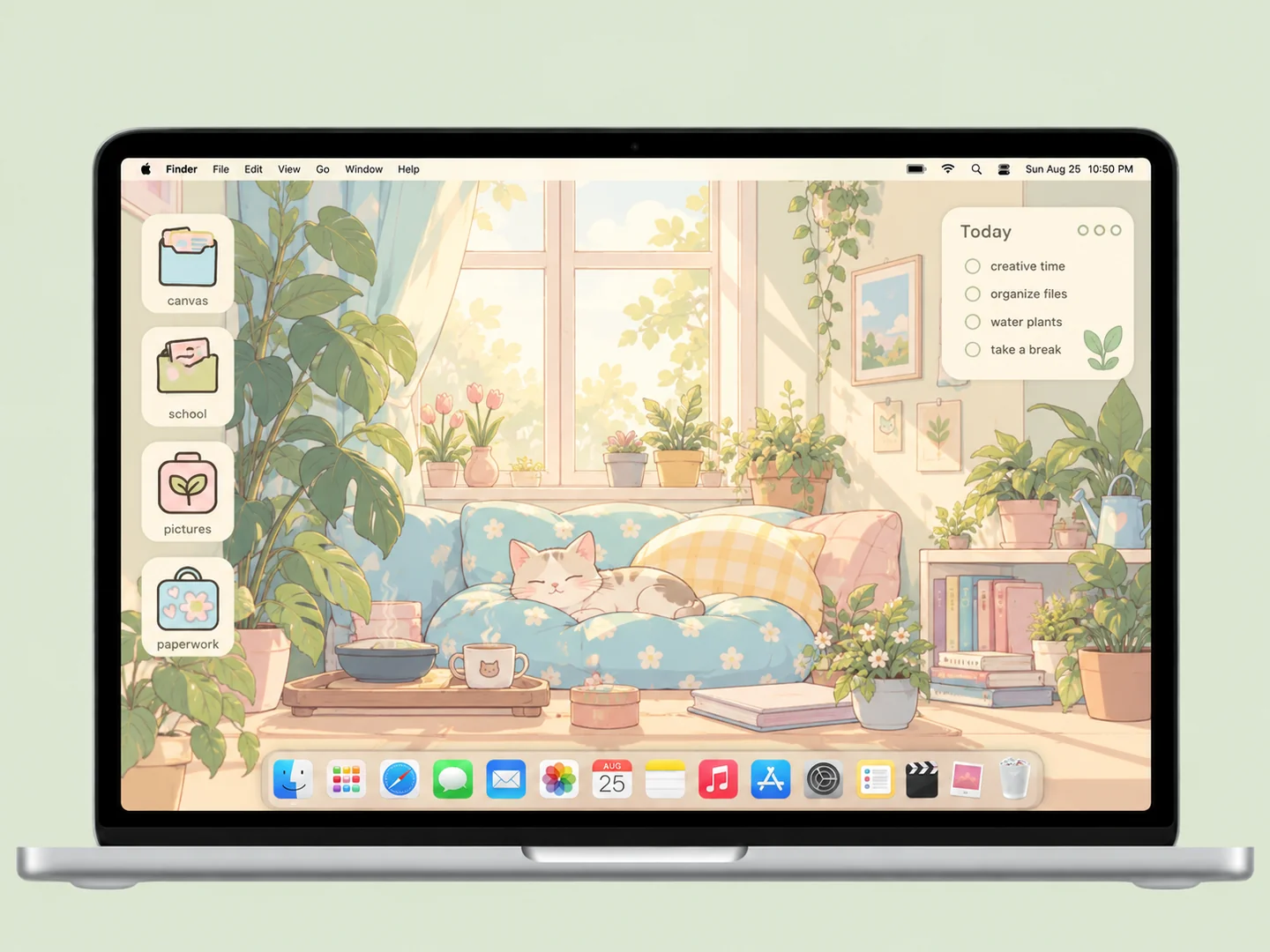 AI concept
A sunlit room with cats, books, and plants, plus sage and pale-blue folders.
How to recreate it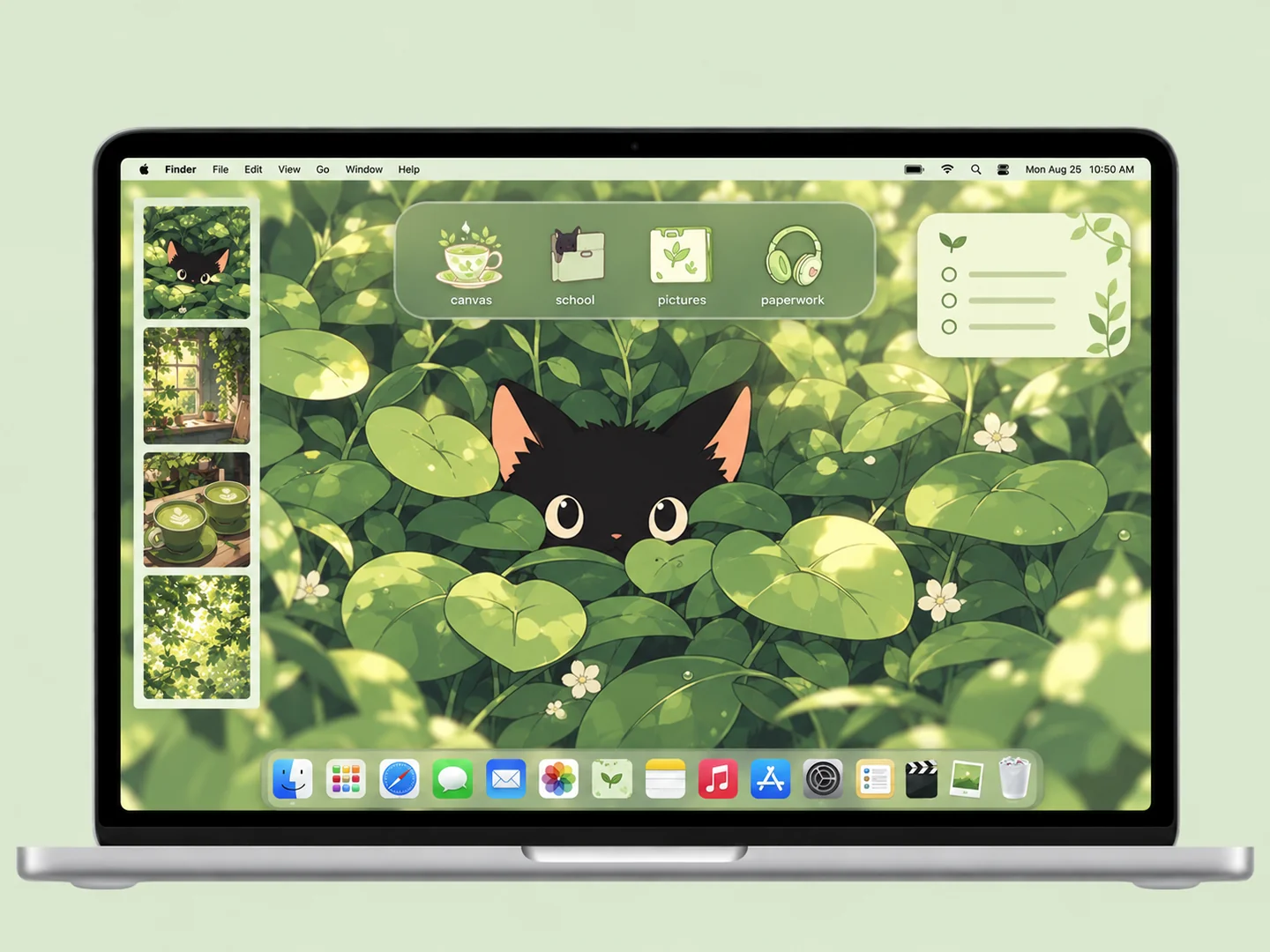 AI concept
Deep green leaves, a black kitten, and pale matcha folder icons.
How to recreate itTry another color or a simpler search.
MAKE THE LOOK WORK FOR YOU
A room illustration or collage contains more visual detail than a solid background. Before choosing folder icons, find a quiet wall, floor, or panel where file labels will remain readable. Avoid placing important files across furniture edges or bright window highlights.
Books, cups, plants, and pets can work as folder icons when they look different at a small size. Repeating a similar warm palette connects them, but each destination still needs a clear name. Decorative objects in the wallpaper are not interactive unless a folder or widget is placed there.
Use one photo group or illustration as the focal point. Keep working files together and start with only the widgets you use. Autumn colors, rainy rooms, and soft florals offer different versions of cozy; the best choice leaves enough clear space for your routine.
Yes, you can manually place custom folder icons near illustrated surfaces. The wallpaper itself remains a flat image. Keep labels visible and use a real folder for each clickable object.
FROM INSPO TO YOUR DESKTOP
Start with a look you like, then change the wallpaper, folders, and layout in that order.
Read the guide →02 / HOW TOUse Finder’s Get Info window to replace a folder icon with an image you are allowed to use.
Read the guide →03 / HOW TOGive files clear destinations before adding an organizer wallpaper or decorative icons.
Read the guide →