WHY IT WORKS
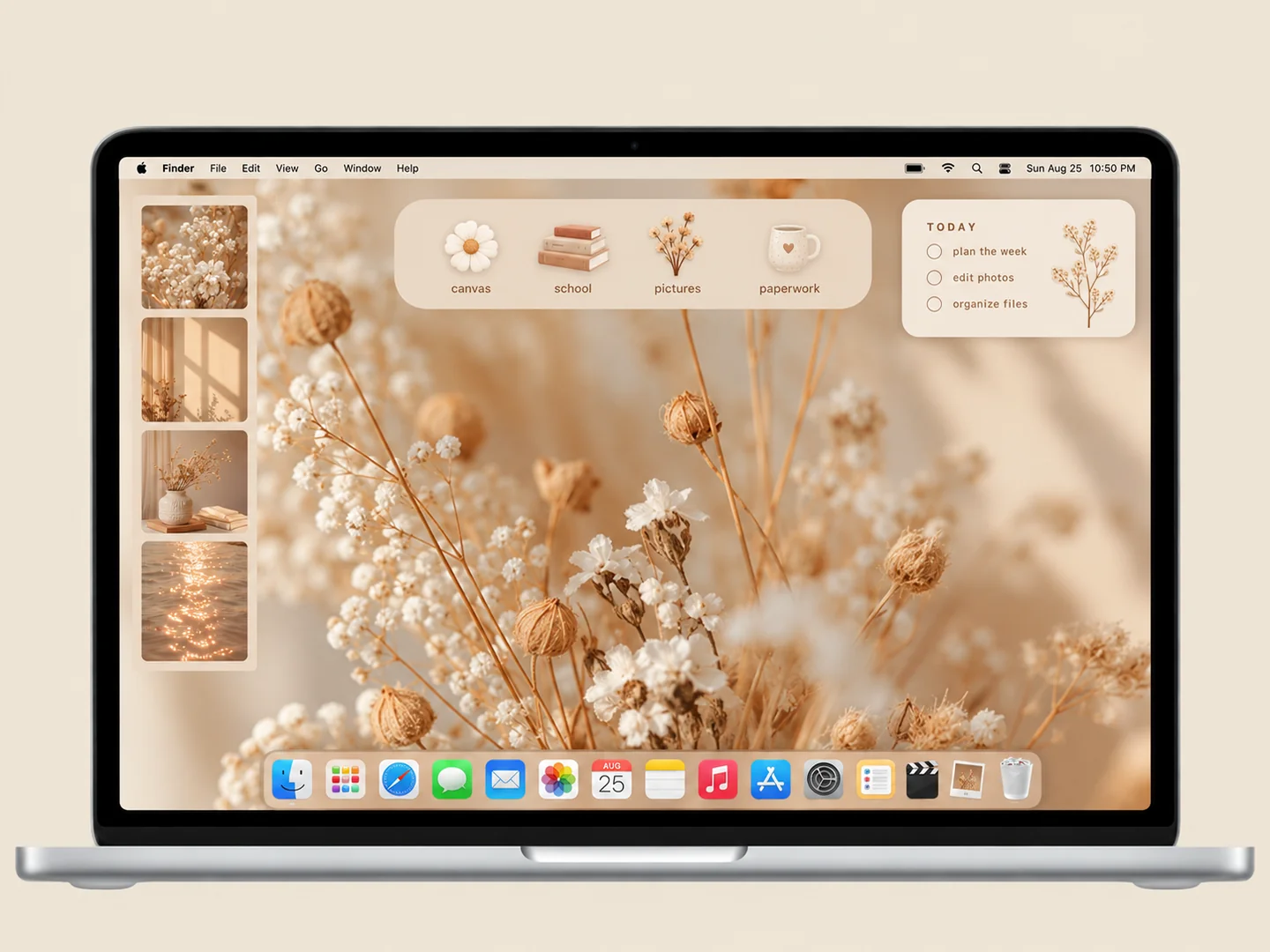
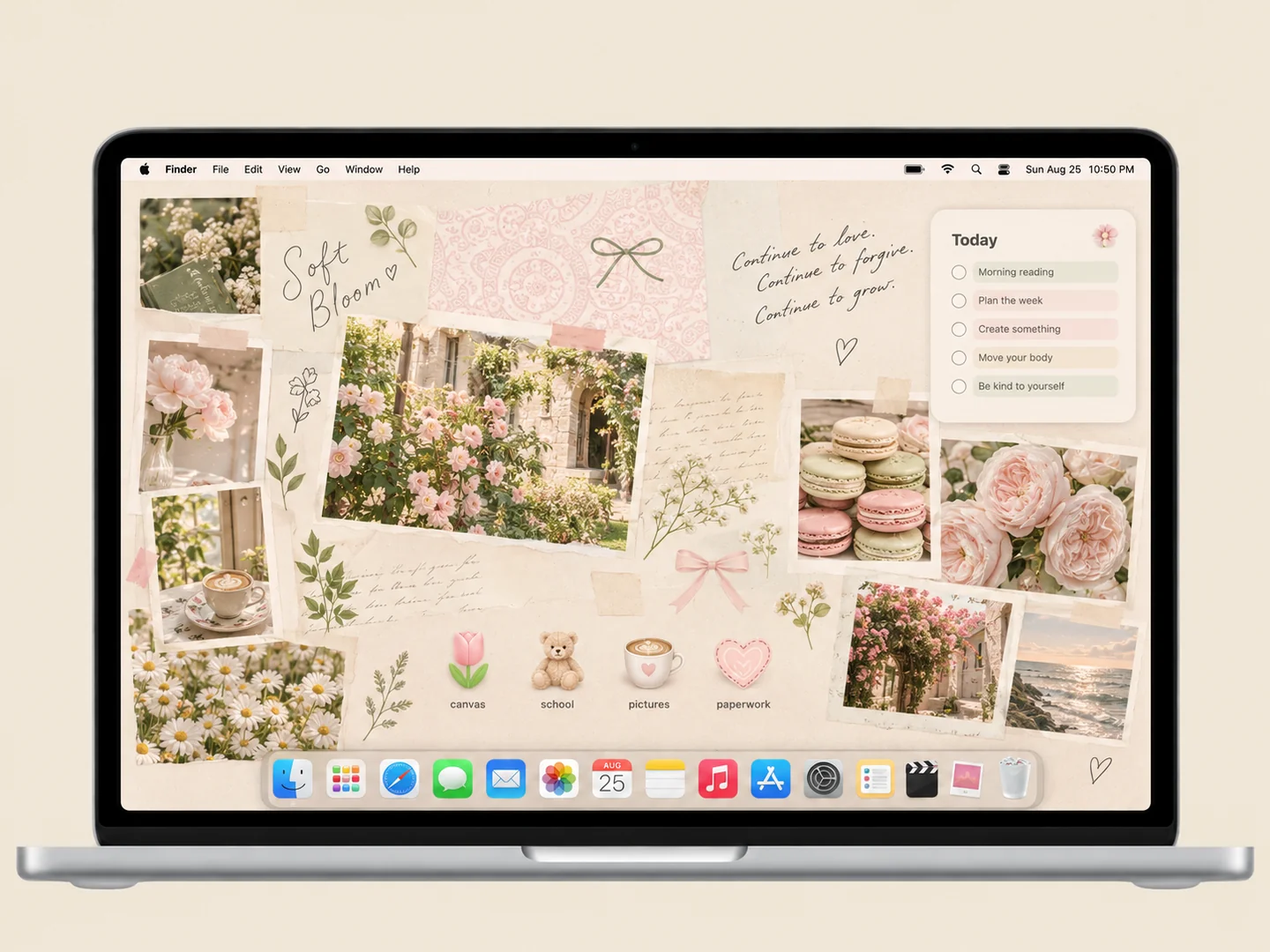
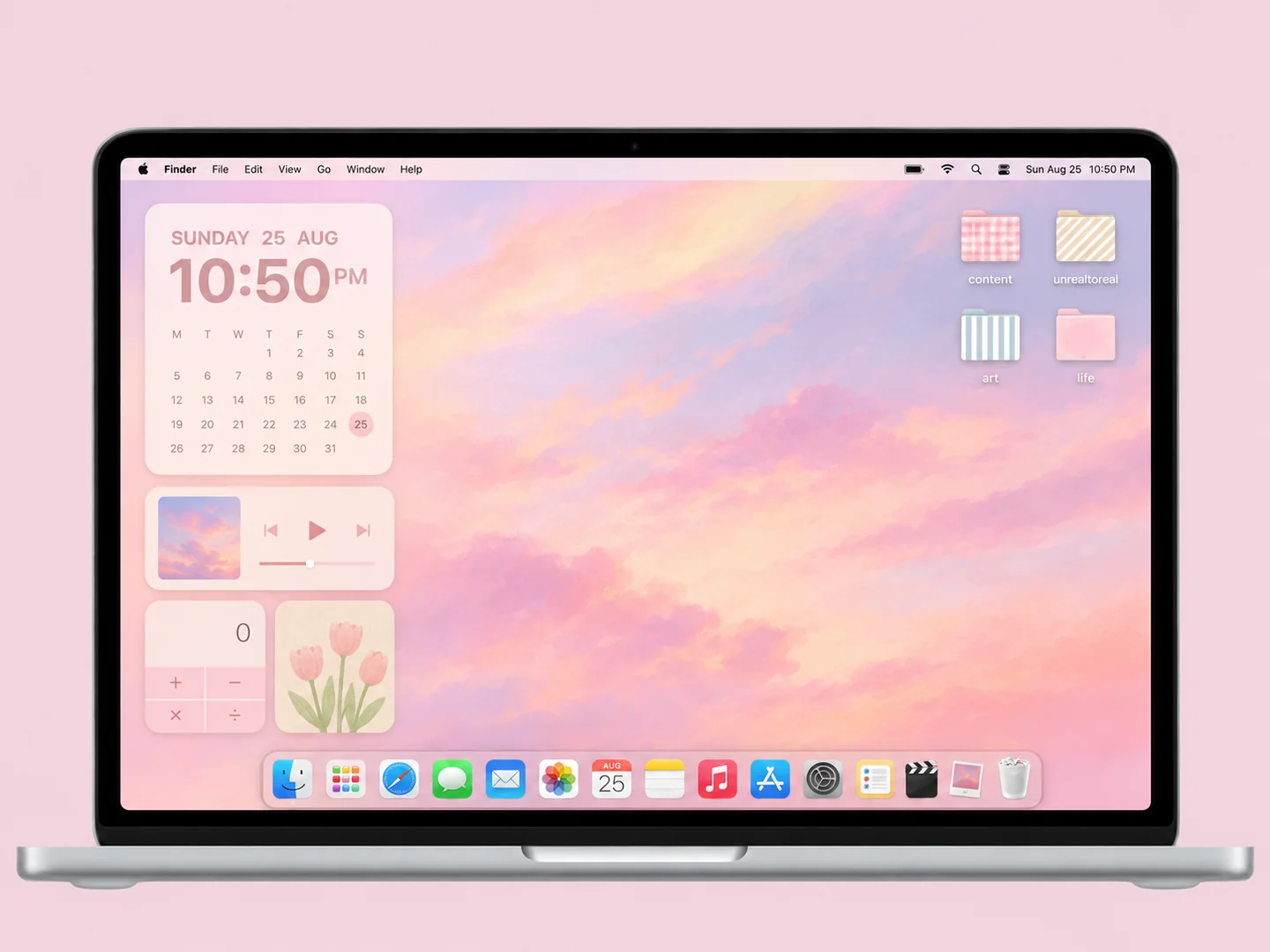
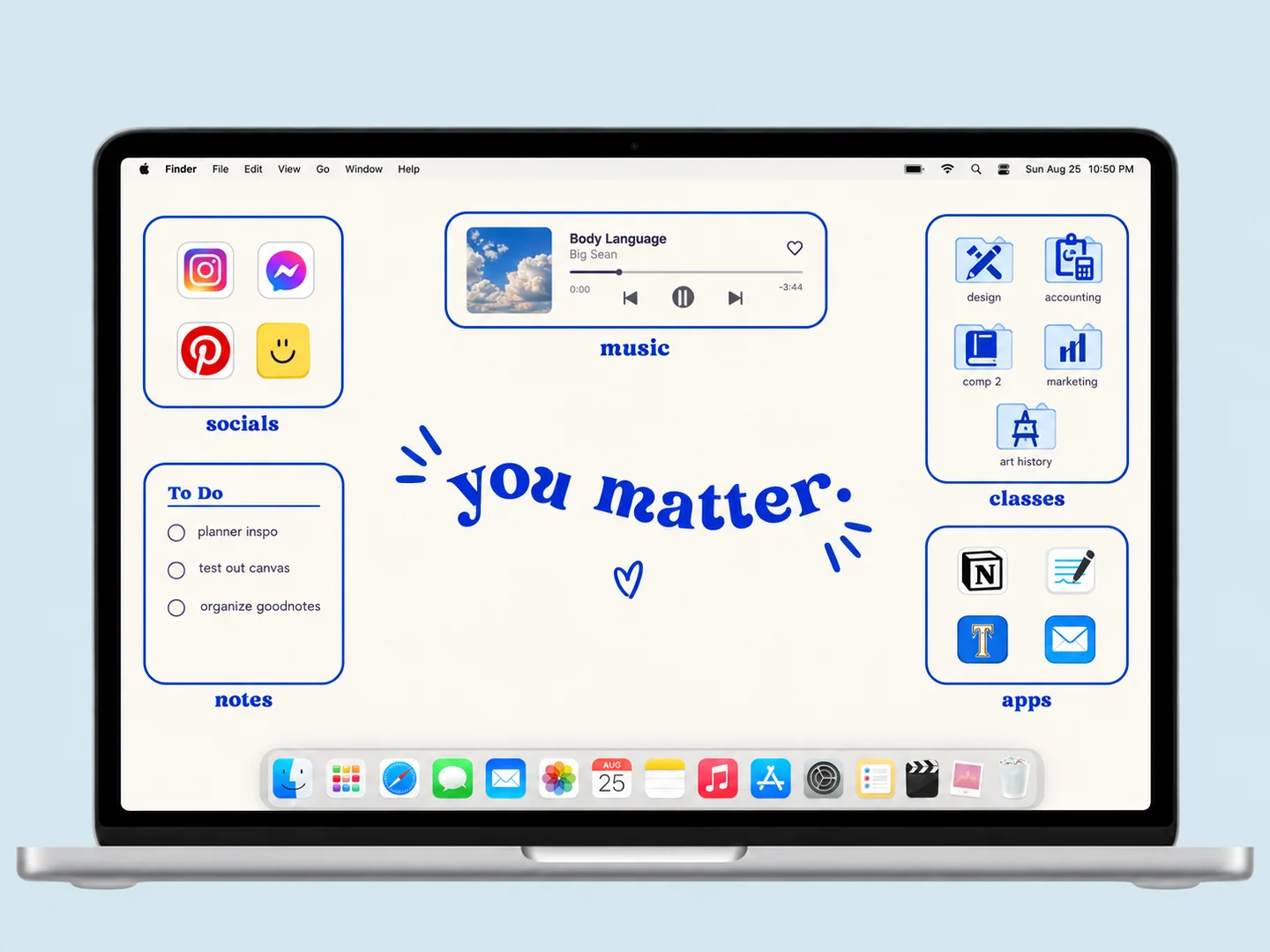
A look with a little logic. The palette does most of the styling, so very few widgets or folder changes are needed. Darker labels need a light area behind them.
MAKE IT YOURS
How to recreate this look Use this as a styling recipe. Choose your own assets or check the original creator’s available files and terms.
Choose the wallpaper Pick a beige botanical image with large low-detail areas.
Match the folder icons Choose tan or warm gray folders with consistent edges.
Arrange the desktop Keep one small folder column and avoid placing labels over stems or flower heads.
Before you recreate it The preview is a new AI interpretation. It is not a tested installation, a downloadable pack, or a promise that every pictured widget exists. Static artwork does not provide working clocks, calendars, or automatic file sorting.
THE STARTING POINT
Build your own version. Keep the palette. Borrow the layout. Choose the details that fit the way you work.
Colors Cream
Preview AI concept illustration Start with the setup guide → GO TO THE SOURCE
Original inspiration & assets Inspired by Patrisha Dictado · Creator tutorial · wallpaper + custom folder icons.
Original publication: Dec 5, 2020
Wallpaper Wallpaper customization shown in creator tutorial
Creator: Not confirmed
Creator description explicitly covers changing folder icons and desktop wallpaper
Check the original source ↗ Folder icons Custom folder icons in creator tutorial
Creator: Not confirmed
Creator description explicitly covers changing folder icons and desktop wallpaper
Check the original source ↗ Source observation: Creator description explicitly covers changing folder icons and desktop wallpaper
Links lead to the creators’ own work and terms. This site does not provide asset downloads. About the images and attribution →