START WITH A FEELING
Find your desktop style.
One look, three ingredients: a wallpaper, a folder style, and a layout that works for you. Choose a direction, then make it personal.
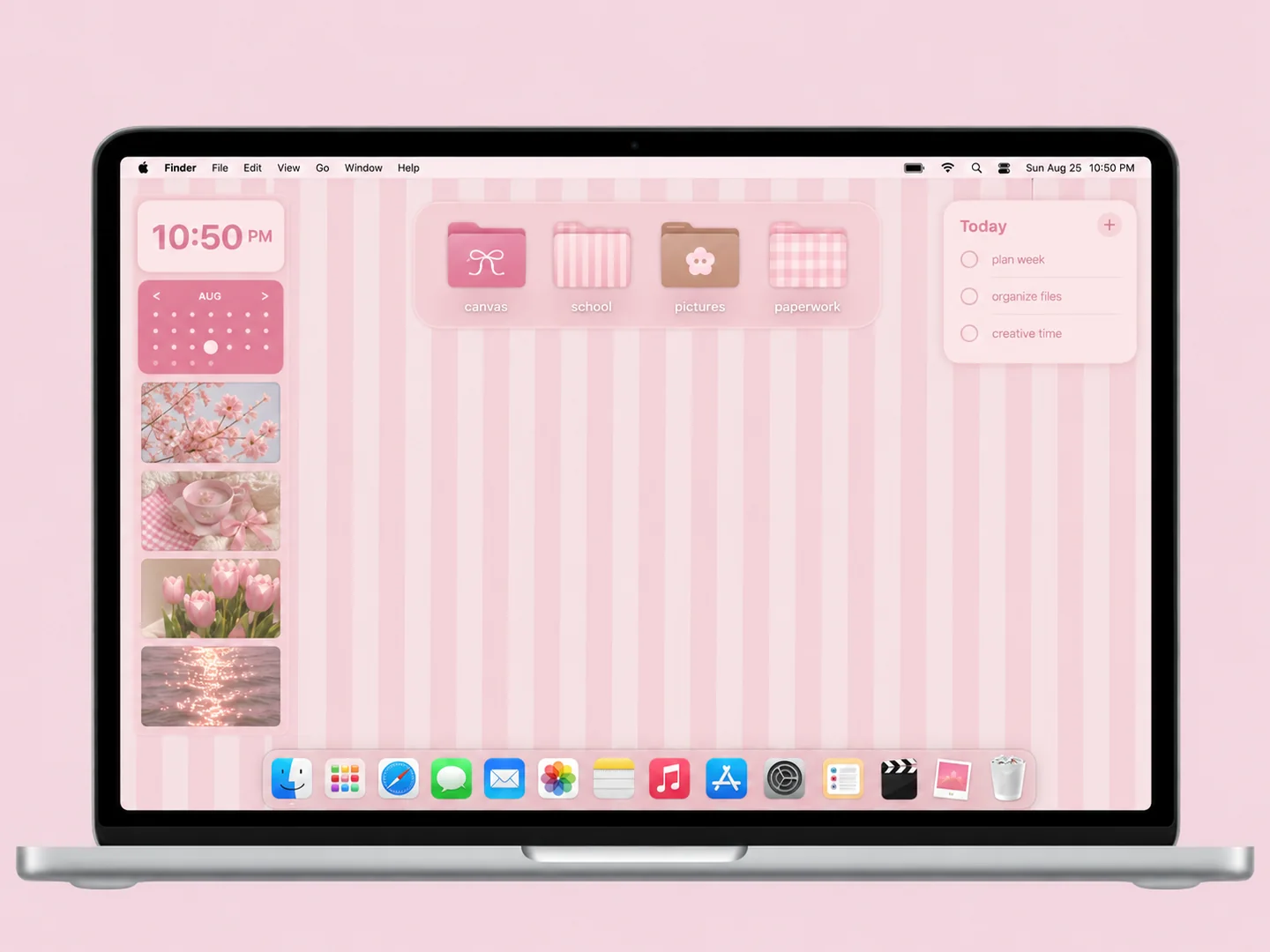
Pink & pastel
15 ideas ↗Pink can feel soft, playful, or carefully organized. Start with one shade you want to see every day, then choose a quieter background or a more expressive set of folder icons.
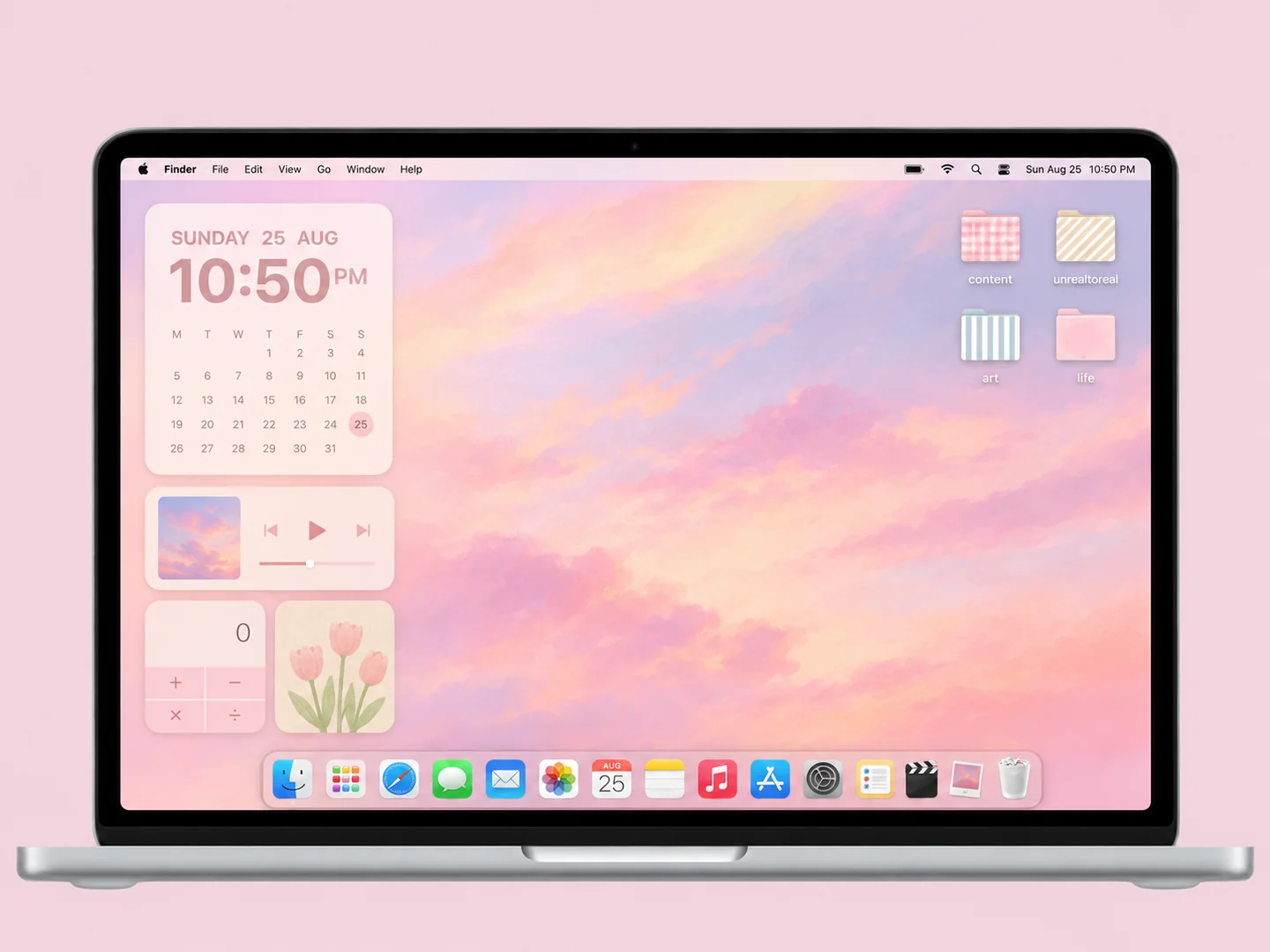
Minimal
11 ideas ↗A minimal desktop should make your next file easy to find. Choose a calm wallpaper, keep a small set of active folders, and let spacing do most of the work.
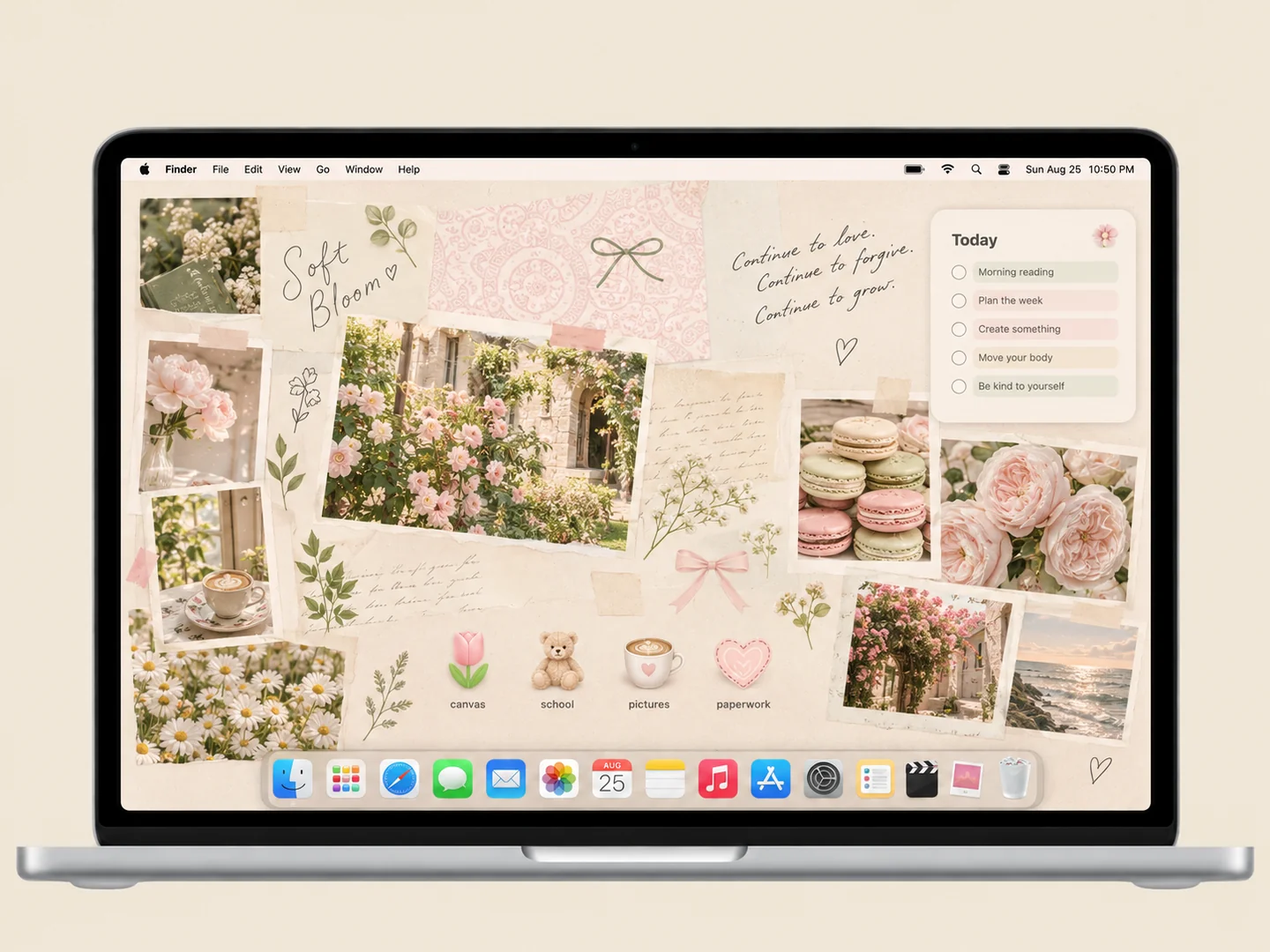
Cozy
8 ideas ↗Warm rooms, paper textures, and small everyday objects can make a Mac feel more personal. The useful part is choosing which details belong in the wallpaper and which need to remain easy to click.
Nature & cottagecore
10 ideas ↗Nature-inspired desktops range from a quiet botanical photograph to a storybook meadow. Use the landscape to frame a working area rather than covering every open space with decoration.
Study & organized
13 ideas ↗An organizer wallpaper works when each zone has a job. Start with current classes or projects, add a place for reference files, and keep personal photos separate from the working grid.
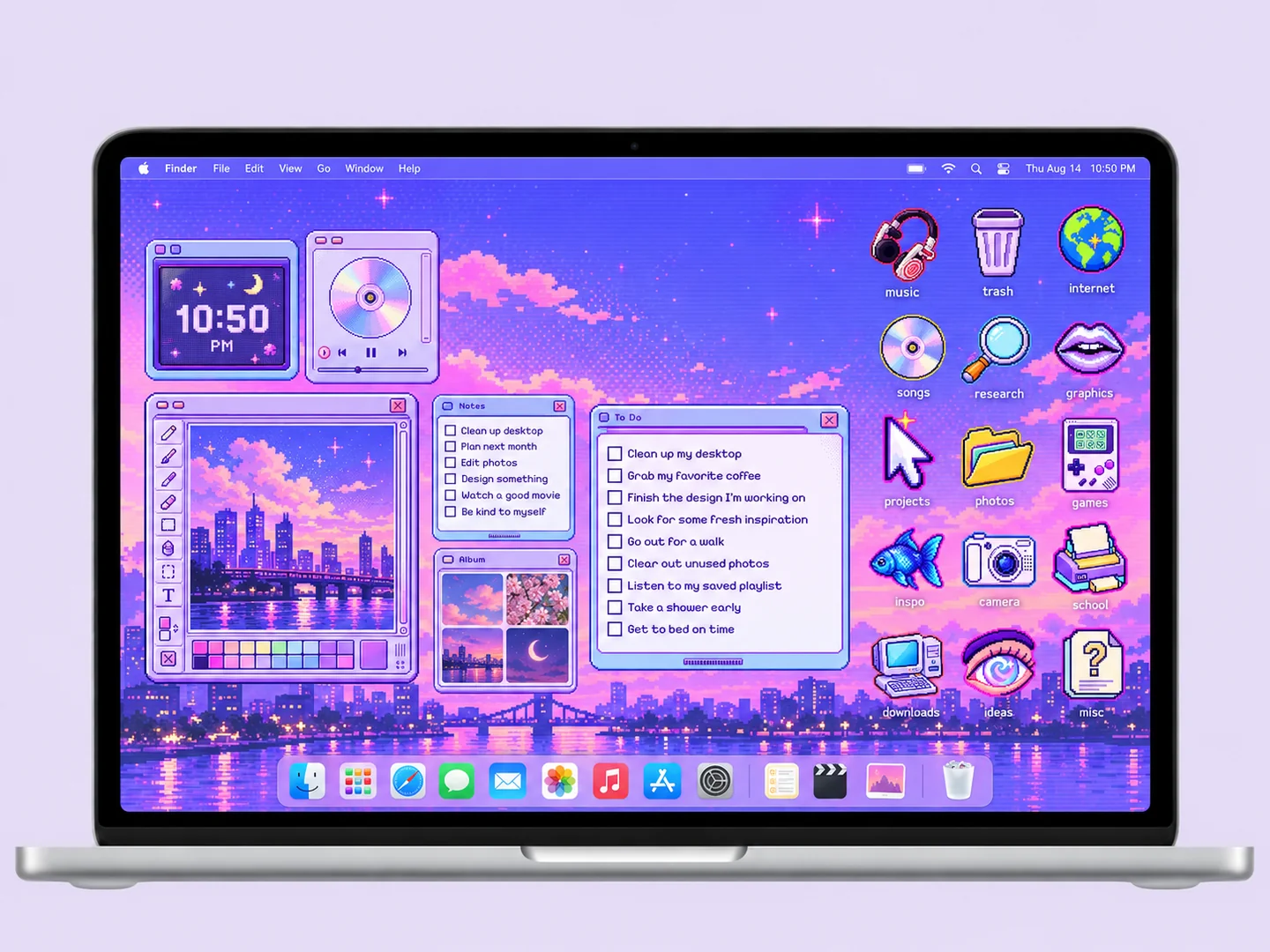
Pixel art
2 ideas ↗Pixel-art desktops work best when the wallpaper, icons, and small panels share a consistent visual scale. Explore a purple sky or an underwater scene, then build a layout that leaves the artwork readable.
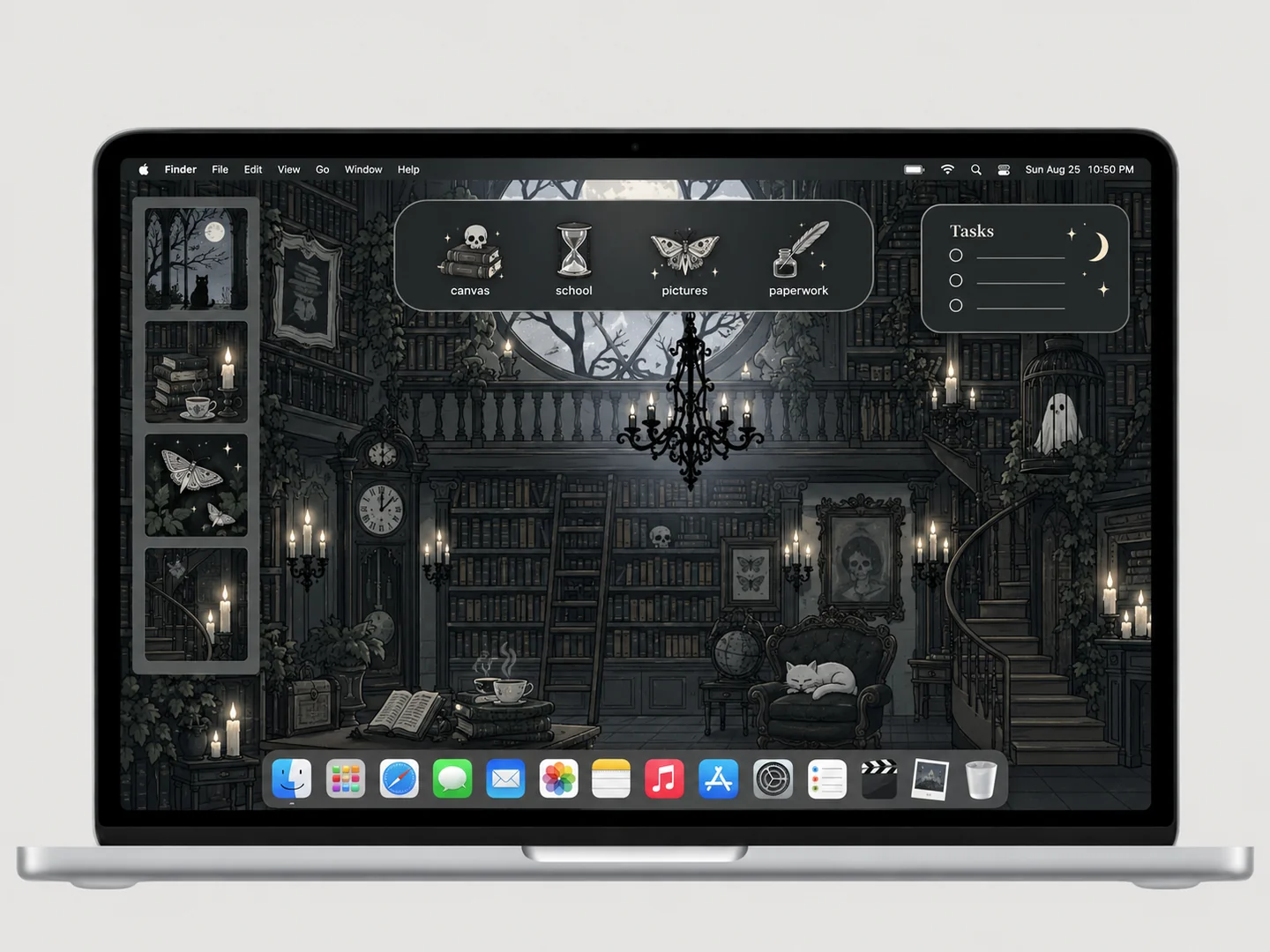
Dark & gothic
4 ideas ↗A dark desktop can be restrained or richly illustrated. Start by checking contrast: the folder silhouette and its filename must remain easy to find against the background.
FROM INSPO TO YOUR DESKTOP
Love the look? Here’s how.
How to customize your Mac desktop
Start with a look you like, then change the wallpaper, folders, and layout in that order.
Read the guide →02 / HOW TOHow to change folder icons on Mac
Use Finder’s Get Info window to replace a folder icon with an image you are allowed to use.
Read the guide →03 / HOW TOHow to organize your Mac desktop
Give files clear destinations before adding an organizer wallpaper or decorative icons.
Read the guide →