WHY IT WORKS
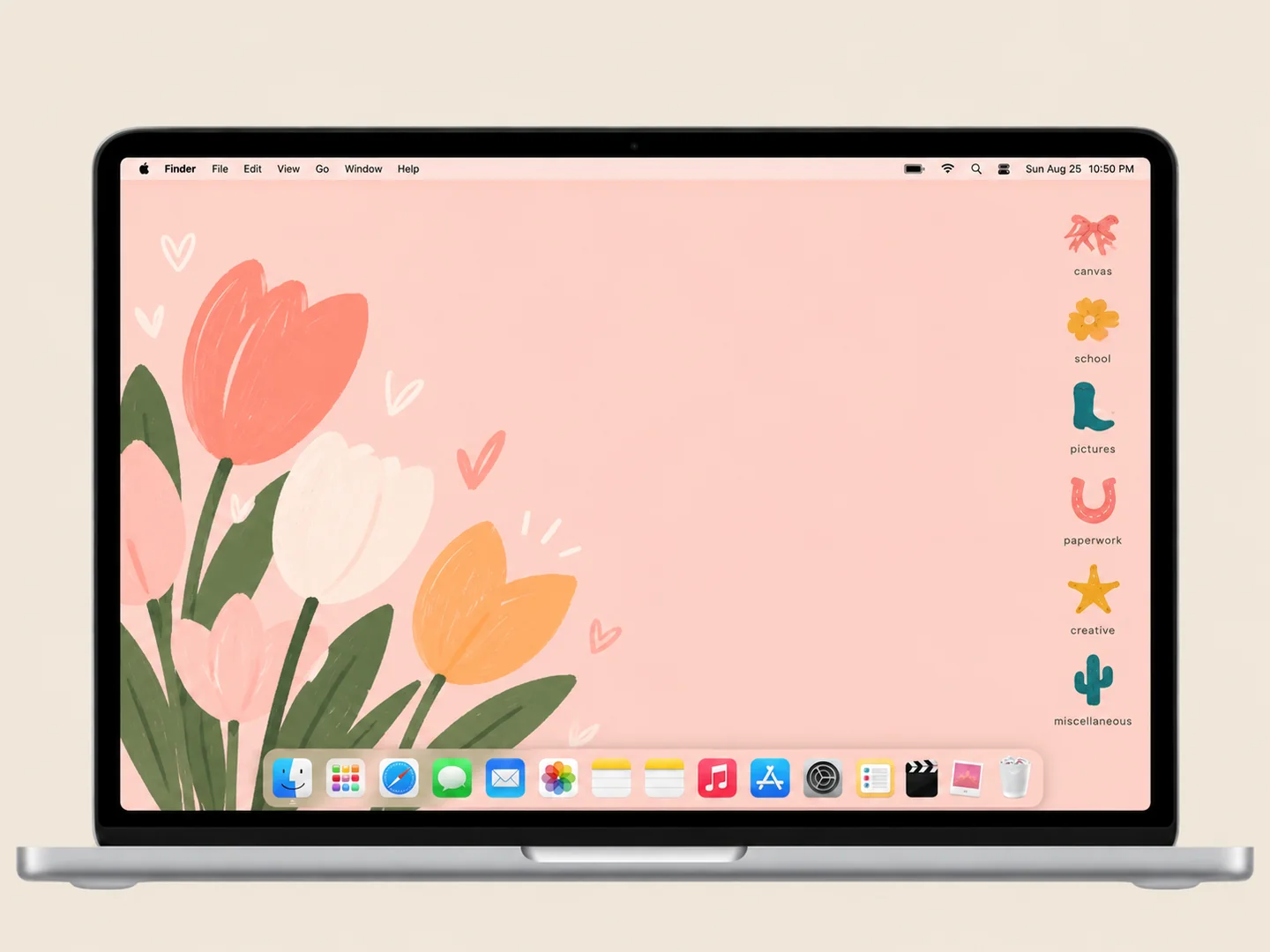
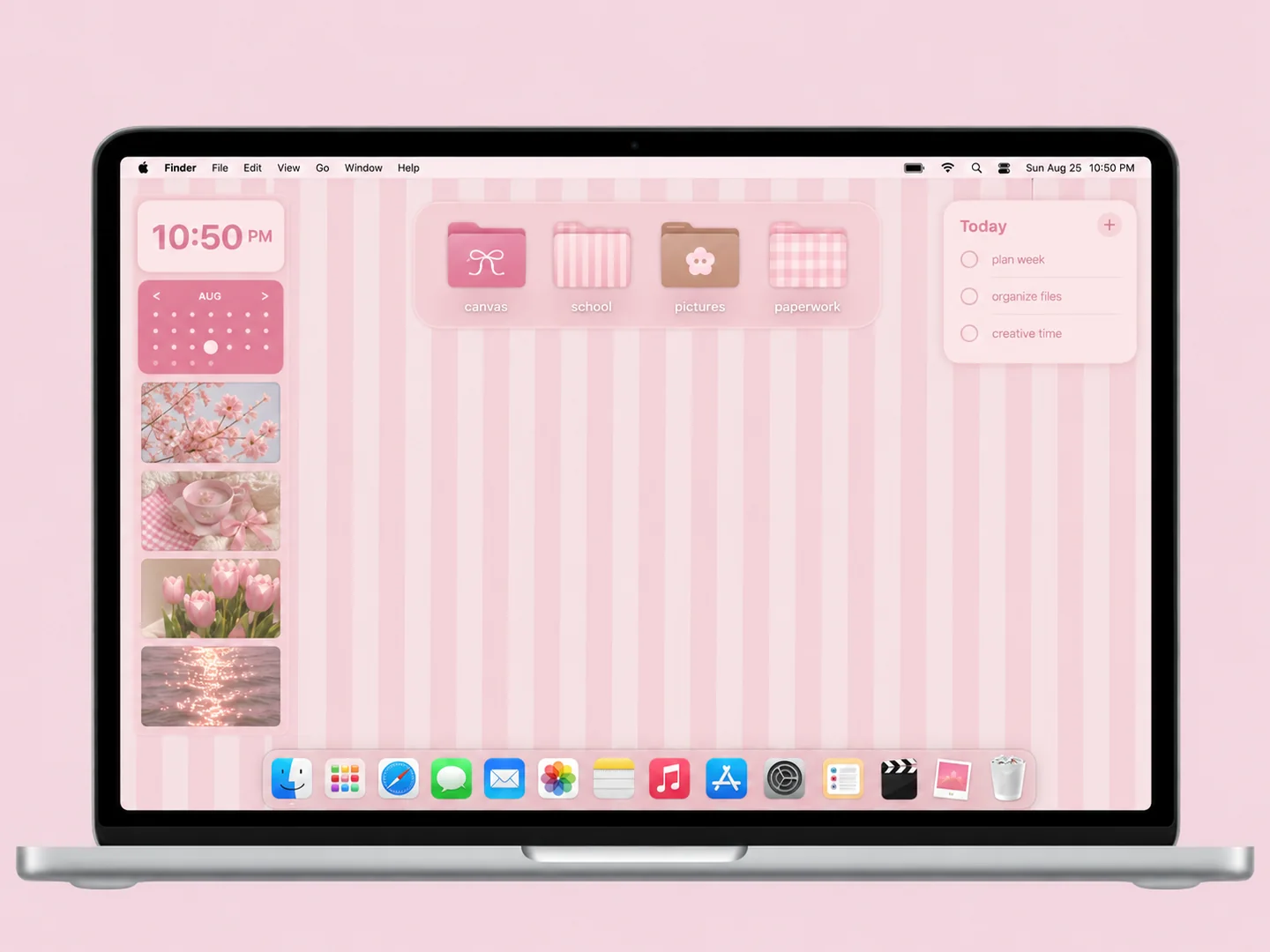
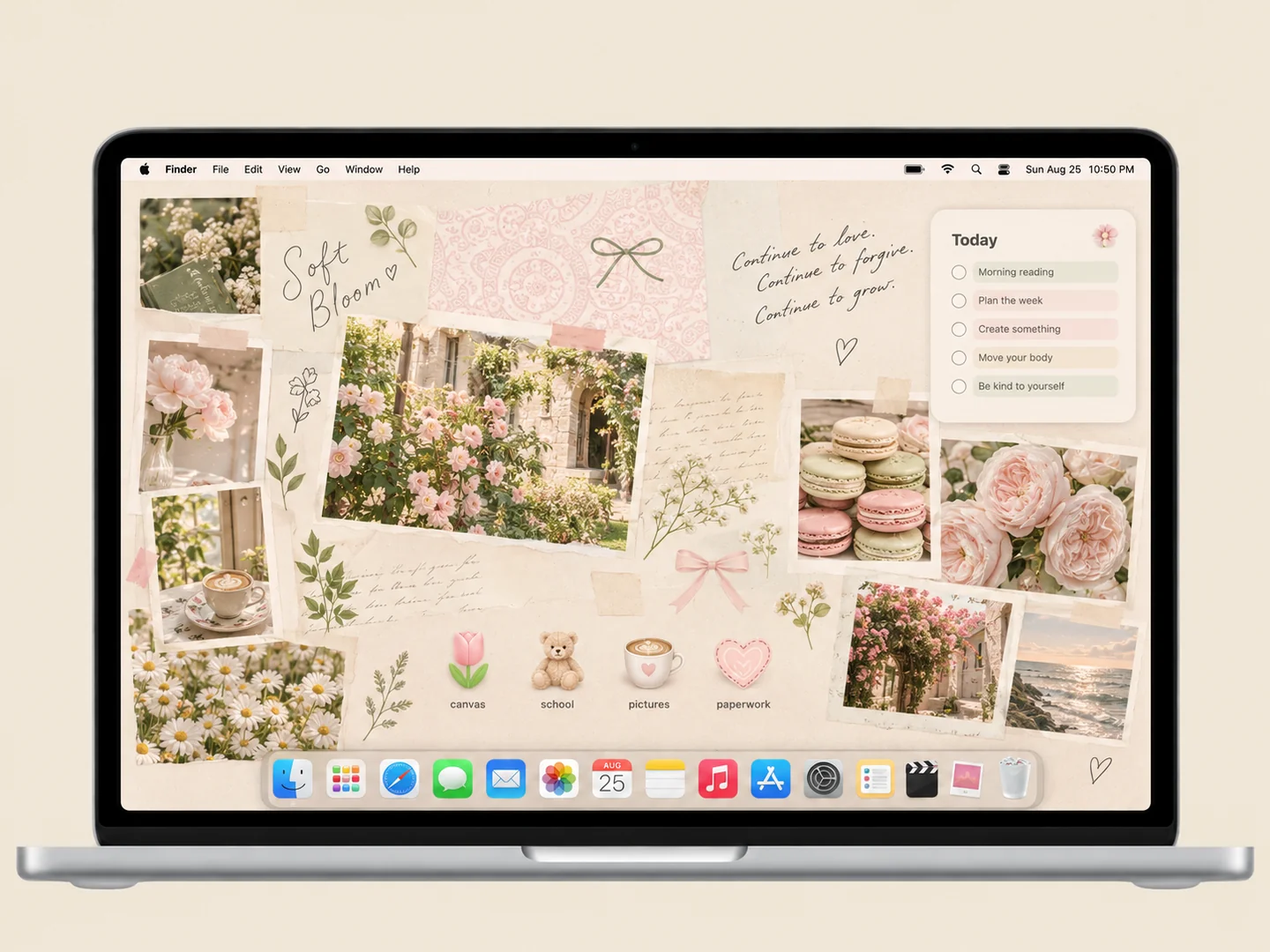
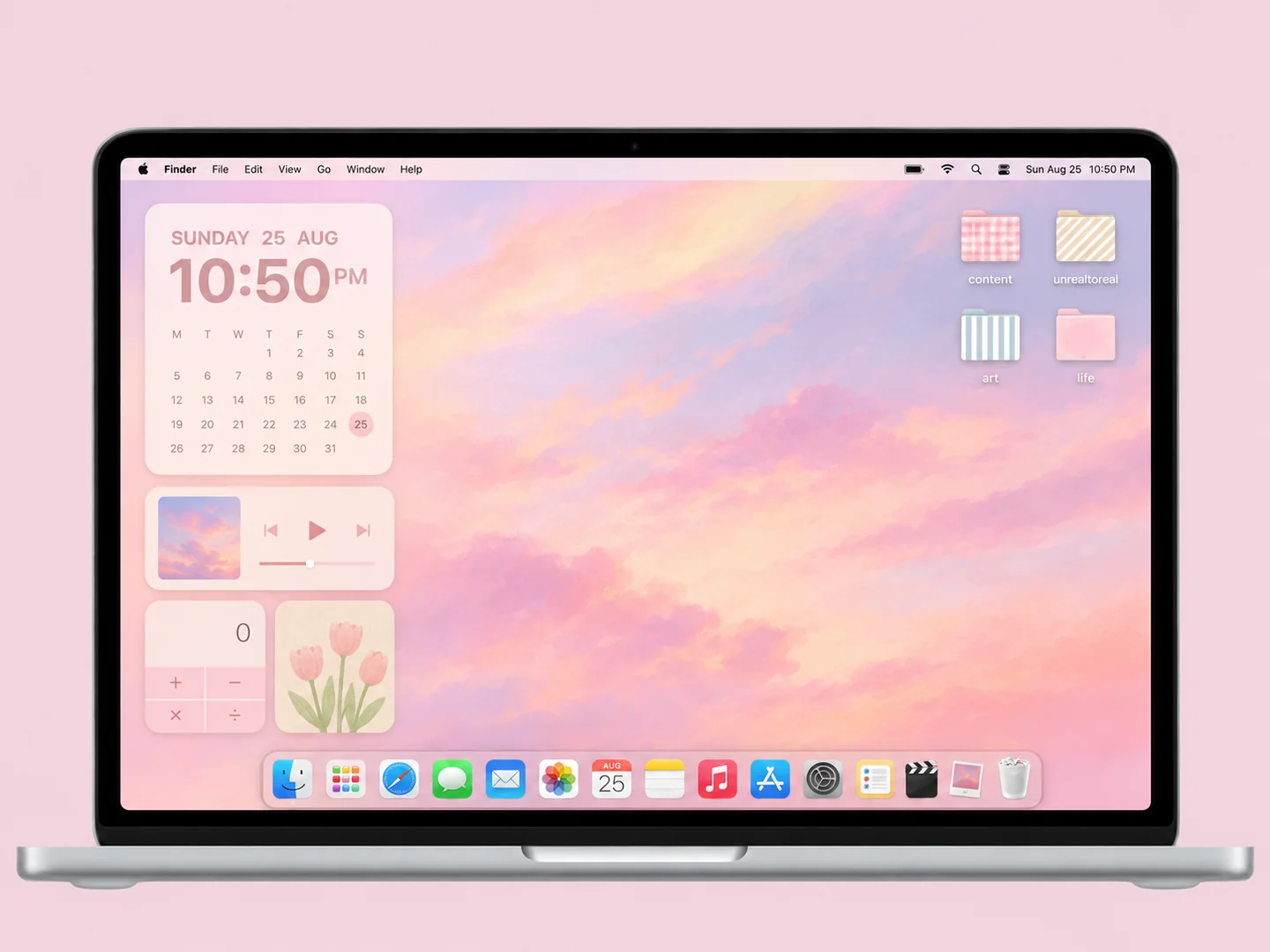
A look with a little logic. A plain background gives object-shaped folders room to read. Keeping the collection small preserves their useful differences.
MAKE IT YOURS
How to recreate this look Use this as a styling recipe. Choose your own assets or check the original creator’s available files and terms.
Choose the wallpaper Start with a peach solid color or very subtle warm gradient.
Match the folder icons Choose a coordinated set of four to six illustrated objects.
Arrange the desktop Keep active projects together at one edge and leave a wide empty center.
Before you recreate it The preview is a new AI interpretation. It is not a tested installation, a downloadable pack, or a promise that every pictured widget exists. Static artwork does not provide working clocks, calendars, or automatic file sorting.
THE STARTING POINT
Build your own version. Keep the palette. Borrow the layout. Choose the details that fit the way you work.
Colors Pink, Peach
Preview AI concept illustration Start with the setup guide → GO TO THE SOURCE
Original inspiration & assets Inspired by Fab Sakker · Collected source.
Original publication: Date unknown
Wallpaper Custom wallpaper · chapter 1:21
Creator: Not confirmed
Tutorial chapter verified; individual asset creator unresolved
Check the original source ↗ Folder icons Custom folders · chapter 10:19
Creator: Not confirmed
Tutorial chapter verified; individual asset creators unresolved
Check the original source ↗ Source observation: An original MacBook Pro customization tutorial. Custom wallpaper starts at 1:21; custom folder icons begin at 10:19. Watch the creator’s process in the official player.
Links lead to the creators’ own work and terms. This site does not provide asset downloads. About the images and attribution →