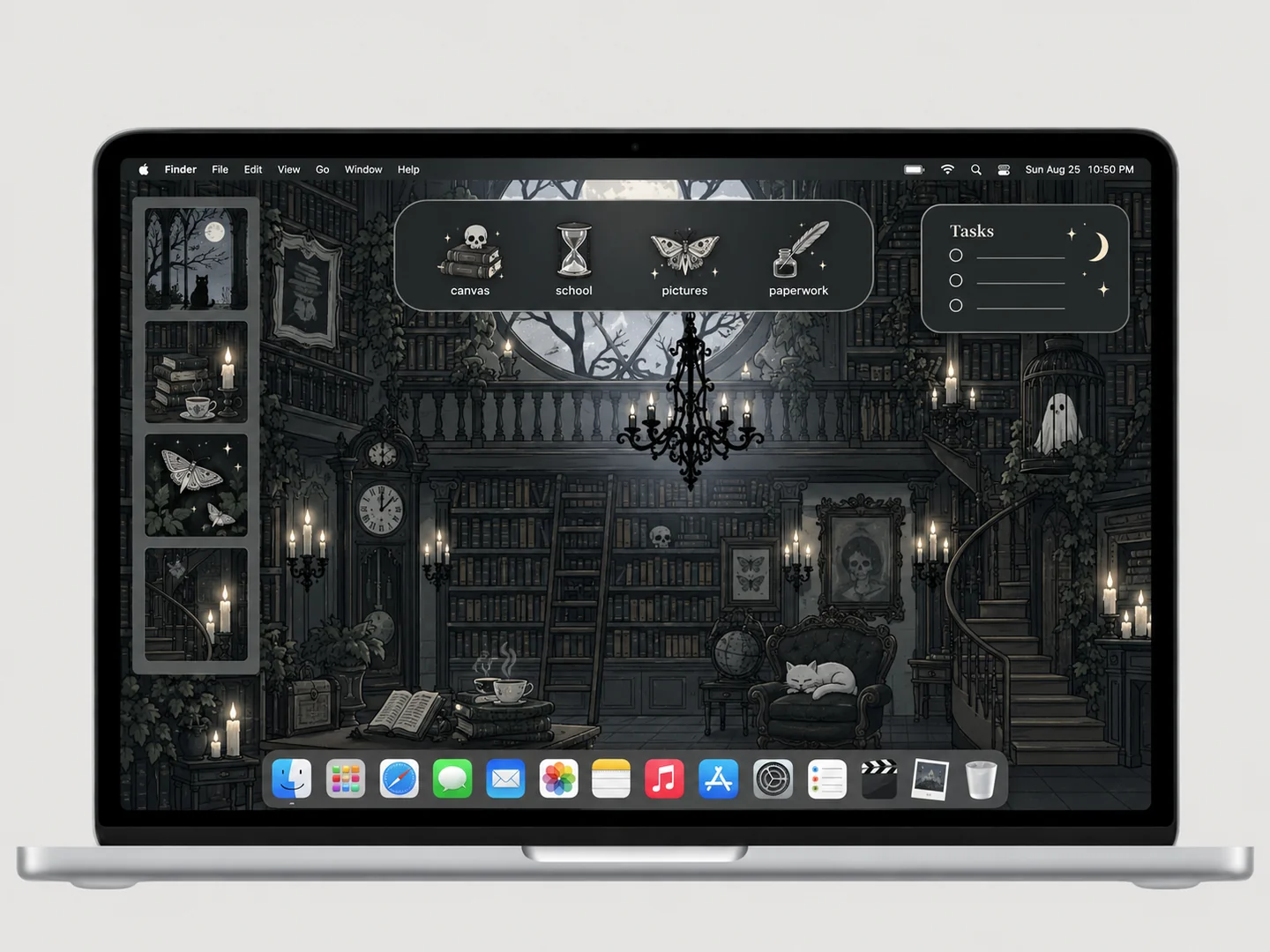
 AI concept
A charcoal library scene with books, ghosts, and small bat-shaped folders.
How to recreate itDESKTOP STYLE / DARK & GOTHIC
A dark desktop can be restrained or richly illustrated. Start by checking contrast: the folder silhouette and its filename must remain easy to find against the background.
THE IDEA LIBRARY
4 desktop ideas
AI concept previews, each with a look breakdown, recreation tips, and original sources. How we make the images ↗
A preview could not load and has been omitted.
AI conceptA charcoal library scene with books, ghosts, and small bat-shaped folders.
How to recreate it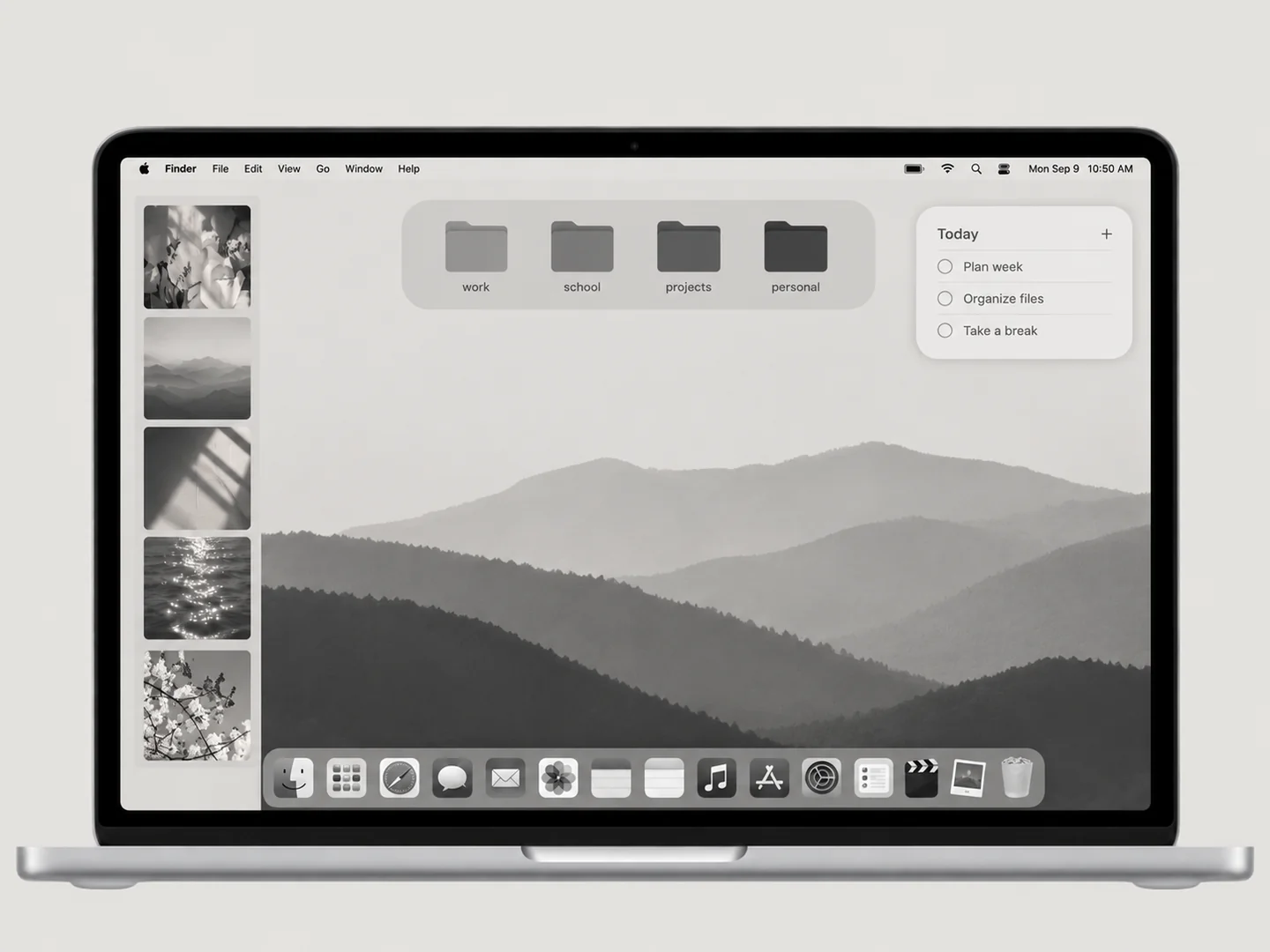 AI concept
A quiet grayscale wallpaper and a disciplined set of charcoal folders.
How to recreate it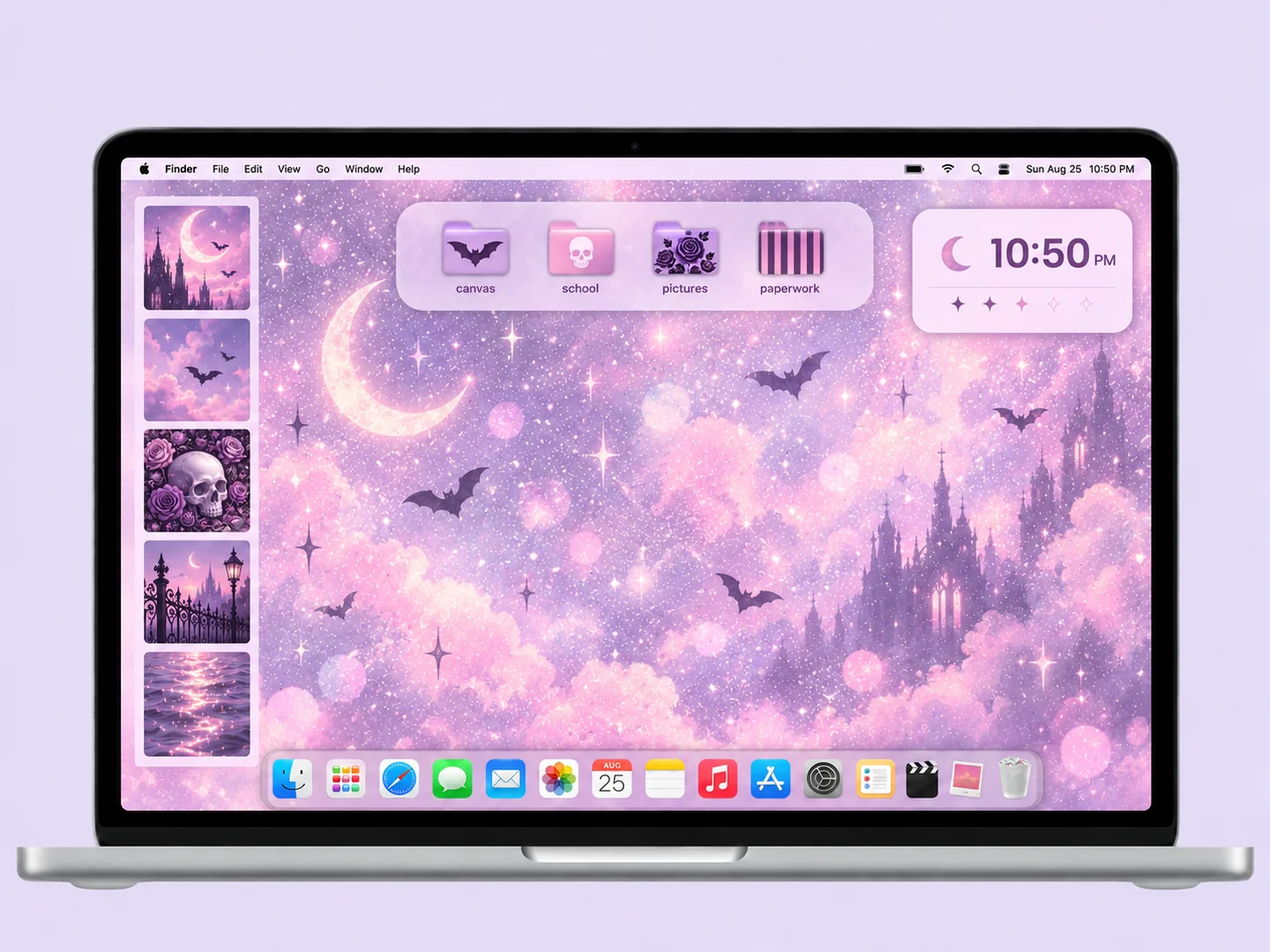 AI concept
Lavender light, soft pink accents, and a small set of gothic-patterned folders.
How to recreate it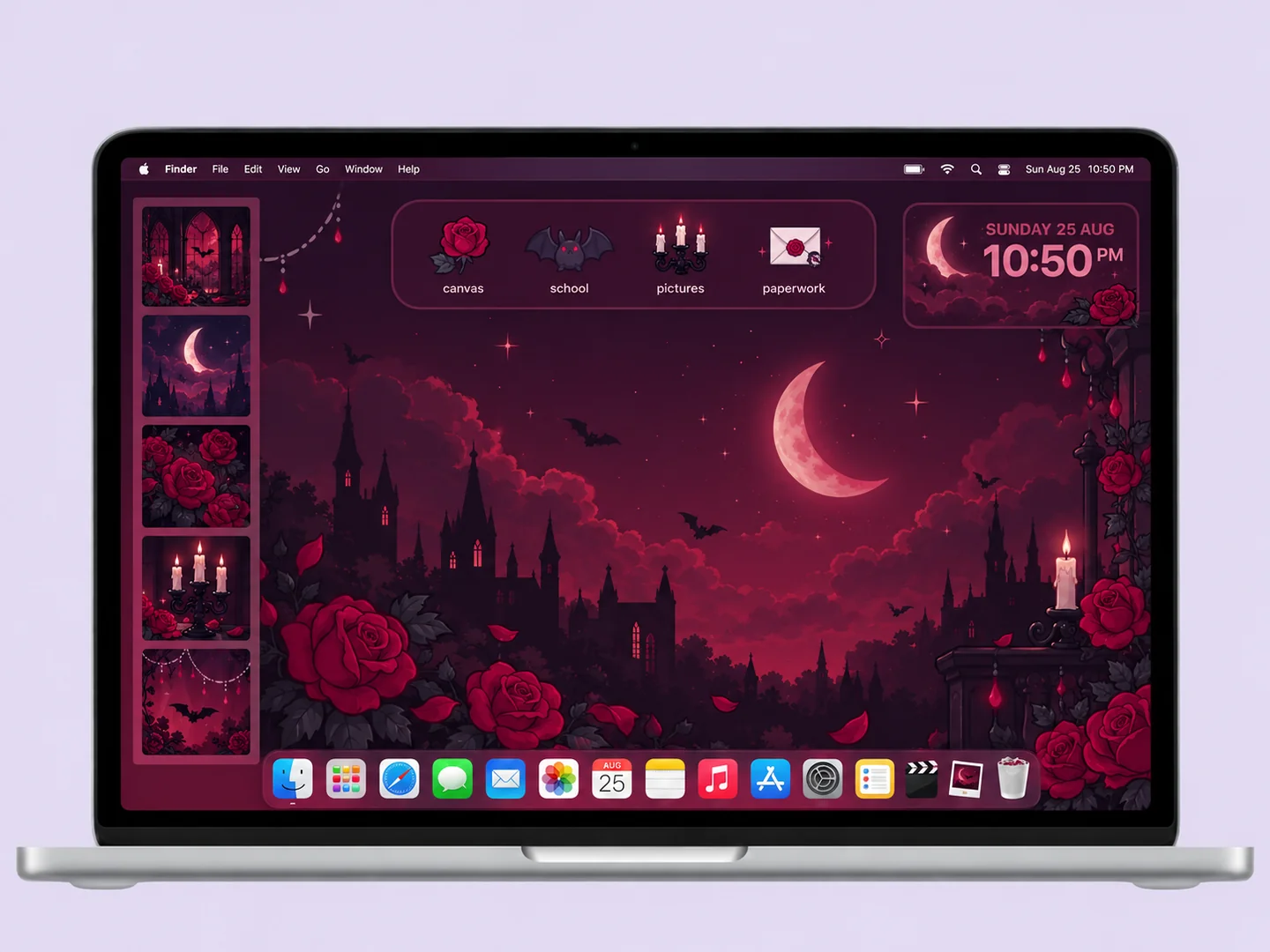 AI concept
Deep plum and burgundy panels with bat, rose, and candle folder shapes.
How to recreate itTry another color or a simpler search.
MAKE THE LOOK WORK FOR YOU
A gothic library offers a strong atmosphere but needs a quiet area for files. A charcoal setup uses simple folder colors and spacing instead. Decide which approach suits your routine before mixing detailed backgrounds with patterned icons.
Two dark shades that look distinct in a large preview may blend together at desktop size. Use a lighter working panel, a pale icon edge, or a stronger silhouette. Check the layout in the lighting where you normally use your Mac; avoid making important labels depend on tiny highlights.
Burgundy, plum, and dusty pink can connect bats, roses, and candle shapes without making every icon different. Keep related files together. A dark illustration does not require changing system files or installing an old theme; wallpaper and folder customization provide a reversible starting point.
No. Wallpaper and system appearance are separate choices. Compare both appearances and keep the one that gives your folders, labels, and daily apps the clearest contrast.
FROM INSPO TO YOUR DESKTOP
Start with a look you like, then change the wallpaper, folders, and layout in that order.
Read the guide →02 / HOW TOUse Finder’s Get Info window to replace a folder icon with an image you are allowed to use.
Read the guide →03 / HOW TOGive files clear destinations before adding an organizer wallpaper or decorative icons.
Read the guide →