MOODSK / MEMBERSHIP REQUIRED
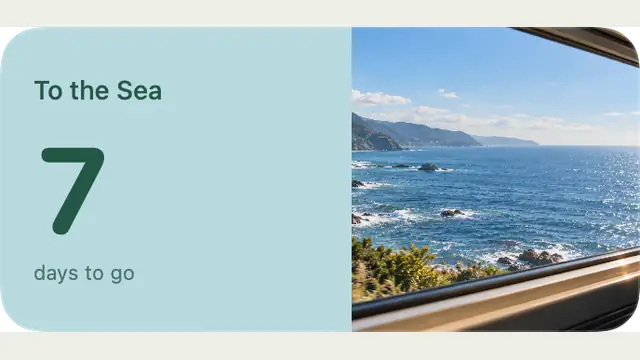
To the Sea.
Preview To the Sea, a Moodsk countdown widget. Configure it in the app; this small image uses demo data. Membership is required.
MAKE IT YOURS IN MOODSK
Continue in Moodsk.
Membership is required for this content. Content availability varies by app version. Check the current catalog and membership options in Moodsk.
Only small previews are shown here. Original artwork and configuration tools stay in Moodsk.
How to use this idea
- Open Moodsk on your Mac.
- Find To the Sea in Widgets > Anniversaries.
- Review membership options in the app, then personalize your desktop.